Skip to content
View in the app

A better way to browse. Learn more.

BariatricPal

A full-screen app on your home screen with push notifications, badges and more.

To install this app on iOS and iPadOS
  1. Tap the Share icon in Safari
  2. Scroll the menu and tap Add to Home Screen.
  3. Tap Add in the top-right corner.
To install this app on Android
  1. Tap the 3-dot menu (⋮) in the top-right corner of the browser.
  2. Tap Add to Home screen or Install app.
  3. Confirm by tapping Install.

Pictures

  • Replies 7
  • Views 452
  • Created
  • Last Reply

Featured Replies

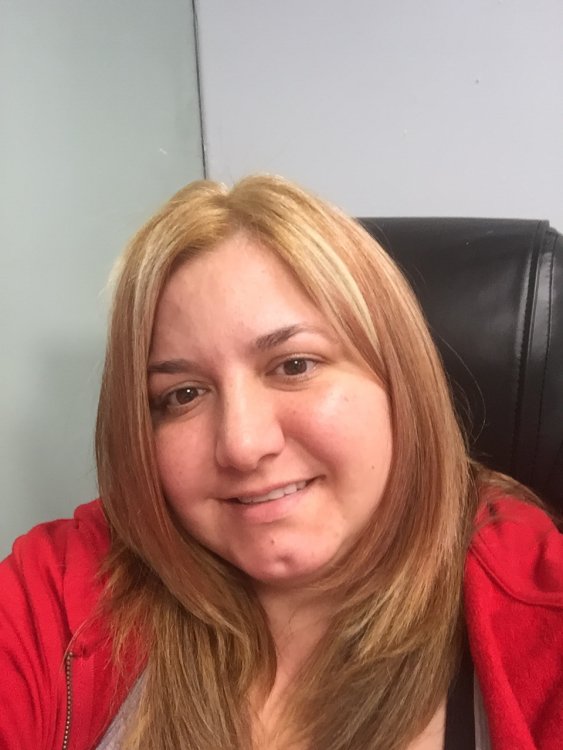
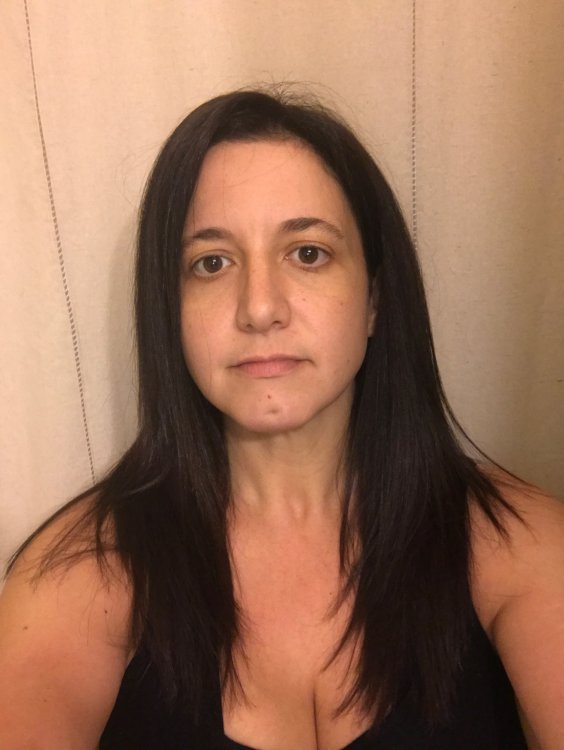
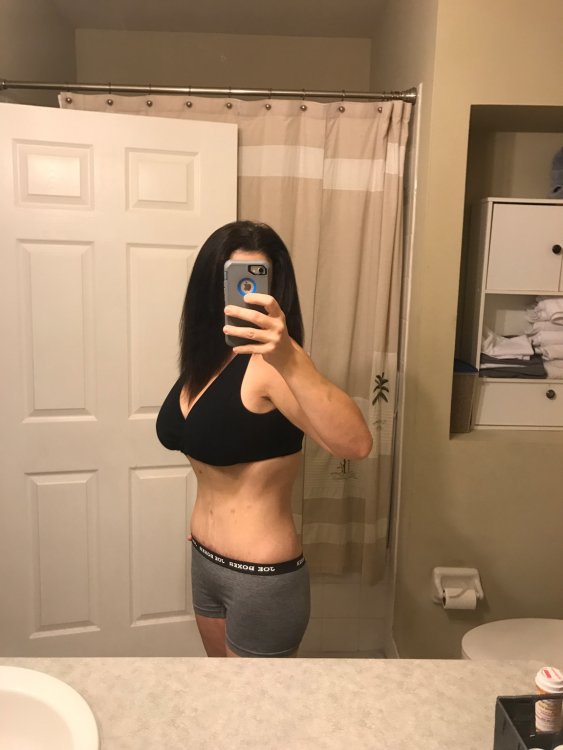
Wow, you look great. Congrats


Sent from my iPad using the BariatricPal App

At least you have something to show for all the pain & suffering!

Sent from my SM-N920R4 using BariatricPal mobile app

How do you know she had pain and suffering. I'm 6+months out and other than a week of discomfort post op, I've felt fine, better and better as I lost 70+ pounds.

Don't scare the newbies that they will be in pain. I didn't even take the pain med after day 2.

Sent from my SM-N910T using BariatricPal mobile app

  • Author

He isn't trying to scare anyone. I just had 4 post I should of put into one big post. I am in constant pain. I'm very happy for your weight loss!!! I guess really everyone handles pain differently and your one of the lucky ones who doesn't have to take pain meds.


Sent from my iPhone using the BariatricPal App

How do you know she had pain and suffering. I'm 6+months out and other than a week of discomfort post op, I've felt fine, better and better as I lost 70+ pounds.

Don't scare the newbies that they will be in pain. I didn't even take the pain med after day 2.

Sent from my SM-N910T using BariatricPal mobile app


Lucky you, a lot of us had pain and suffering and I really wish I had known just had bad it would be. My first 20 days after gastric bypass were miserable and the weeks that followed just aweful. Finally at 6 weeks I began feeling healthy again.


Archived

This topic is now archived and is closed to further replies.

Trending Products

PatchAid Vitamin Patches

Account

Navigation

Search

Search

Configure browser push notifications

Chrome (Android)
  1. Tap the lock icon next to the address bar.
  2. Tap Permissions → Notifications.
  3. Adjust your preference.
Chrome (Desktop)
  1. Click the padlock icon in the address bar.
  2. Select Site settings.
  3. Find Notifications and adjust your preference.