



Skip to content
View in the app

A better way to browse. Learn more.

BariatricPal

A full-screen app on your home screen with push notifications, badges and more.

To install this app on iOS and iPadOS
  1. Tap the Share icon in Safari
  2. Scroll the menu and tap Add to Home Screen.
  3. Tap Add in the top-right corner.
To install this app on Android
  1. Tap the 3-dot menu (⋮) in the top-right corner of the browser.
  2. Tap Add to Home screen or Install app.
  3. Confirm by tapping Install.

Colon Problems

I am 8 months out and have been having severe constipation. While in the ER one of the surgeons did a rectal exam and said that he had never seen a case like mine. I was told I have a Redundant Colon. I went to see a Colorectal Surgeon and was given a pill to swallow. The pill has a bunch of markers and I will take two X-rays to see where there are at. Has anyone done this before? ImageUploadedByBariatricPal1486831762.527364.jpgImageUploadedByBariatricPal1486831778.221924.jpg
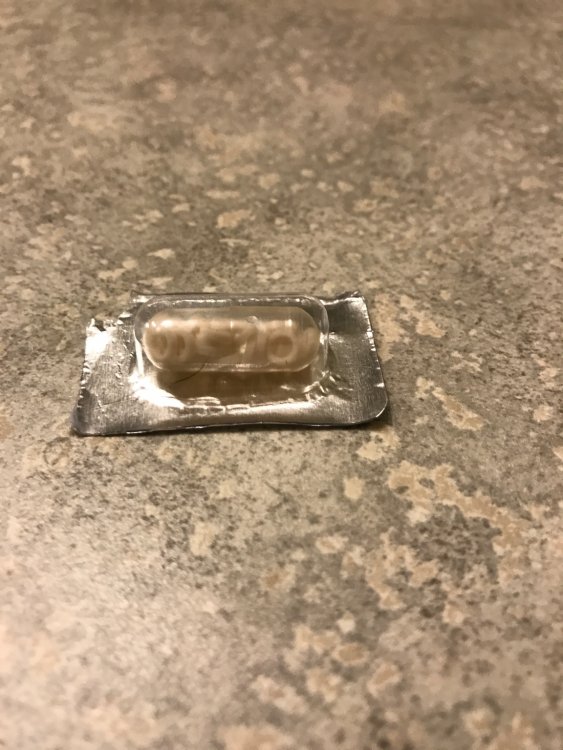
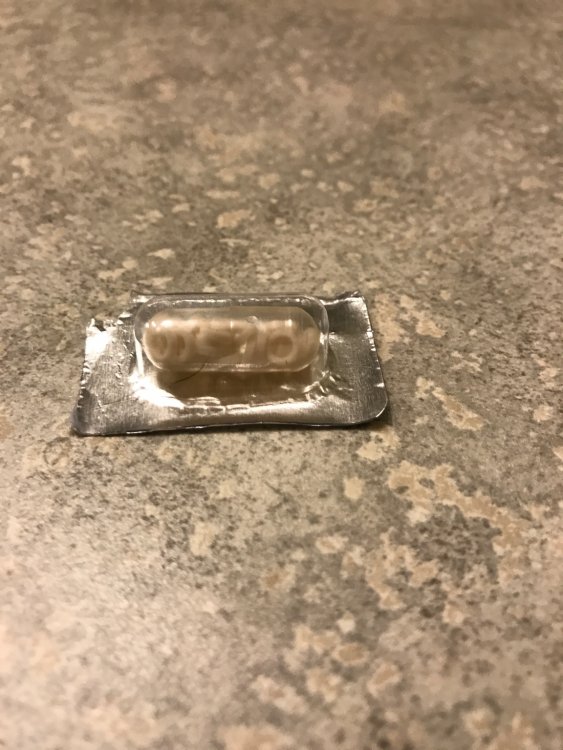
Sent from my iPhone using the BariatricPal App

  • Replies 1
  • Views 366
  • Created
  • Last Reply

Featured Replies

I did a quick search to figure out what this is. I'm sure you know, but I'll describe it for others reading the thread.

Basically the large intestine is significantly longer than normal. The colon is where the Water is absorbed, so since it is long, it has time to absorb more water than usual, making constipation a common occurrence.

It is good you found out about it so you can be sure to double up on your Fiber and increase your water consumption. Also, if you get really bad pain in your abdomen, you could be impacted, and need to go to the ER. Doesn't happen often, but it COULD.

I did see where you say you are still having trouble eating and drinking. It is doubly important for you to get that under control.

Good luck!

Archived

This topic is now archived and is closed to further replies.

Trending Products

PatchAid Vitamin Patches

Account

Navigation

Search

Search

Configure browser push notifications

Chrome (Android)
  1. Tap the lock icon next to the address bar.
  2. Tap Permissions → Notifications.
  3. Adjust your preference.
Chrome (Desktop)
  1. Click the padlock icon in the address bar.
  2. Select Site settings.
  3. Find Notifications and adjust your preference.
