Firefly2
LAP-BAND Patients
-
Joined
-
Last visited
-
-
-
-
-
I'm 14 months out and still have to take a PPI, tried to stop taking it several times but by day 3 the burning is back in full swing. It all depends on the person, some get off of it about 6 months out, some longer, it varies.
-
I had my surgery Dec. 27th, 2010 and have lost a good 120 lbs
-
you look amazing! congrats skinny!
-
YOU LOOK AMAZING!!!! So sexy!!!! You go hot mama!!!!!
-
Hi Rootman thanks for your response! I'm not worried about the hair I have lost, I knew it was going to happen and the hair loss is slowing down. My deal is trying to get the hair I have left to actually grow....
-
Ok, soooooo I'm a 10 month post sleever. Yes I have lost a bunch of hair, yes I take a whole lot of Biotin everyday and yes some of my hair is growing back, but......... darned if the rest of my head of hair has just about stopped growing. So to get my point across, back in May maybe or maybe it was even April (when my hair was starting to shed) I got it trimmed above my shoulders in a cute medium length wedge..... and guess what.... it's been what 5-6 months since then and it's grown about 1/2 inch.... grrrrrrrrr I take 2 Flinstone Vitamins, Vit D, Vit C, Biotin, Calcium and B12 daily. I drink at least 60 oz of Water and eat a good 80 grams of Protein daily. ............. any suggestions to help my stubborn hair to grow? Thanks - Tiffany
-
Thank you sleeve 4 me, but you look absolutely amazing!!!! you are the one whose tiny!!!! )
-
My big day, you look great!!! very sexy!!!!!! Sarah I love your pic!!!! what a totally cute hat!!! you look beautiful!! love it all, thanks for posting!!!!!
-
-
you look so good!!!! congrats!!!
-
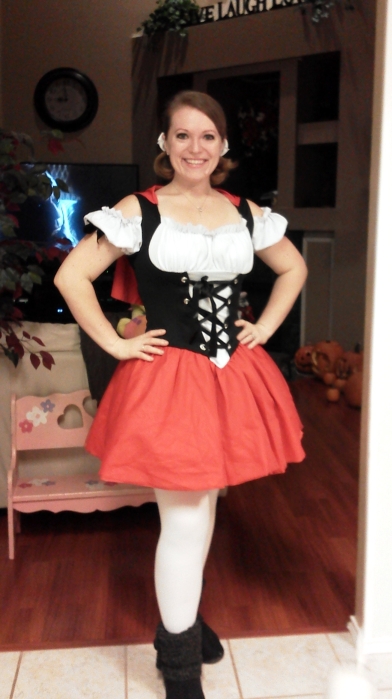
So this is the first year in many years I felt comfortable enough to buy a Halloween costume! and it was so much fun!!!! Post Yours!!!!!

-
I had my surgery about 10 months ago and the only Protein thing I could tolerate for the first 6 months was a drink called Lean Body - 40 grams of protein. It's delicious. http://www.vitaminshoppe.com/store/en/browse/sku_detail.jsp?id=ZF-2071&sourceType=cs&source=FG&ci_src=14110944&ci_sku=ZF-2071 At 6 months out I found a Protein Bar that I like and its called Pure Protein - 20 grams of protein. http://www.walmart.com/ip/Us-Nutrition-High-Protein-Bar-Chocolate-Deluxe-Pure-Protein-10.58-oz/10423029
-
haha, love it!
-
I'm almost 10 months out and I'm just like Mini-me. I can eat more than what I did at 6 month BUT I still stick with 60-80 grams of Protein and about 60 oz of Water.... I'm losing around 5-8 lbs a month now - i do have some stalls but if I exercise more and up my protein then the scale will go down I am only 13lbs away from goal and I'm 115lbs down from surgery. Good luck in your journey!
-
Congrats Rebel!!!!!!! yay, HAPPY DANCE!
-
Having this surgery won't stop you from holding your kiddos. Yes, you can't pick them up for 6 weeks but it doesn't stop you from holding them. I have a 2 year old and a 4 year old. My 2 year old was 18 months when I had my surgery and she's an absolute cuddle-bug, so to work around me not able to pick her up my hubby would do the lifting. He would pick her up and set her on me when i would be sitting in our recliner and when i would need to get up, he would pick her up again. Or better yet, I would sit on the floor and they would come and sit in my lap. I just made sure they weren't too hyper when I had them on me in case they wanted to push on my belly. I think taking a long walk with your fury kleenex is wonderful idea!!!