Ponkiki
LAP-BAND Patients
-
Joined
-
Last visited
Everything posted by Ponkiki
-
-
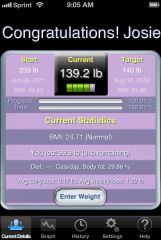
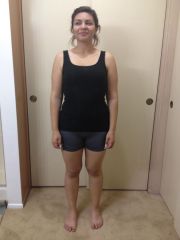
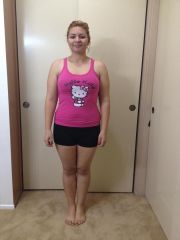
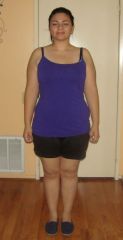
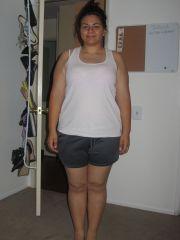
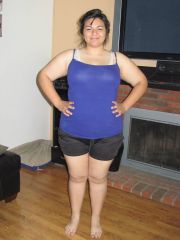
Hi there! I was banded on July 21, 2011. I have lost a total of 103 lbs! My current weight is 136 lbs. My family and friends now refer to me as "the skinny b*tch"... and I love it!! Don't lose faith!
-
I am 23 and down 83 lbs and I too have a slight issue with my arms and underbelly but not enough to need surgery. My doctor told me at the beginning that having a daily intake of 60 to 80 grams of protein a day should help lessen the sagging in the long run. Hope this bit of info helped!
-
So its been a few months since our surgery, how is everyone doing?
-
Mine is June 21st too!! I am super excited! I went in for the sleep monitoring last night and I start my liquid diet this Monday the 6th!