Aussie Annette
LAP-BAND Patients
-
Joined
-
Last visited
-
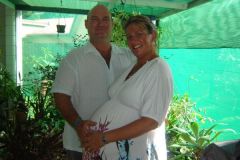
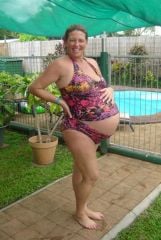
These are photos of my pregnant belly with twins
-
in a nutshell- i had surgery in June 2008..lost 47kgs...fell pregnant in June 2009...at 10weeks had all fill removed...with twins...born 23 Feb 10..38weeks...3kgs each...put on 21kgs..lost 12.5 in first week....now fluctuating with 5 kgs to get back to prepregnancy weight..now 3 months on and still have problems with band - too tired and stressed... hopefully in another month get get fills again and get back on track...good luck
-
in a nutshell- i had surgery in June 2008..lost 47kgs...fell pregnant in June 2009...at 10weeks had all fill removed...with twins...born 23 Feb 10..38weeks...3kgs each...put on 21kgs..lost 12.5 in first week....now fluctuating with 5 kgs to get back to prepregnancy weight..now 3 months on and still have problems with band - too tired and stressed... hopefully in another month get get fills again and get back on track...good luck
-
Once i found out i was pregnant with twins at 10weeks had all saline taken out - glad i did...still couldn't eat much - and only put on 21kgs - both boys were 3kgs each...born at 38weeks... now 3 months old - and still not able to get fill as too tired and stressed and can't get much in ... my suggestion is get it all out.. and be prepared to tell people it is a heal they can feel of the baby - not your portal... we didn't tell anyone about lapband...