





tjcteacher98
LAP-BAND Patients
-
Joined
-
Last visited
Everything posted by tjcteacher98
-
My Beautiful Family
-
 Me again pre-surgery!
-
 ME presurgery obviously!
-
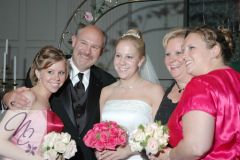 Me, Ed, and the girls
-
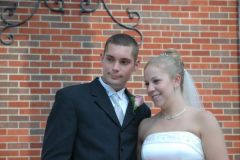 Daughter Liz and David
-
 ed and teresa 3 09
-
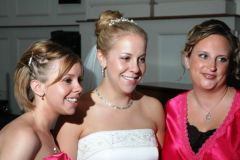 My girls-Becca, Liz and Cindy
-
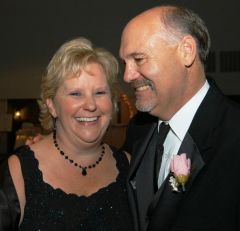 Me and My husband-Ed
-
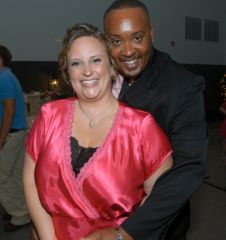 Daughter Cindy and Shawn
-
 My Dog Bella
-
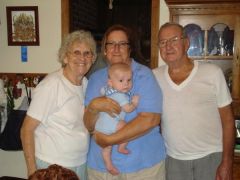 My mom, dad and sister with Baby Jude
-
 Grandson Jude and Daughter Liz thanksgiving 2
-
 Jude christmas
-
 Grandson Jude the cutest baby ever
-
 Grandson Brandon
-
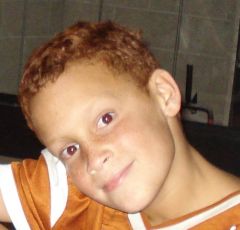 Grandson JUSTIN
-
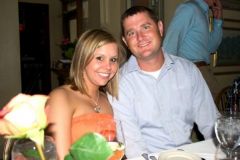 becca and chris -daughter and her soon-to-be husband
-
 Christmas 2009 me in pink-brother and sister
-
 Granddaughter Makayla halloween 09
-
-
Congrats! When are you planning surgery? Do you have hoops for insurance approval? I am having surgery on Wednesday! Teresa
-
Congratulations! What are the requirements for approval? I am having surgery on Wednesday! Teresa
-
Wondering now why mine is outpatient surgery. They act like I will have surgery at 7:30 am and be home in the afternoon-should I be scared? I am insurance covered but my surgeons do all bands outpatient. Teresa