dashound_lady
LAP-BAND Patients
-
Joined
-
Last visited
Everything posted by dashound_lady
-
thank you so much for this sight.
-
how do you know how much protein is in each one?
-
i had my second fill today. the dr said that i'm doing really well.when i got weighed today i learned from the dr that i weighed 6lb. more when i started than i had down.so today puts me down 50 lb.i was so excited. good luck all and god bless
-
do they have any in w.v.?
-
I know how you feel.my problem is at night when i'm watching tv.i have been chewing sugar free gum seems to help
-
Does anyone know how to firm up the double chin syndrome?
-
diet ticker, a weight loss surgery photo album by dashound_lady on BariatricPal. 2 photos in Member Photo Gallery.
-
just wanted to say hi to all. and best wishes
-
HELLO!!!!!!!!! FROM WV. I had mine done 9-15-08.And I'm doing well. i wish you all the luck.i have lost 29 lb. so far and i get my first fill 10-21-08.my husband and I are wanting to move to LA.soon as we get our house done,and sell it.best wishes and i hope that you have a speedy recovery.
-
Hi,I'm getting my first fill 10-21-08,i was wondering what to expect?
-
I love spaghetti squash. can't wait to try it. thank you
-
Good Luck and God Bless.I hope you have a speedy recovery.
-
Hi, I'm from Alma,wv. I just had my band done on 8-15-08.the operation went well. Went home the next day so far so good ihad to do a 2 week liquid diet befoe that. lost 12 lbs. I'm still a little sore but it's only been 8 days since my operation. I had mine done I had mine done at CAMC also. I had Dr.Rossie.real nice dr.I hope that everything goes well for you.Good Luck and God Bless.
-
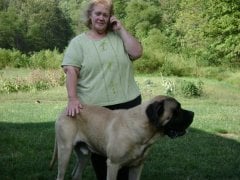
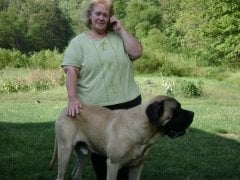
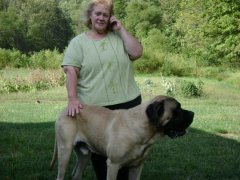
pic.of me befor surgy
-
:biggrin:i am 51 years old and have strugled with my weight through child hood.I'm excited and scared at the same time. i'm new to this so bear with me:embaressed_smile:.just wanted to say hi and god bless all