weidemane
Pre Op
-
Joined
-
Last visited
Everything posted by weidemane
-
I’m 6 weeks out and I’m having a really hard time. I had my follow up a couple days ago and the doctor told me I’m basically starving myself and not eating enough. I’m always nauseous and I have a really hard time wanting to eat. I’m not losing as much as I should be because I’m not eating enough. I never thought this would be my issue. Any advise?
-
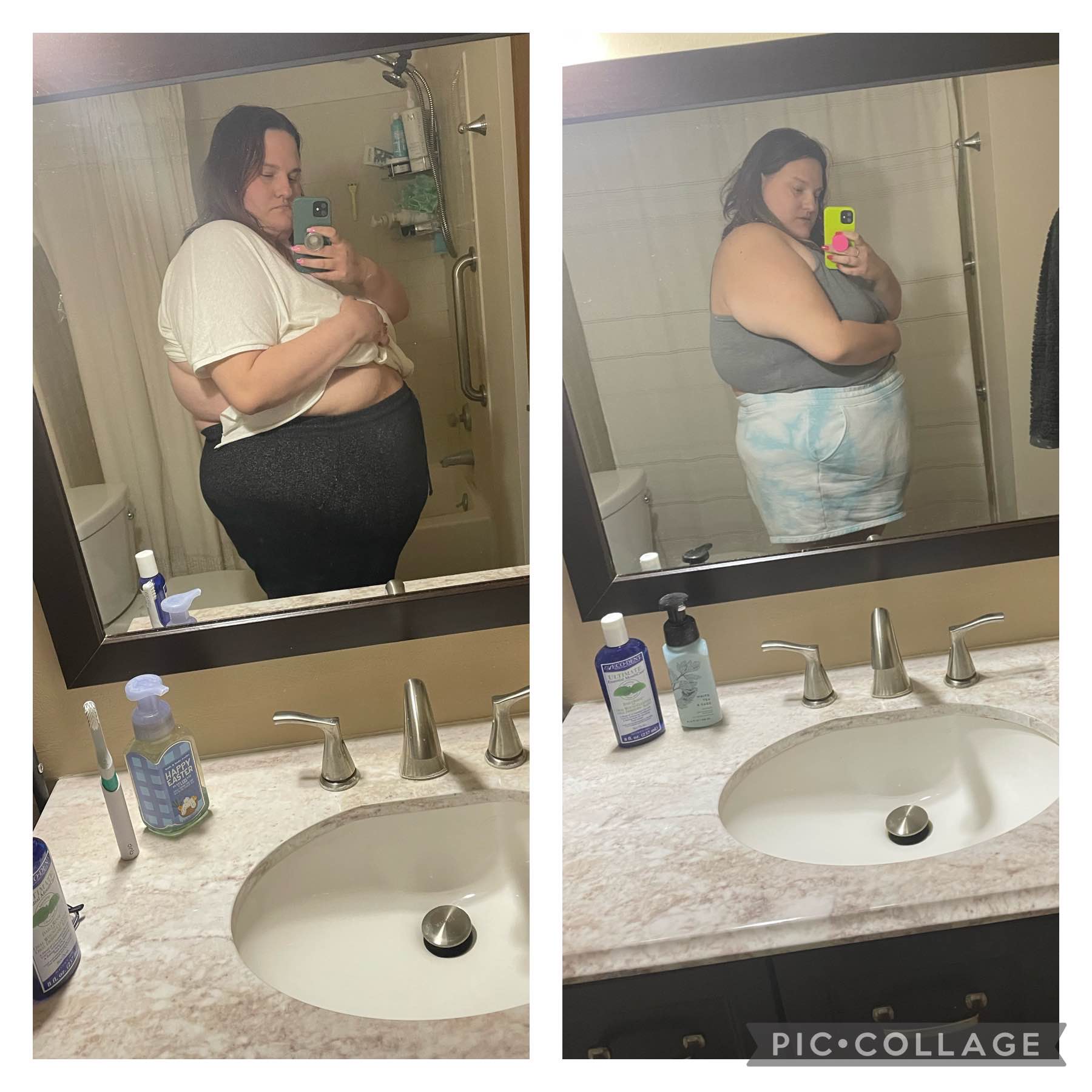
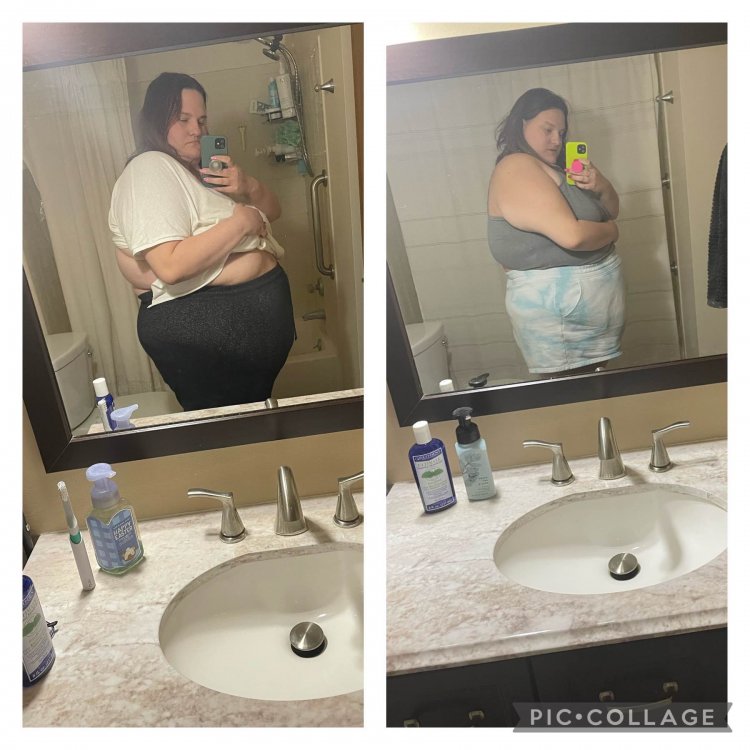
This is a month difference. Still a very long way to go but good progress so far!
-
Well it’s been a week since my VSG surgery. I started full liquids today. So far it’s been pretty easy. I’ve lost 16 pounds already which is insane to me! I’m starting to get tired of all flavors of protein shakes. I’m barley in any pain as well. So far I think I’m doing great!
-
I’m getting my surgery tomorrow and I had a major freak out last night. I know I can do this. But this is a lot more emotionally hard than I thought it would be.
-
I’m scheduled May 2nd. I am so much more excited than nervous. The nerves haven’t really hit me yet.
-
I’m on my 4th day of a 1000 calorie diet. I start all liquids on Friday! I thought the same thing. It is very hard. But it totally is a mindset change! I get my surgery on Monday and I am so excited. I was most nervous for the pre op diet as well.