Skip to content
View in the app

A better way to browse. Learn more.

BariatricPal

A full-screen app on your home screen with push notifications, badges and more.

To install this app on iOS and iPadOS
  1. Tap the Share icon in Safari
  2. Scroll the menu and tap Add to Home Screen.
  3. Tap Add in the top-right corner.
To install this app on Android
  1. Tap the 3-dot menu (⋮) in the top-right corner of the browser.
  2. Tap Add to Home screen or Install app.
  3. Confirm by tapping Install.

csaverud

LAP-BAND Patients
  • Joined

  • Last visited

Everything posted by csaverud

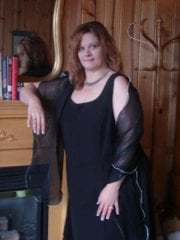
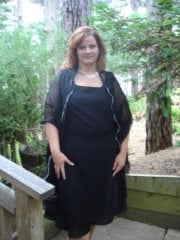
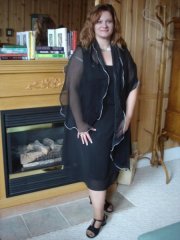
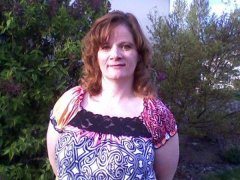
  1. Images added to a gallery album owned by csaverud in Member Photo Gallery
    ok here i am at 212 lbs 4/20/09
  2. hi just wondering why you had to get rebanded. i know you mentioned slippage? well how does that happen and what can u do to prevent it?
  3. congrats!! i can't wait to have mine done. hope you fell better soon!! take care. csaverud = cheryl
  4. wow laura you r so pretty i can't beleave how much weight you have lost keep up the good work!! take care, csaverud (cheryl)
  5. hi pulling for you, i won't have my surgery until around oct. and i am already terrified too!! i sure hope it all works out for you. and i can't wait to hear all the reports afterwards. take care, csaverud (cheryl)


Trending Products

PatchAid Vitamin Patches

Account

Navigation

Search

Search

Configure browser push notifications

Chrome (Android)
  1. Tap the lock icon next to the address bar.
  2. Tap Permissions → Notifications.
  3. Adjust your preference.
Chrome (Desktop)
  1. Click the padlock icon in the address bar.
  2. Select Site settings.
  3. Find Notifications and adjust your preference.