Skip to content
View in the app

A better way to browse. Learn more.

BariatricPal

A full-screen app on your home screen with push notifications, badges and more.

To install this app on iOS and iPadOS
  1. Tap the Share icon in Safari
  2. Scroll the menu and tap Add to Home Screen.
  3. Tap Add in the top-right corner.
To install this app on Android
  1. Tap the 3-dot menu (⋮) in the top-right corner of the browser.
  2. Tap Add to Home screen or Install app.
  3. Confirm by tapping Install.
  • Cart

Chrispy1

Pre Op
  • Joined

  • Last visited

  1.    learn2cook reacted to a post in a topic: Cross addiction
  2.    Smanky reacted to a post in a topic: Before and After Pics
  3.    qianmij reacted to a post in a topic: Before and After Pics
  4.    Lahela reacted to a post in a topic: Before and After Pics
  5.    Katiebal_Lecter reacted to a post in a topic: Before and After Pics
  6.    Bastian reacted to a post in a topic: Before and After Pics
  7.    ms.sss reacted to a post in a topic: Before and After Pics
  8.    Double_Me reacted to a post in a topic: Before and After Pics
  9.    JAKE H reacted to a post in a topic: Before and After Pics
  10.    BayougirlMrsS reacted to a post in a topic: Before and After Pics
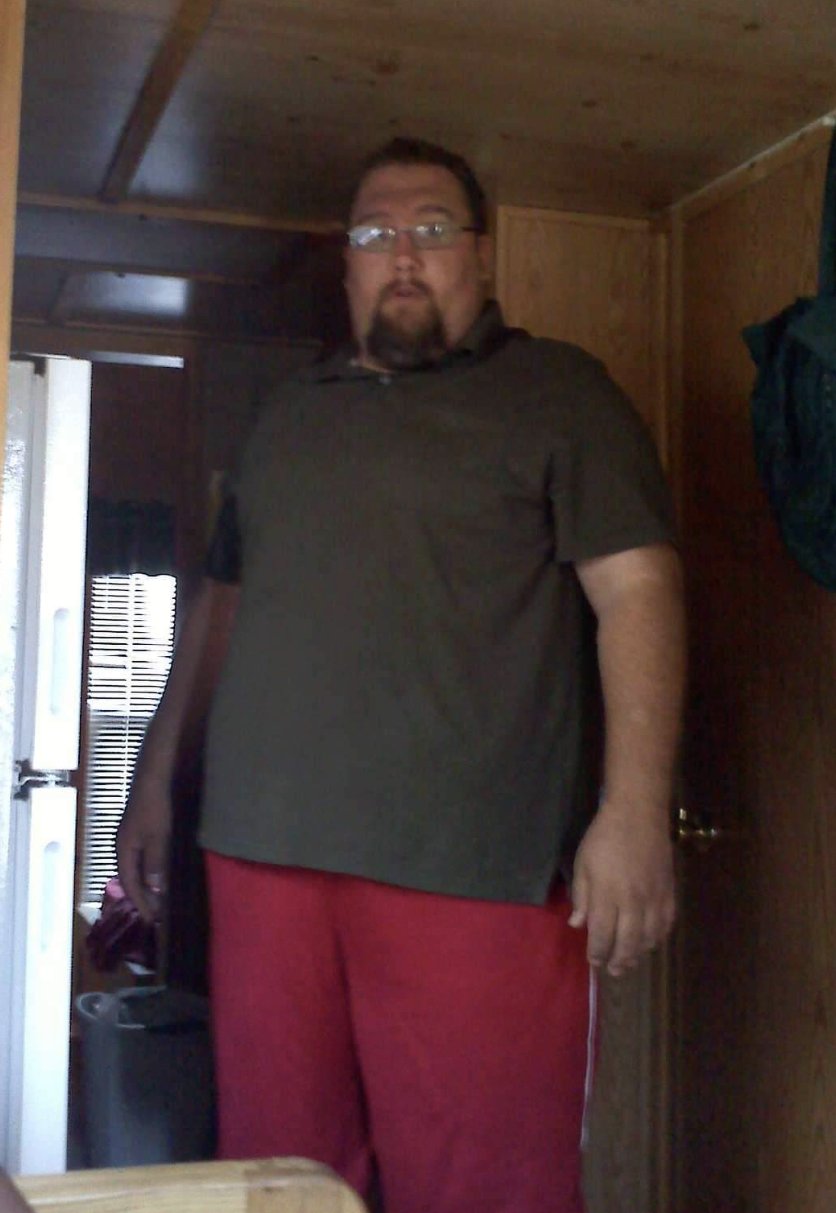
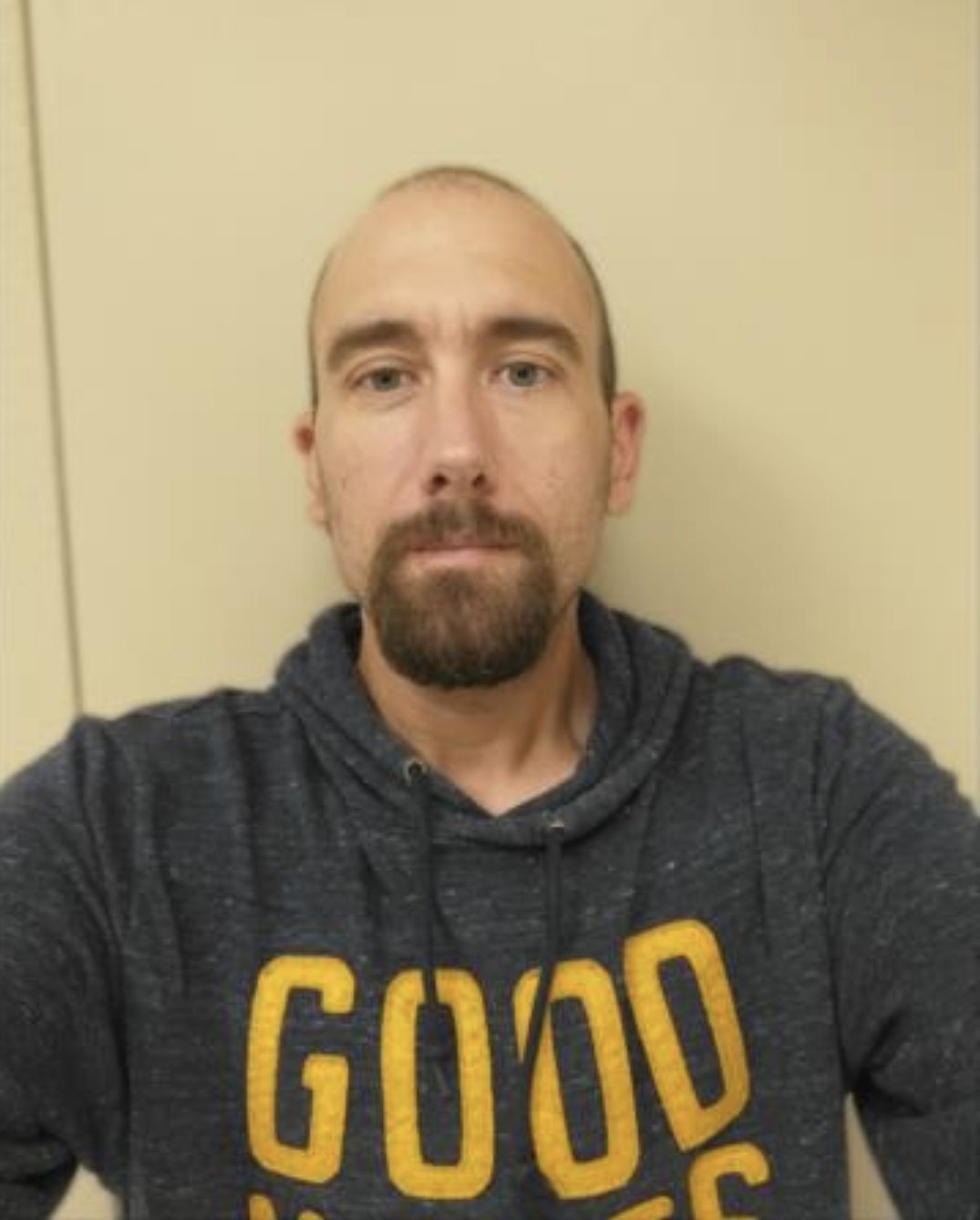
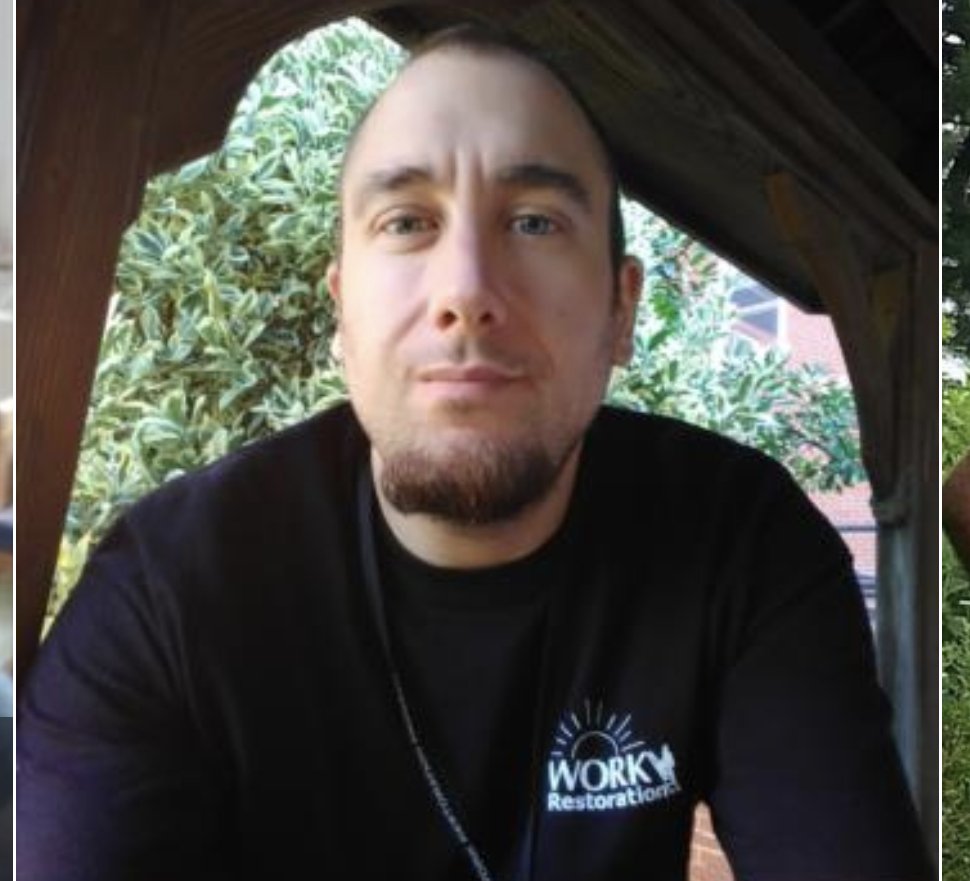
  11. Had weight loss surgery 7 years ago. 2 years into it started drinking heavily. I use to drink maybe 2 or 3 drinks a year. Now I'm a full blown alcoholic in recovery. My ex wife also hade bypass and started to drink alot but was able to control it. Anyone else struggling with the cross addiction?

Trending Products

PatchAid Vitamin Patches

Account

Navigation

Search

Search

Configure browser push notifications

Chrome (Android)
  1. Tap the lock icon next to the address bar.
  2. Tap Permissions → Notifications.
  3. Adjust your preference.
Chrome (Desktop)
  1. Click the padlock icon in the address bar.
  2. Select Site settings.
  3. Find Notifications and adjust your preference.