Skip to content
View in the app

A better way to browse. Learn more.

BariatricPal

A full-screen app on your home screen with push notifications, badges and more.

To install this app on iOS and iPadOS
  1. Tap the Share icon in Safari
  2. Scroll the menu and tap Add to Home Screen.
  3. Tap Add in the top-right corner.
To install this app on Android
  1. Tap the 3-dot menu (⋮) in the top-right corner of the browser.
  2. Tap Add to Home screen or Install app.
  3. Confirm by tapping Install.

losingit01

Pre Op
  • Joined

  • Last visited

Everything posted by losingit01

  1. losingit01 replied to sillykitty's topic in The Lounge
    Niceeee jake!!!
  2. losingit01 replied to sillykitty's topic in The Lounge
    Aaaaw that was so nice of you. You made my morning . I only got to go to the office yesterday and next Friday .i been keeping up with you guys at home but I forgot my logins and couldn’t comment till yesterday at my desk . Yeah I gotta have a talk with my jake . Yeah my clothes are getting dusty too .
  3. losingit01 replied to sillykitty's topic in The Lounge
    Hey boo! Where you been ? You look like all is well....from losingit (Aka November 11)
  4. losingit01 replied to sillykitty's topic in The Lounge
    You look soooo nice ......
  5. losingit01 replied to sillykitty's topic in The Lounge
    Yes I agree . I walked 4555 today and did some curls.... yeah . Something good is gonna come out of this !!!
  6. losingit01 replied to sillykitty's topic in The Lounge
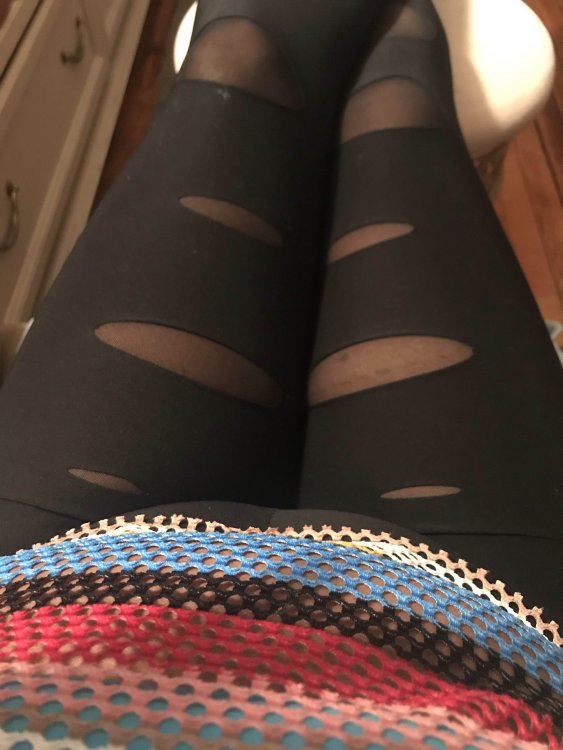
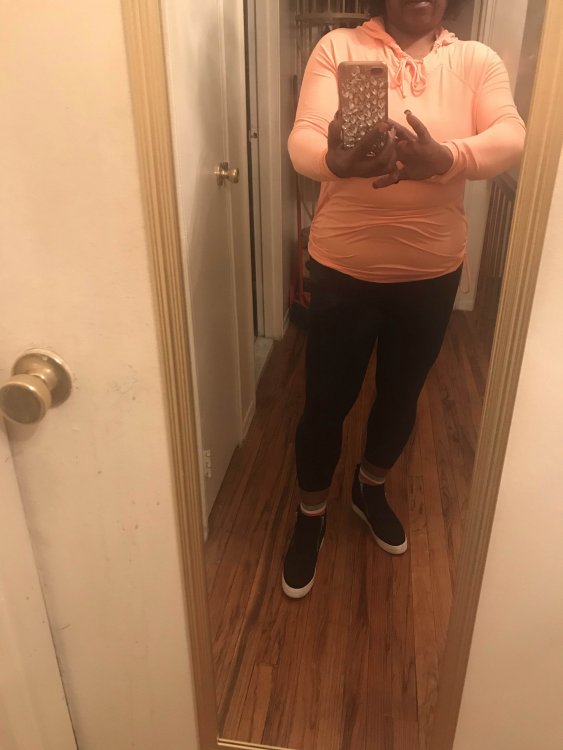
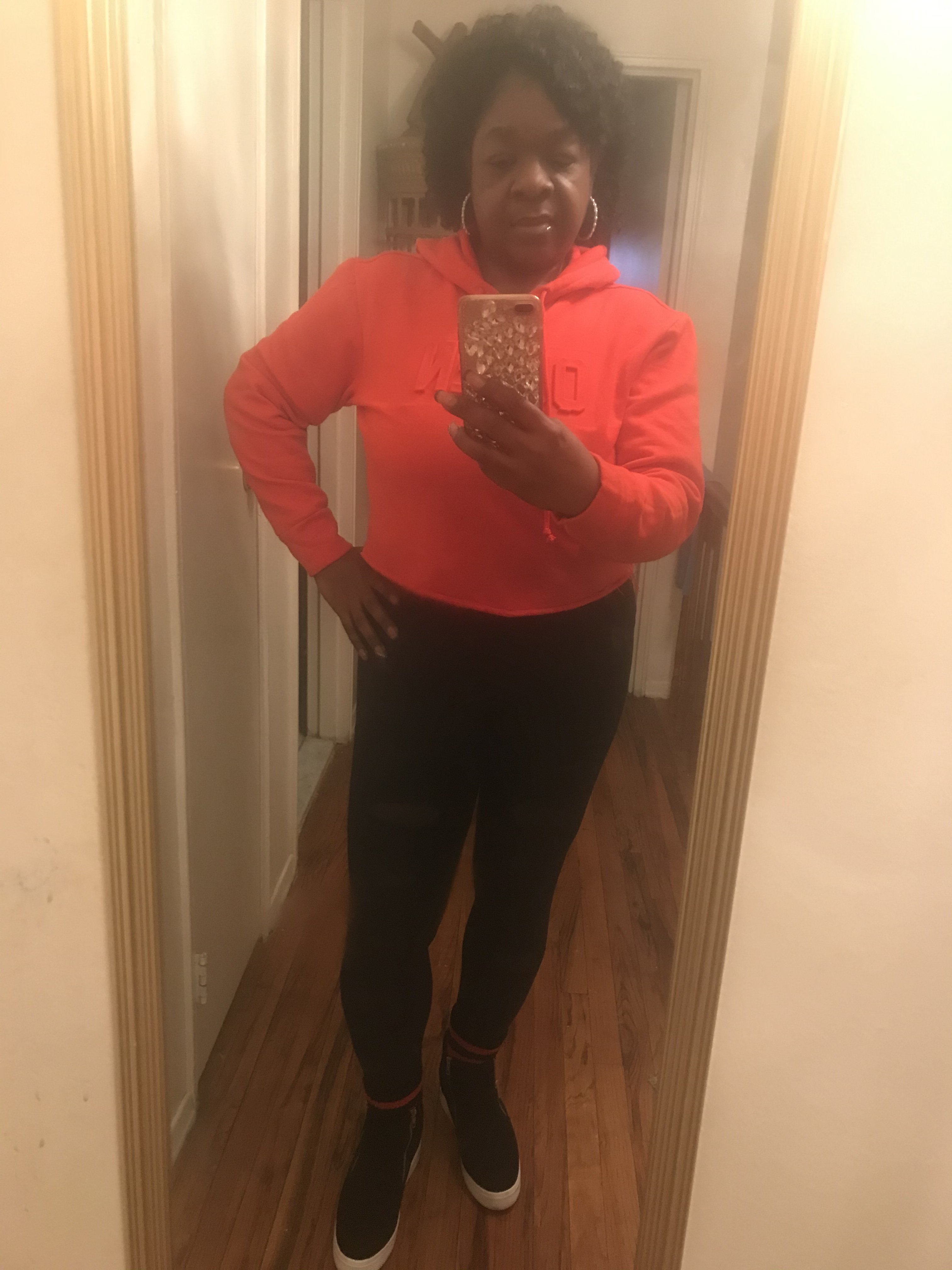
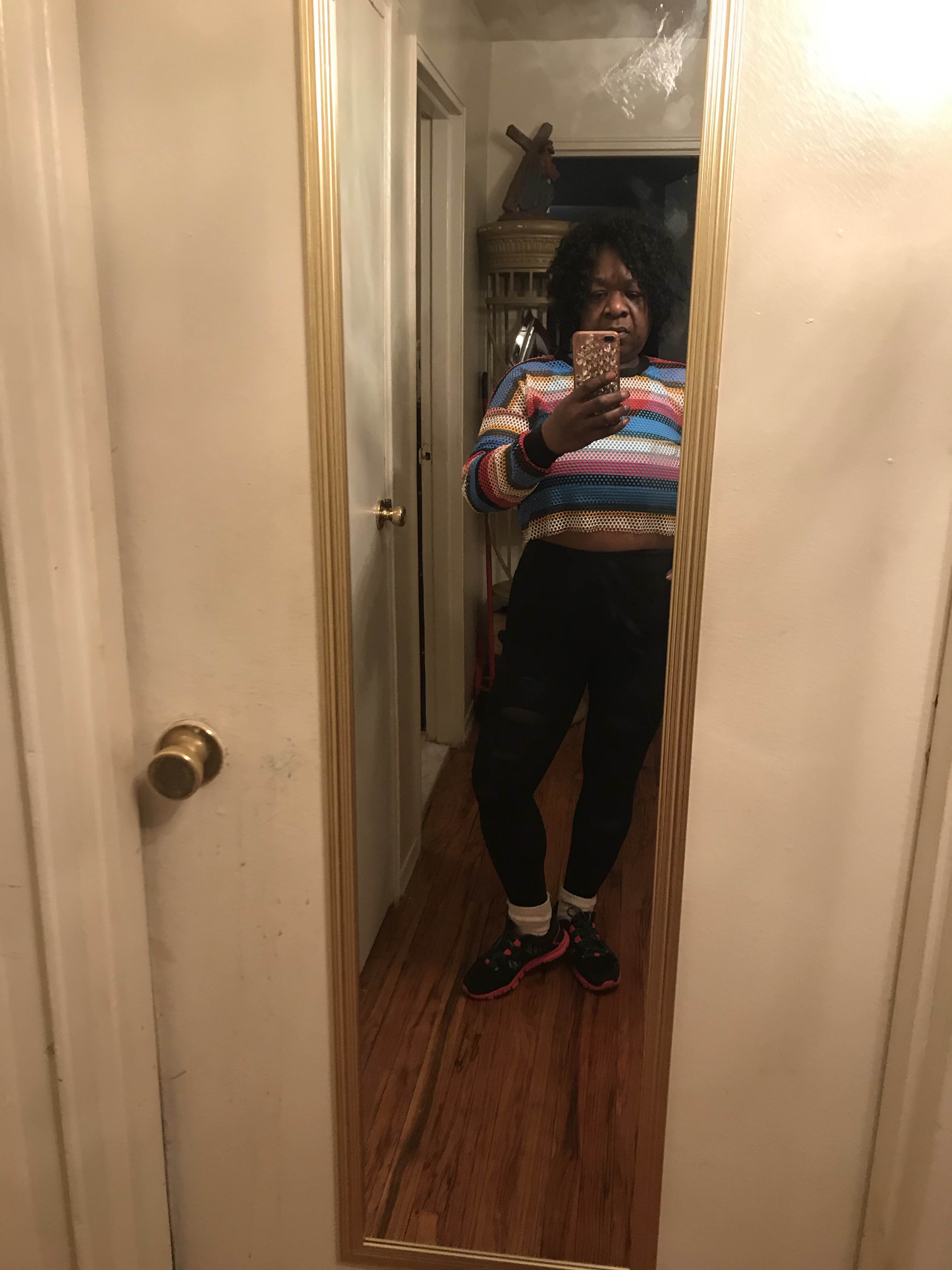
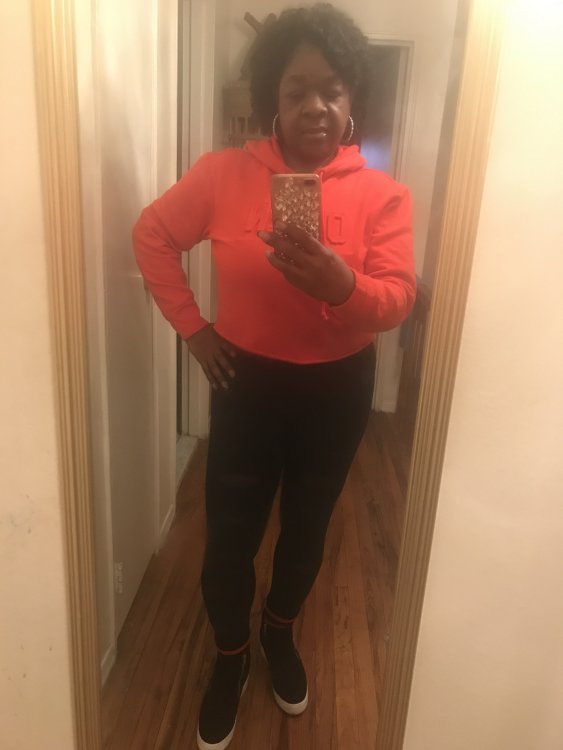
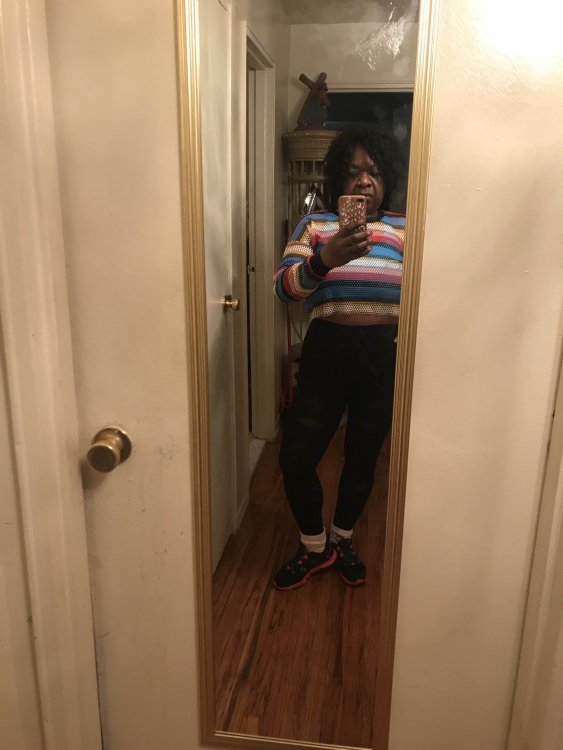
    Hey guys . Welp I guess it took this situation to make me actually walk and exercise. So here is my OOTD
  7. losingit01 replied to sillykitty's topic in The Lounge
    You are so cute...
  8. losingit01 replied to sillykitty's topic in The Lounge
    losingit01(AKA) November11 hey ?
  9. losingit01 replied to sillykitty's topic in The Lounge
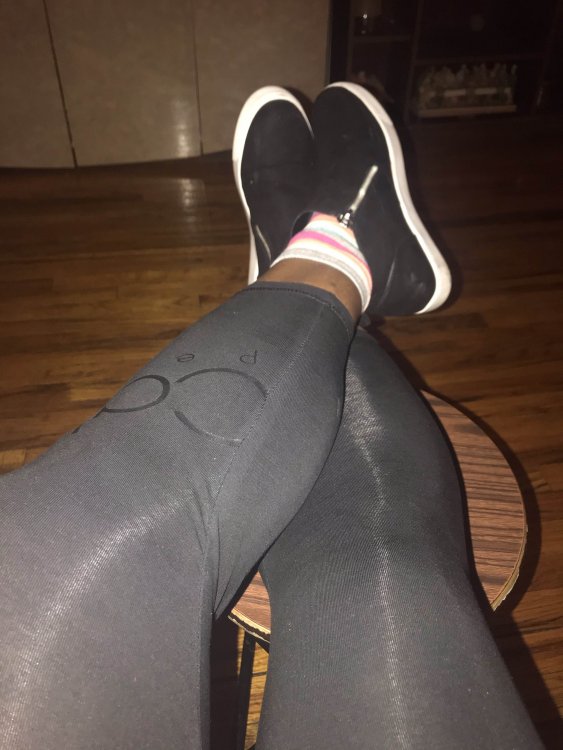
    Hey guys no work .. going on soooo this is it.
  10. losingit01 replied to sillykitty's topic in The Lounge
    work it !!!
  11. losingit01 replied to sillykitty's topic in The Lounge

Trending Products

PatchAid Vitamin Patches

Account

Navigation

Search

Search

Configure browser push notifications

Chrome (Android)
  1. Tap the lock icon next to the address bar.
  2. Tap Permissions → Notifications.
  3. Adjust your preference.
Chrome (Desktop)
  1. Click the padlock icon in the address bar.
  2. Select Site settings.
  3. Find Notifications and adjust your preference.