Skip to content
View in the app

A better way to browse. Learn more.

BariatricPal

A full-screen app on your home screen with push notifications, badges and more.

To install this app on iOS and iPadOS
  1. Tap the Share icon in Safari
  2. Scroll the menu and tap Add to Home Screen.
  3. Tap Add in the top-right corner.
To install this app on Android
  1. Tap the 3-dot menu (⋮) in the top-right corner of the browser.
  2. Tap Add to Home screen or Install app.
  3. Confirm by tapping Install.
  • Appearance

Join BariatricPal free

  • Ask your own questions
  • Reply and follow topics
  • Message other members
  • No cost, no spam

aal113086

Pre Op
  • Joined

  • Last visited

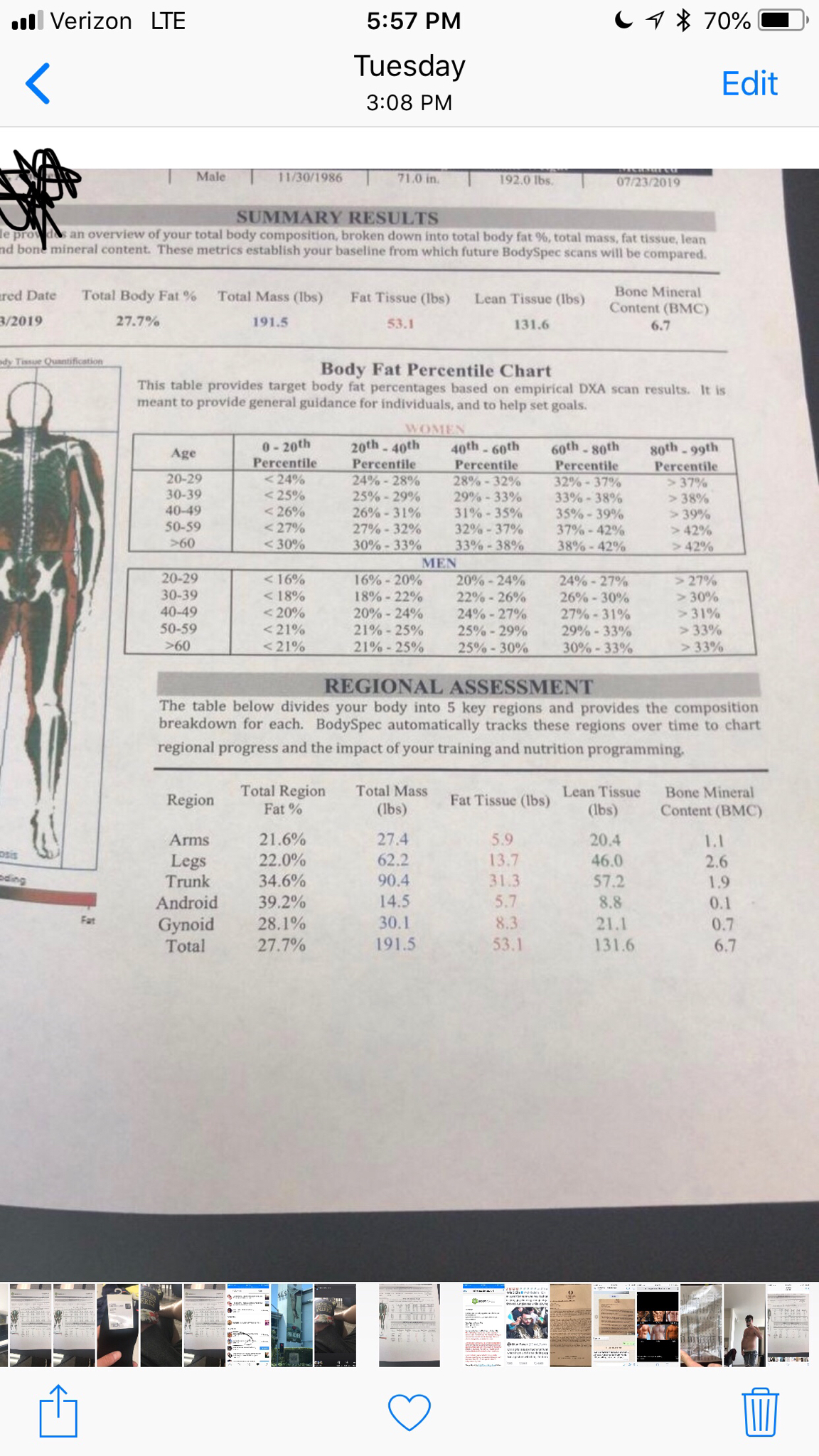
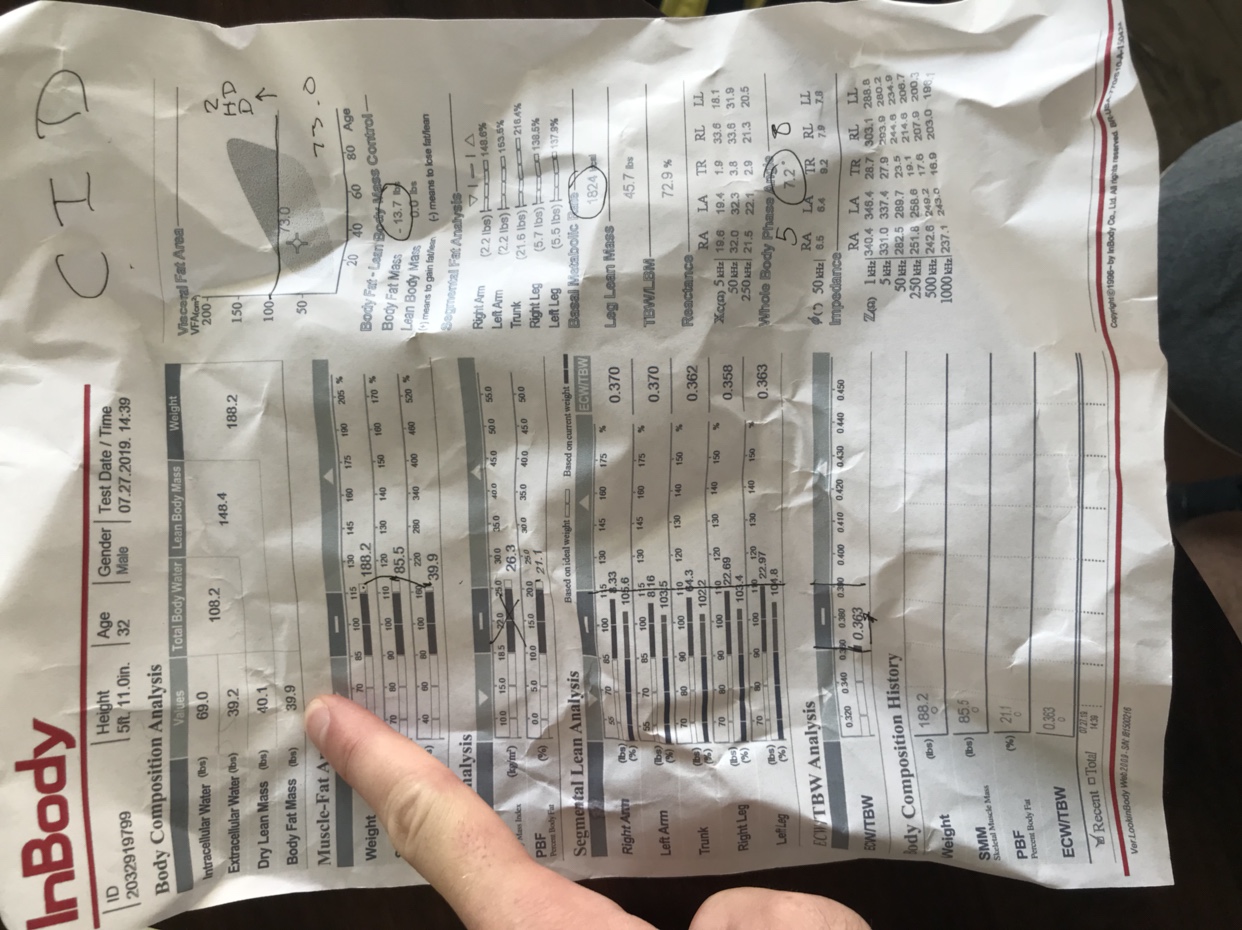
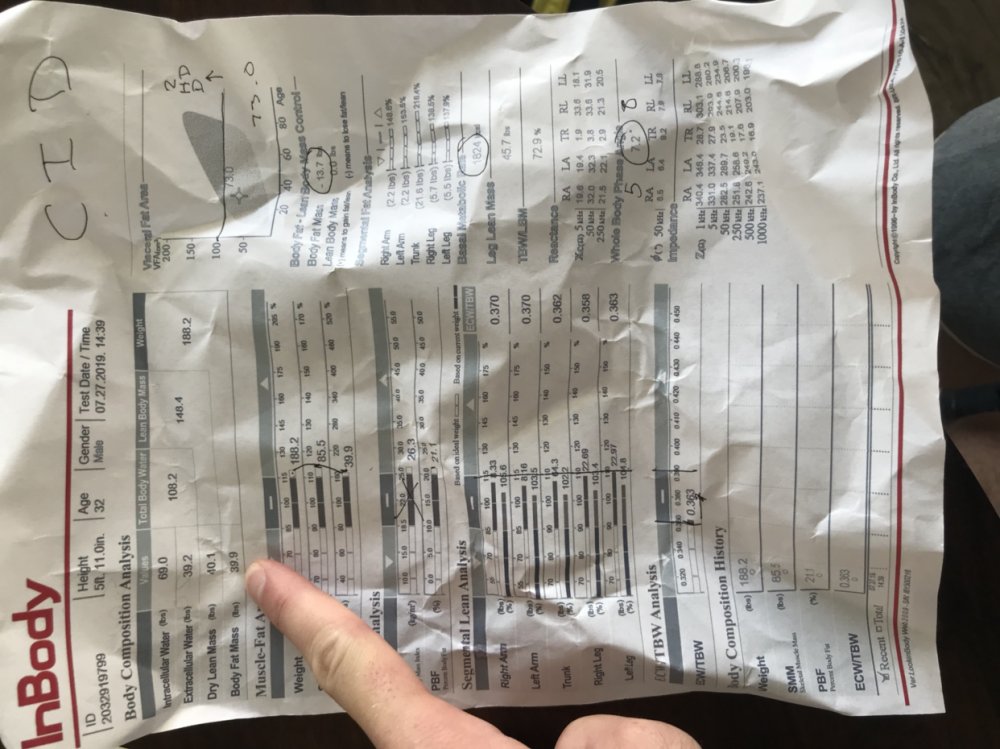
  1. “Most accurate scan” 4 days earlier 13 pounds more of fat. Obv a mistake somewhere. Looking to get down to 30 pounds of fat.
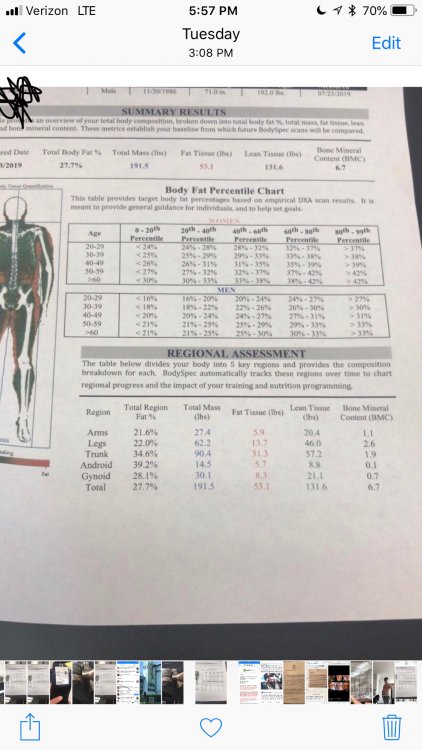
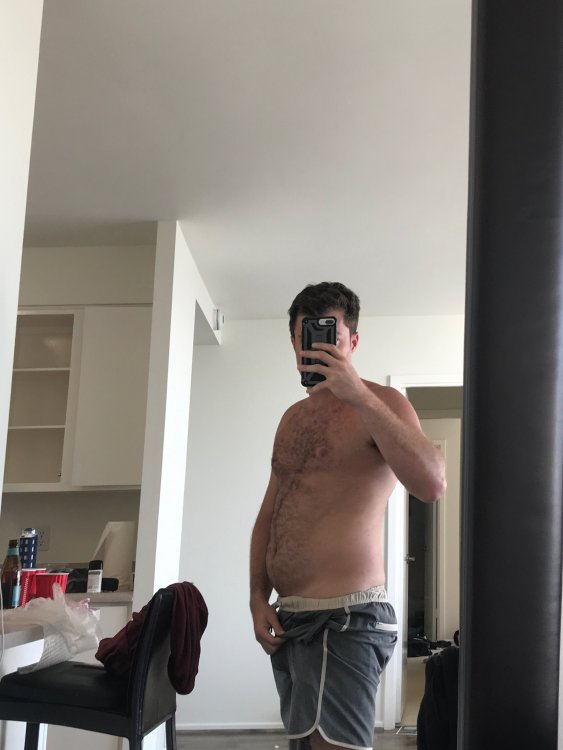
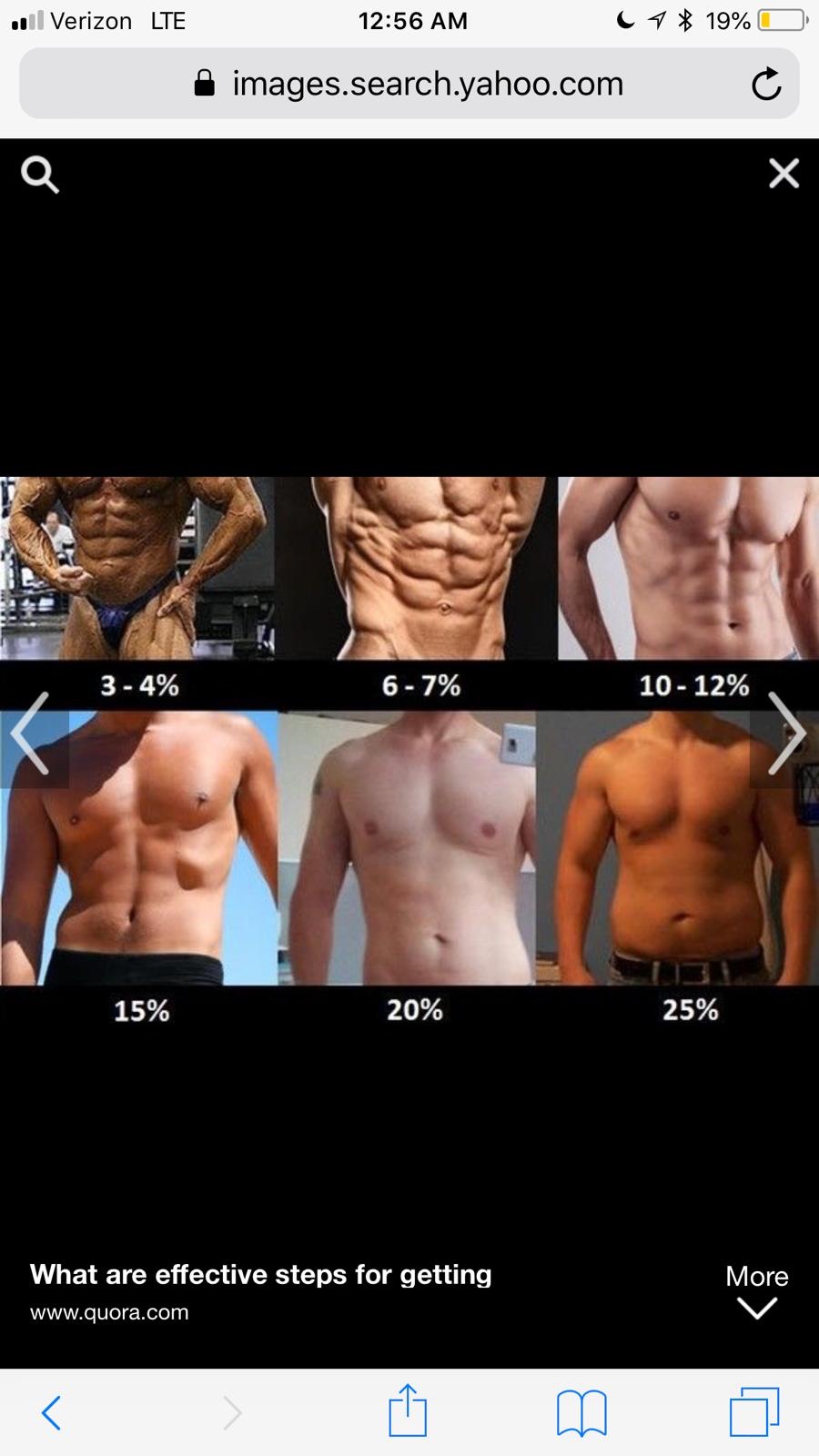
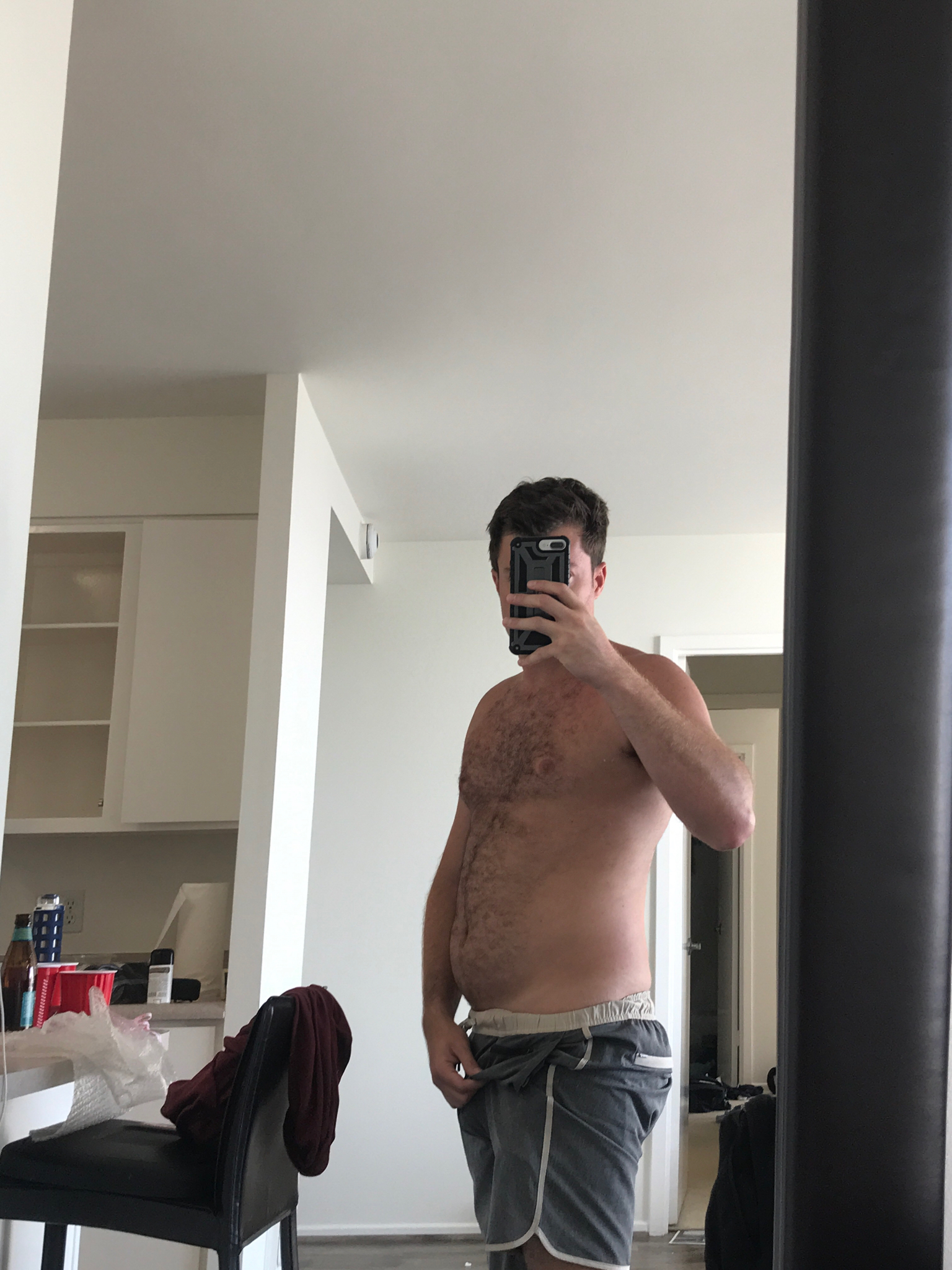
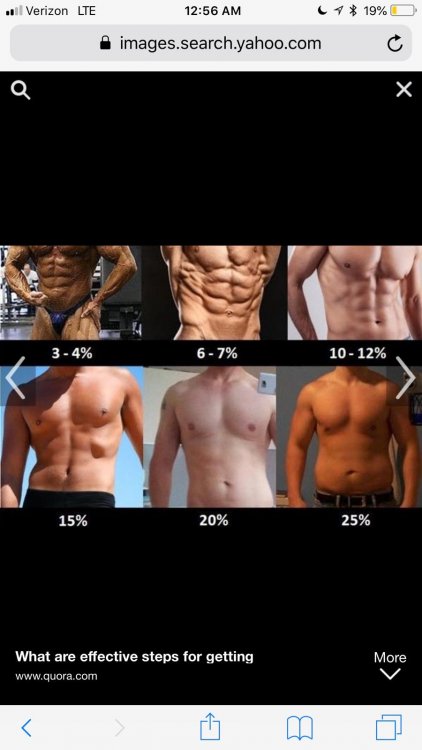
  2. Curious to what my body fat % actually is. The Dexa scan I did at body spec is supposed to be the most accurate. It’s saying I’m at 27.7% then I excercised and ate healthy/light for a few days and did another scale that’s supposed to be pretty good Then I took a picture of myself and looked up charts on the internet. Can someone help this clueless individual figure out what’s actually goin on .
Account

Navigation

Search

Search

Configure browser push notifications

Chrome (Android)
  1. Tap the lock icon next to the address bar.
  2. Tap Permissions → Notifications.
  3. Adjust your preference.
Chrome (Desktop)
  1. Click the padlock icon in the address bar.
  2. Select Site settings.
  3. Find Notifications and adjust your preference.