
George OG
Gastric Bypass Patients
-
Joined
-
Last visited
Everything posted by George OG
-
I couldn’t agree more!
-
Thank you ?.You all look amazing too !
-
Thank you!Congrats to all of you!
-
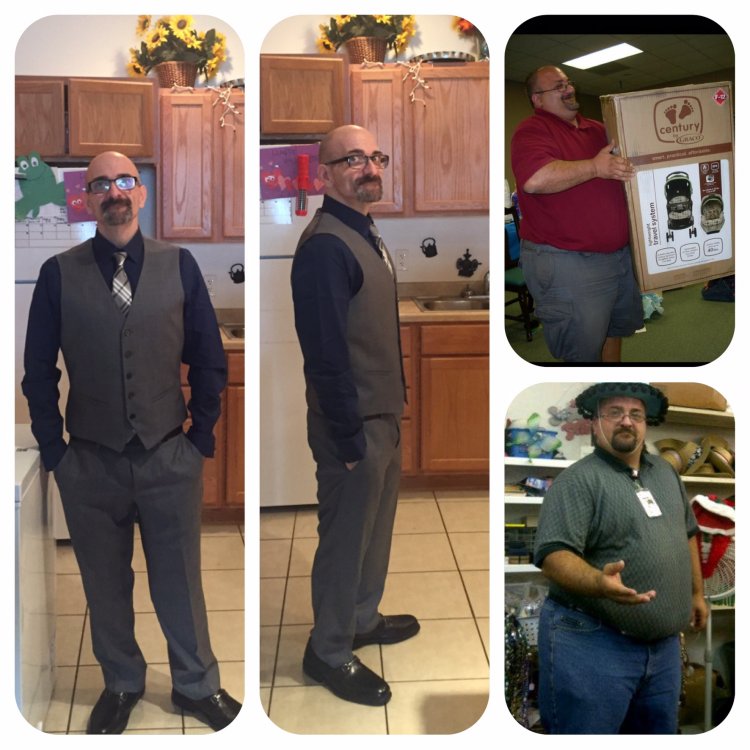
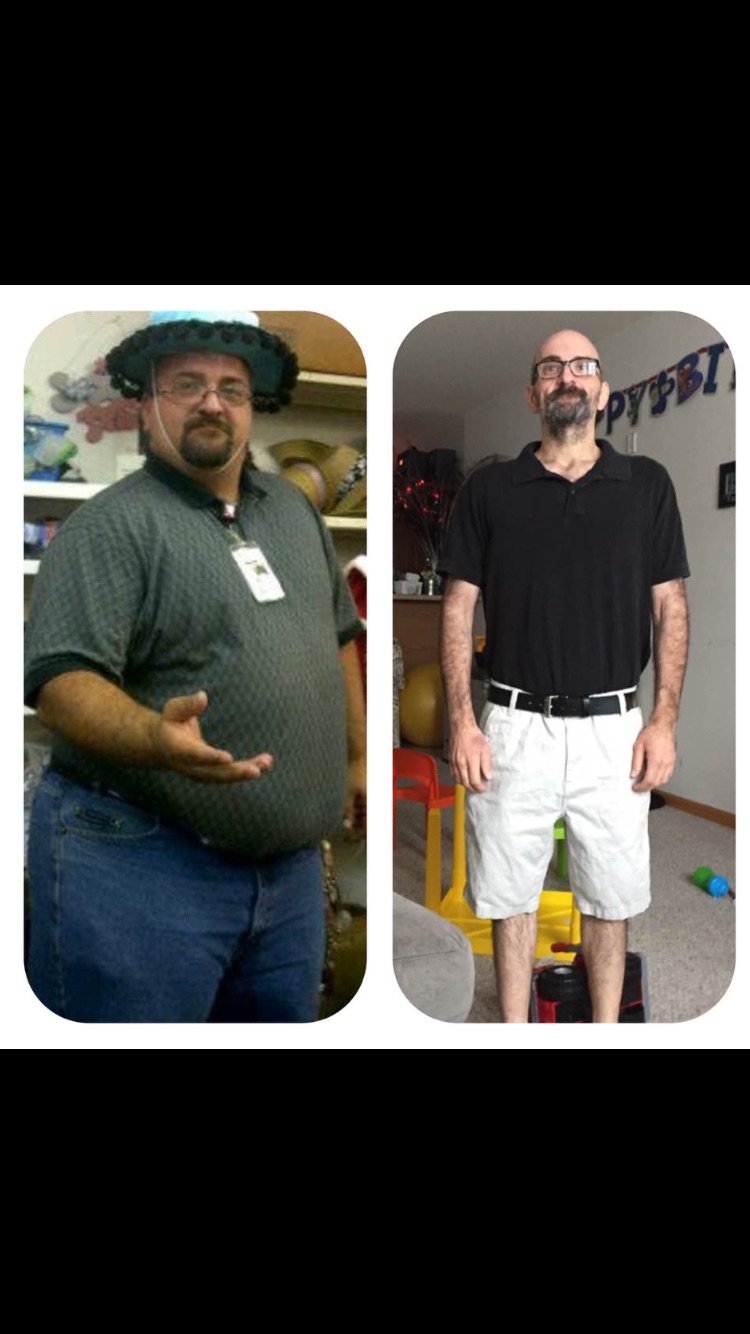
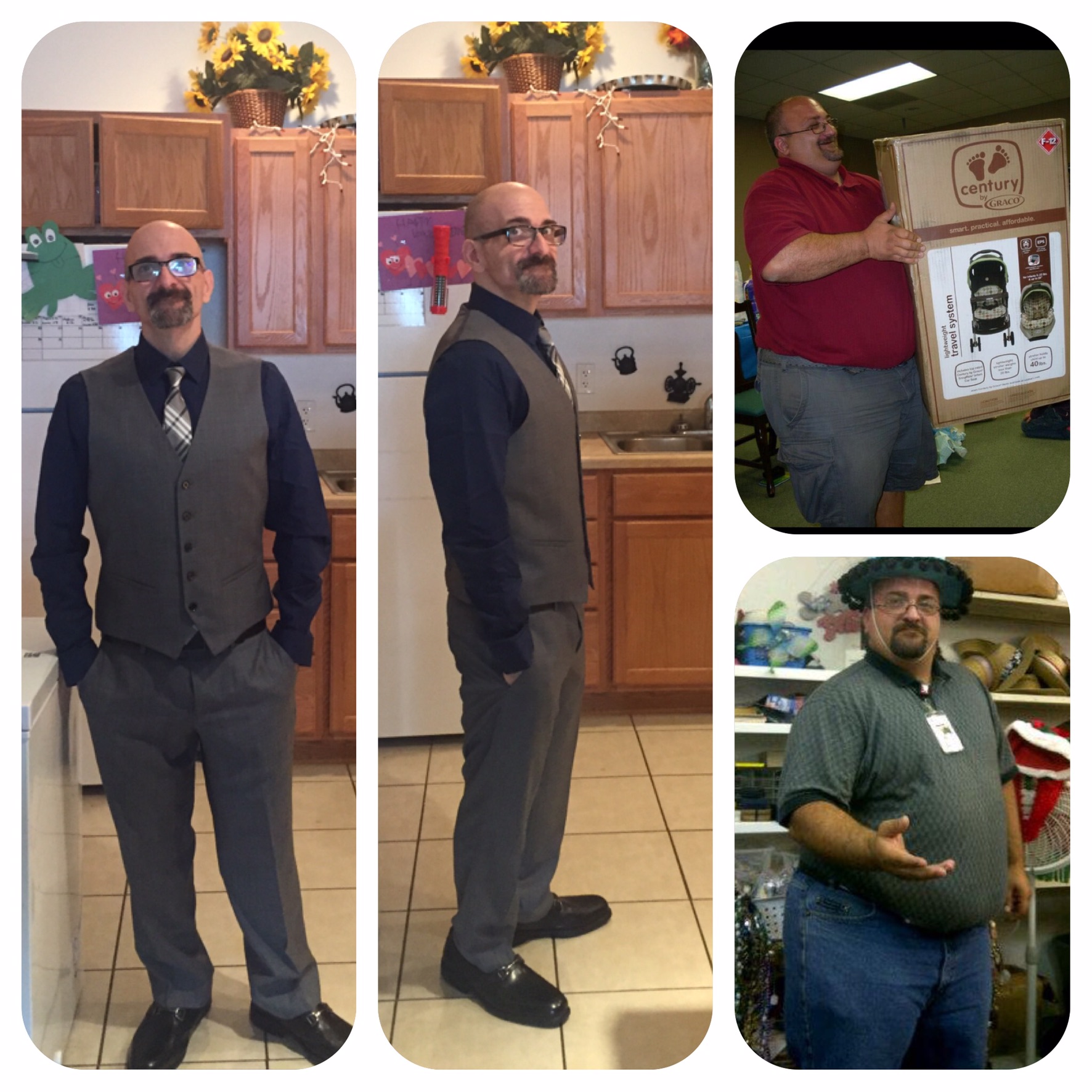
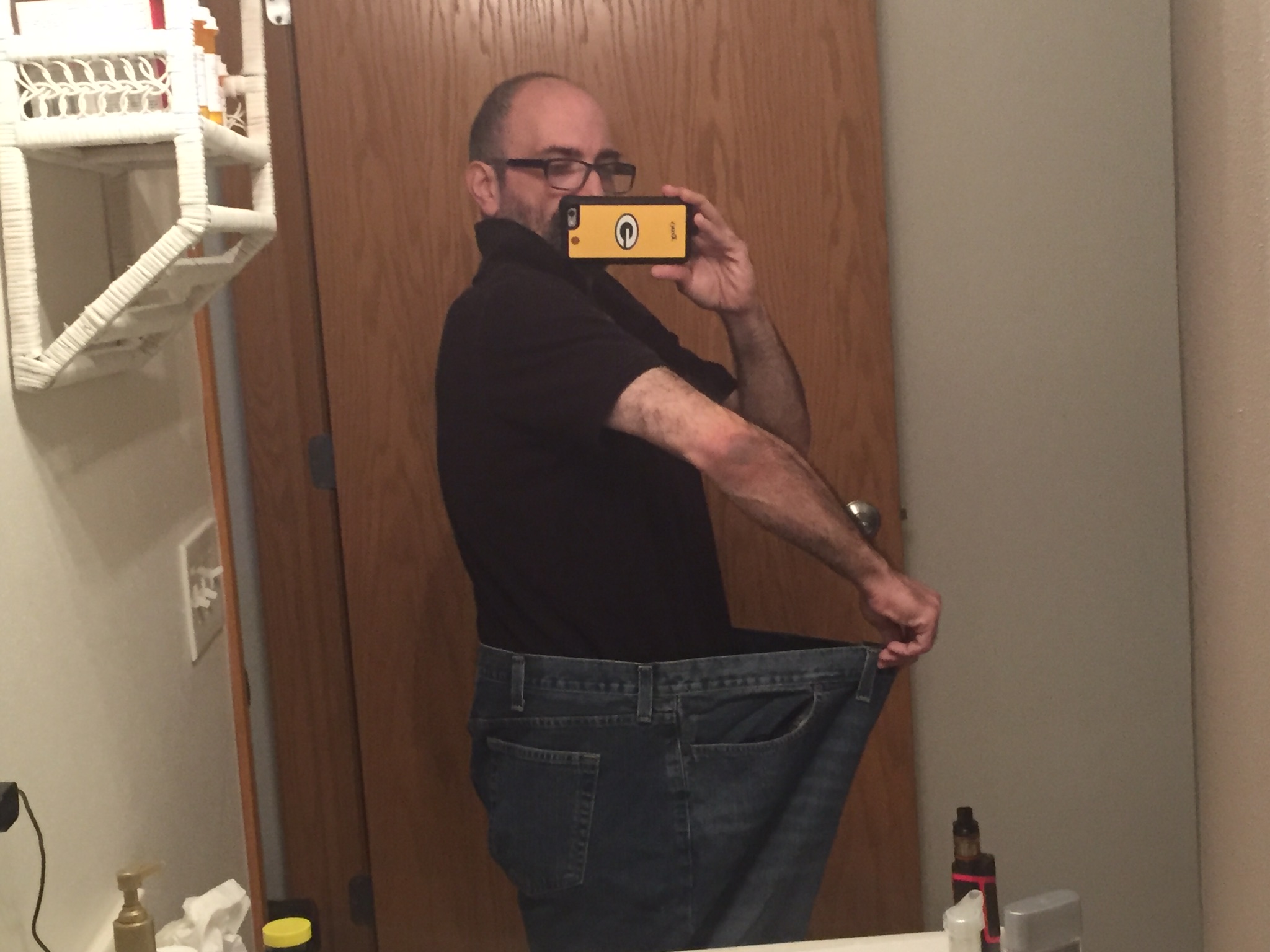
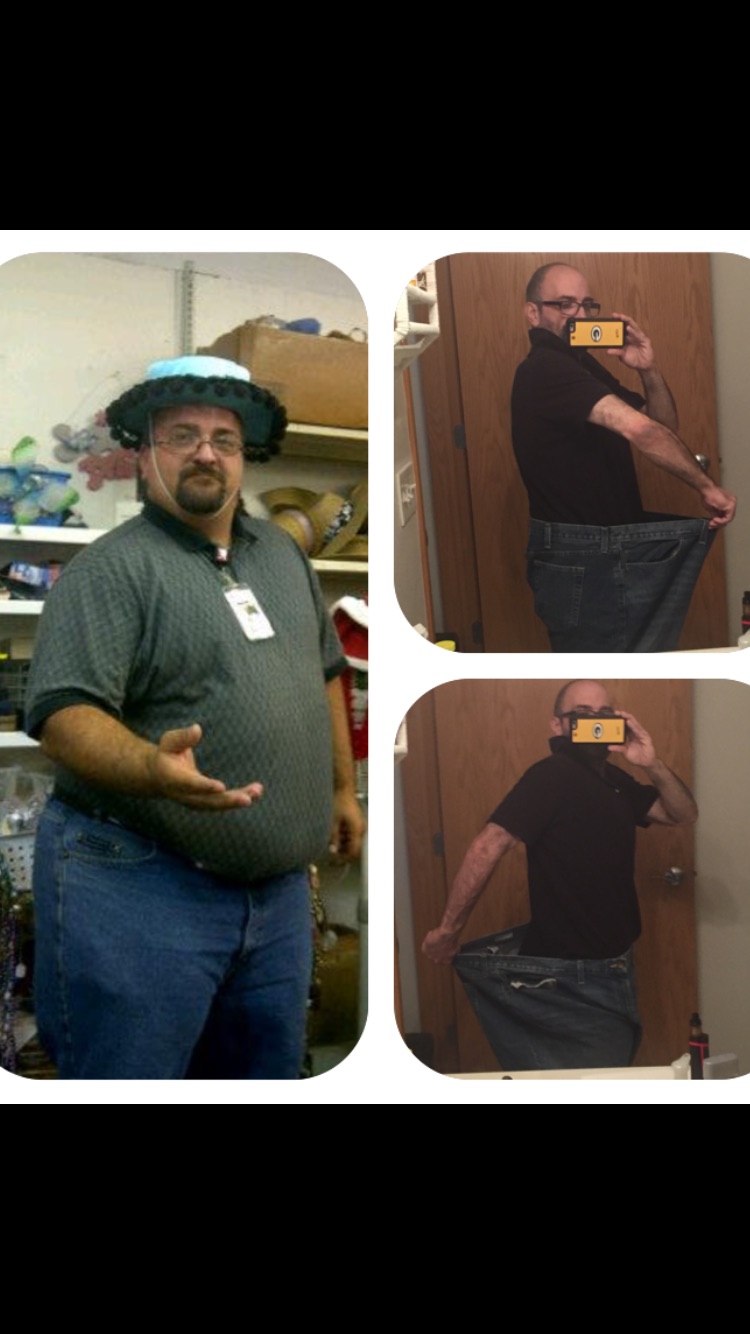
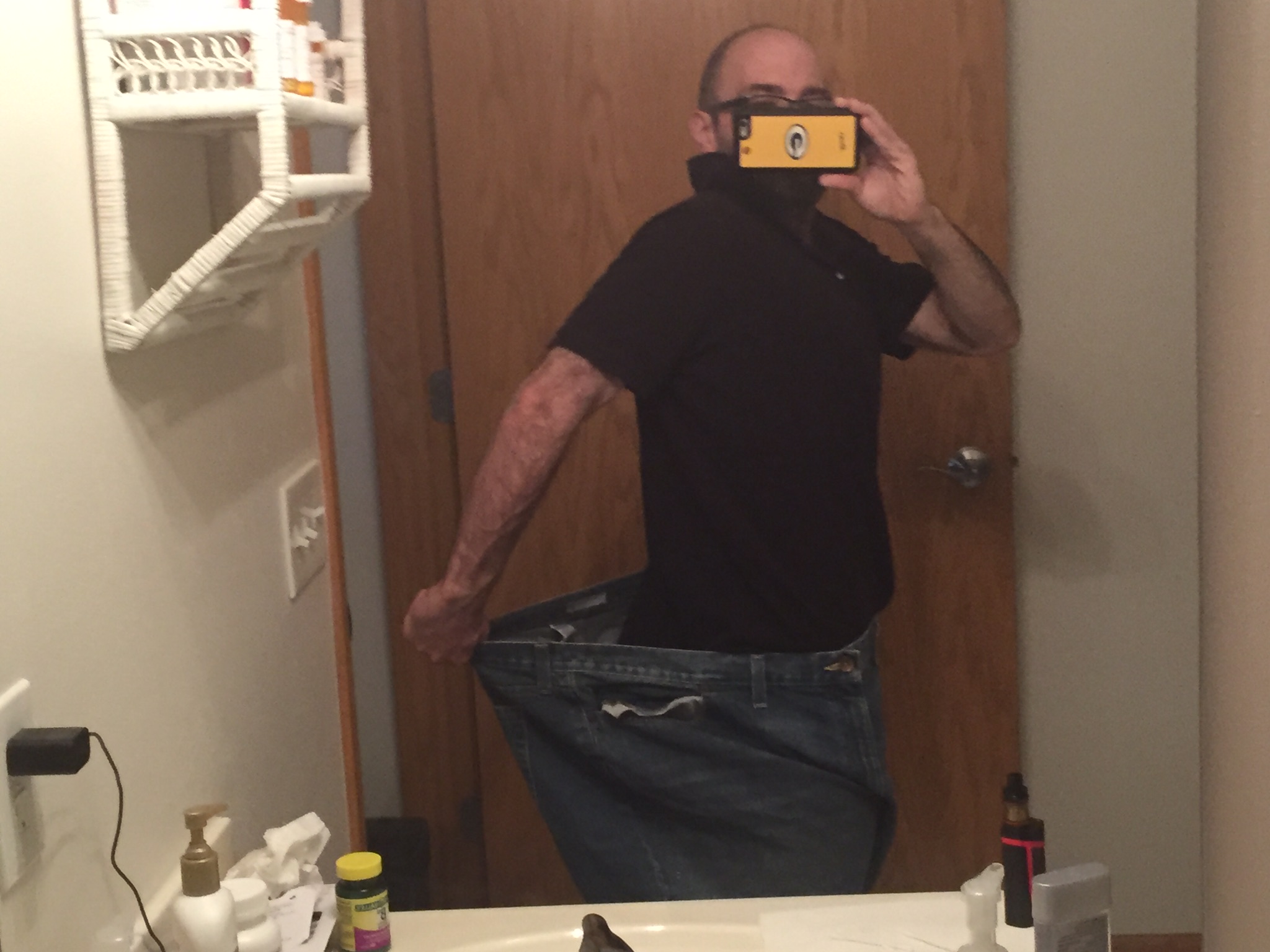
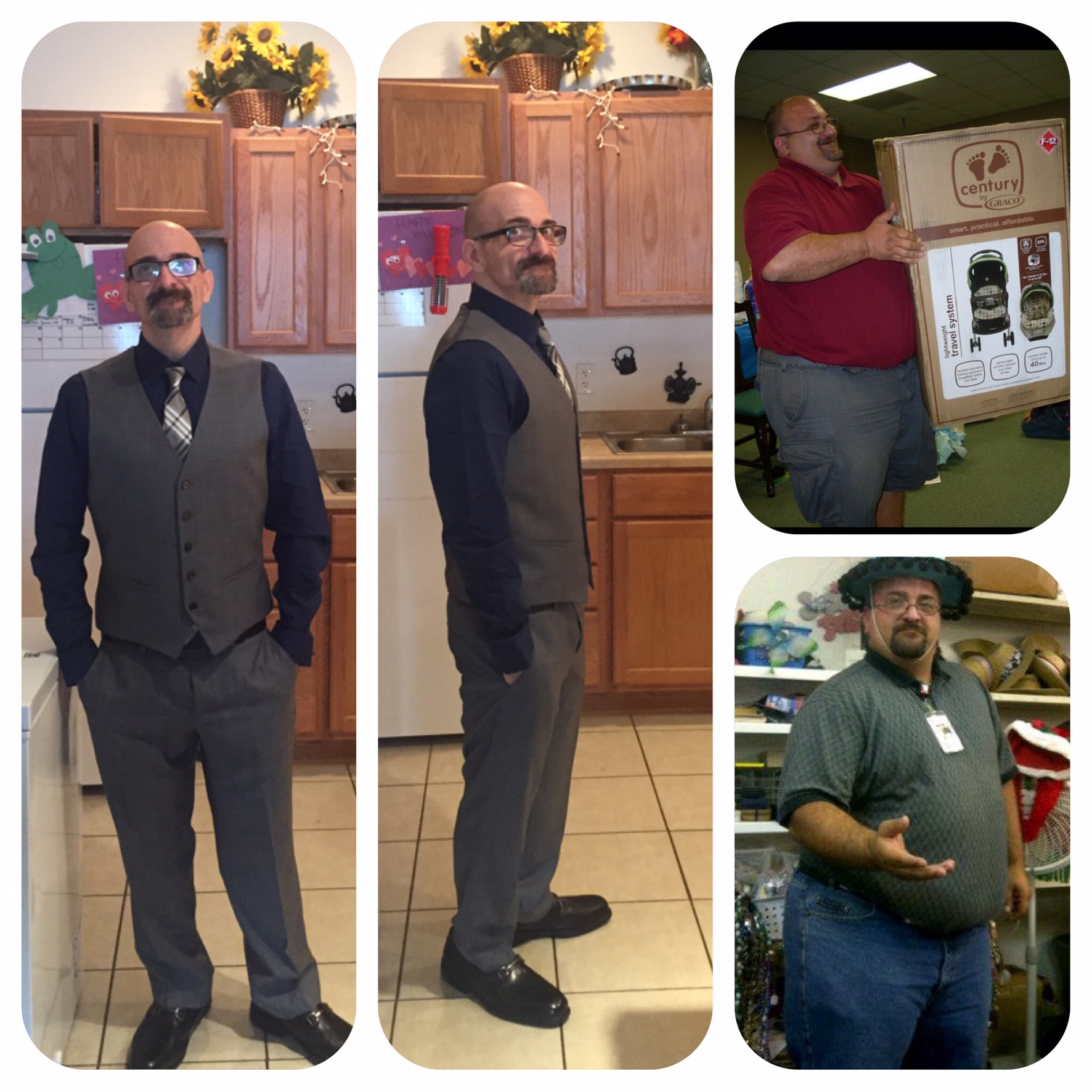
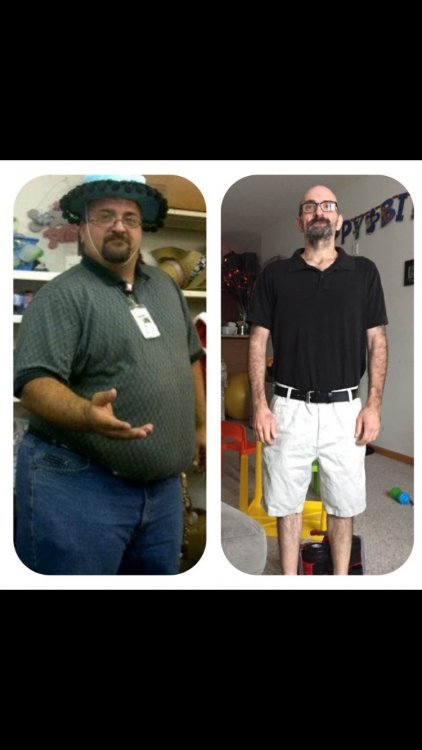
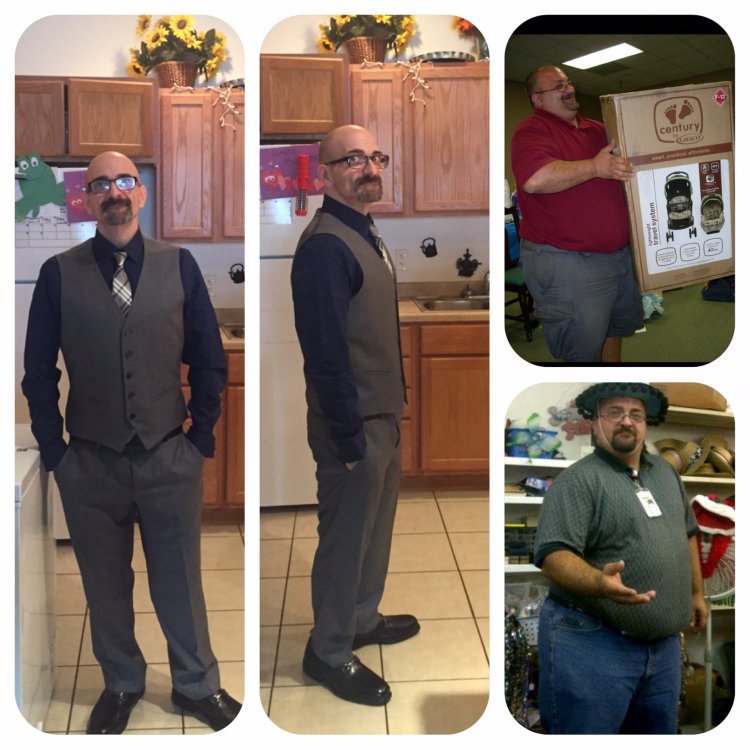
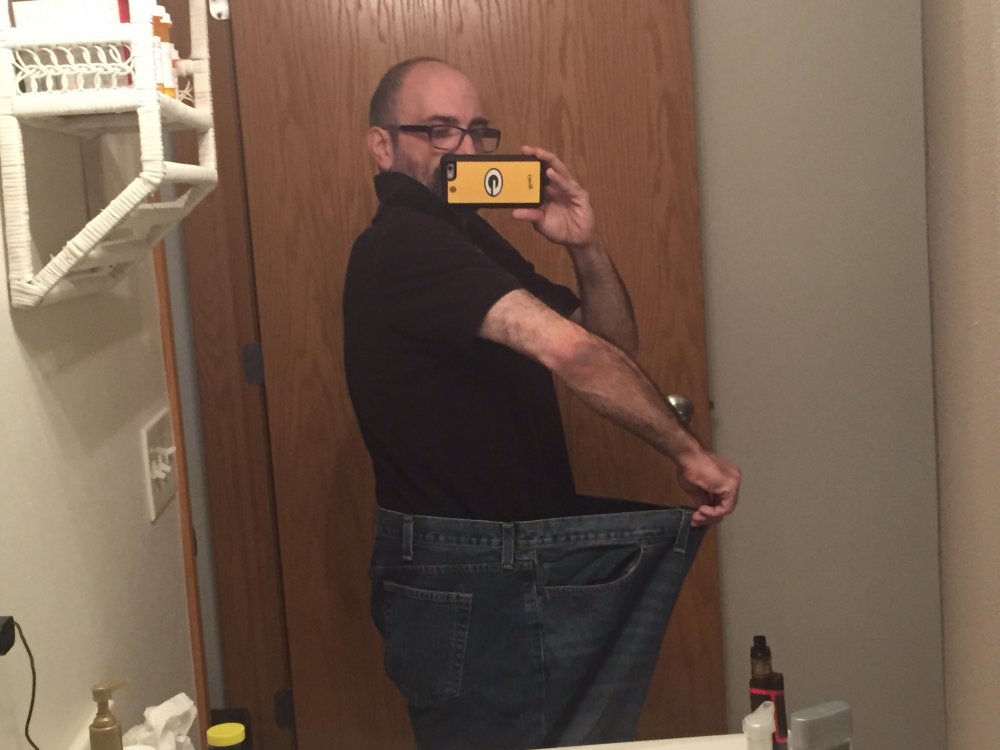
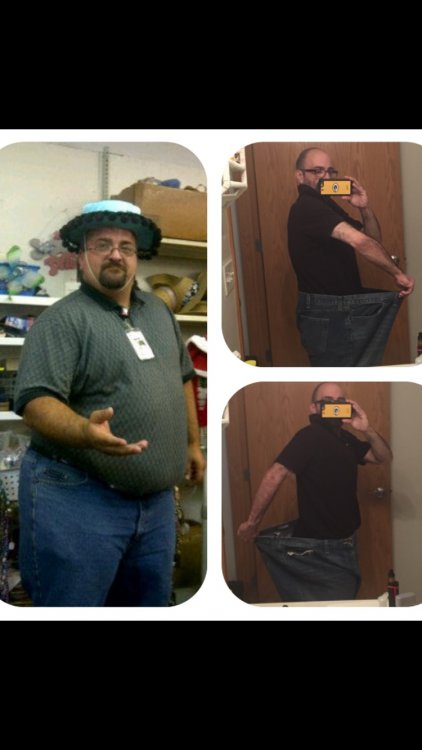
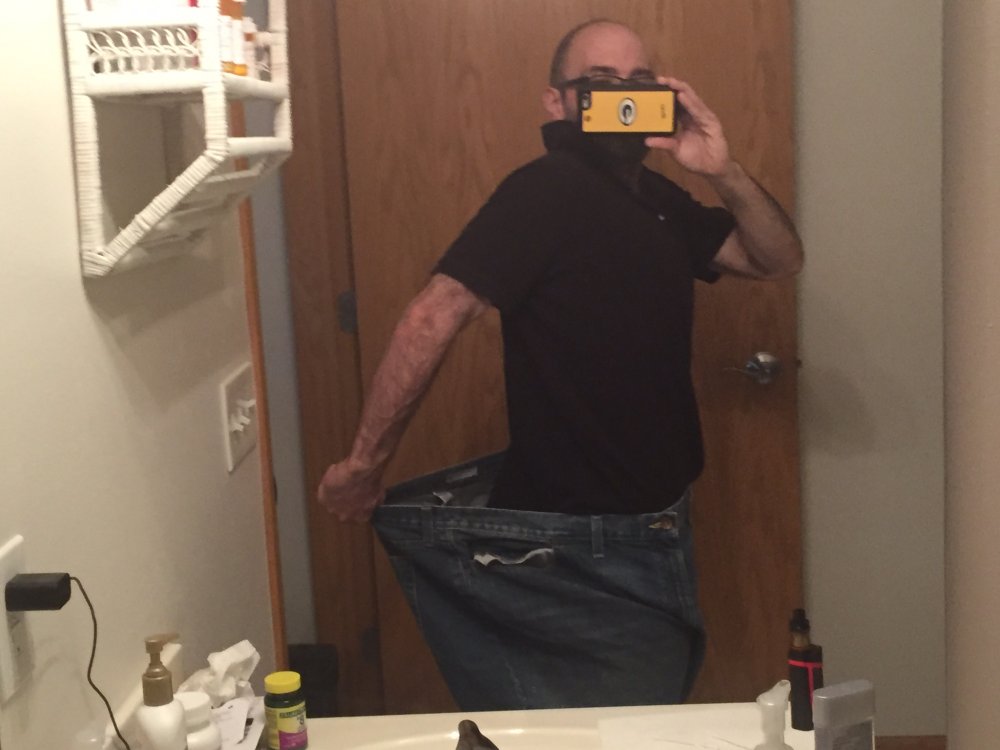
Hi everyone.In 2015 I weighed 380 pounds and I’m 5’5.I was in constant pain from my feet,I had sciatica,and sleep apnea.I couldn’t play with my son or run if there was an emergency.That little guy made something come alive in me and I knew I wanted to live!I had surgery January 2016,and the day of surgery I weighed 340 pounds after losing 40 pounds in 2 weeks on my liquid diet.Fast forward 9 months later I had dropped a massive 225 pounds!My gastric team showed me the metric and they said they have never had a patient drop weight that fast,they actually said I was too small!? My ENTIRE life I had waited to hear that!My nickname is no longer big George!My gastric team also said I would feel hunger again after about a year to a year and a half.In a weird twist I’m almost 3 years out and have NO hunger!It’s strange I can go the entire day and night without eating.I actually have to look at the clock so I remember to eat?I feel amazing and I can shop for clothes anywhere!You might be asking are those the same size 54 jeans that you were wearing when you were big.My answer would be yes I saved them just for that pic!Keep pushing and never give up!
-
Congrats!I bet you feel great
-
Starting weight 380,current weight 168 I’m 2 years post op gastric bypass.I can honestly say I look and feel amazing!