vgraves13
Gastric Sleeve Patients
-
Joined
-
Last visited
-
-
-
-
-
-
I’m doing okay down 85 lbs since Feb 28. 3 month exam showed I’m low in Protein, Iron, B-complex and Vitamin D. I have to get it together.
-
-
-
-
-
-
-
-
-
It has only been a little over 3 months since my surgery, but I feel I have changed a lot. I look forward to life in general a lot more. I don’t get bothered by things so easily. I am more playful with my husband and daughter. I enjoy looking for clothes instead of just dressing “comfortable”. I feel excited to travel in the future and for the first time have long term goals instead of surviving day by day.
-
-
I fit into jean I haven’t worn in over two and a half years and some of them now fit too big. I am an avid Disneyland goer and I can last longer at the parks and get in and out of the rides super easy. I went down a shoe size. I can run 50 mins on the elliptical. Save money whenever we go out to eat.
-
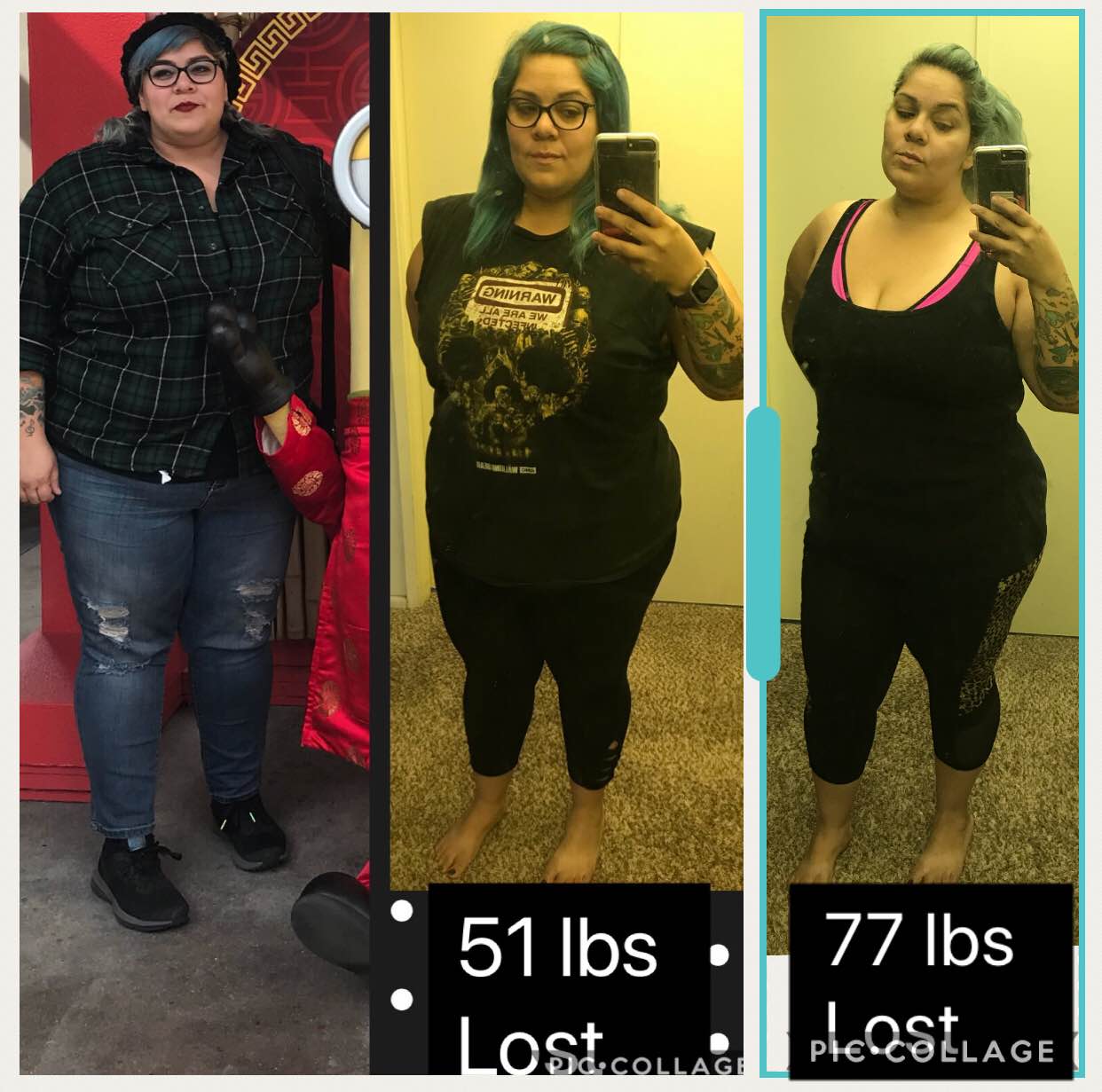
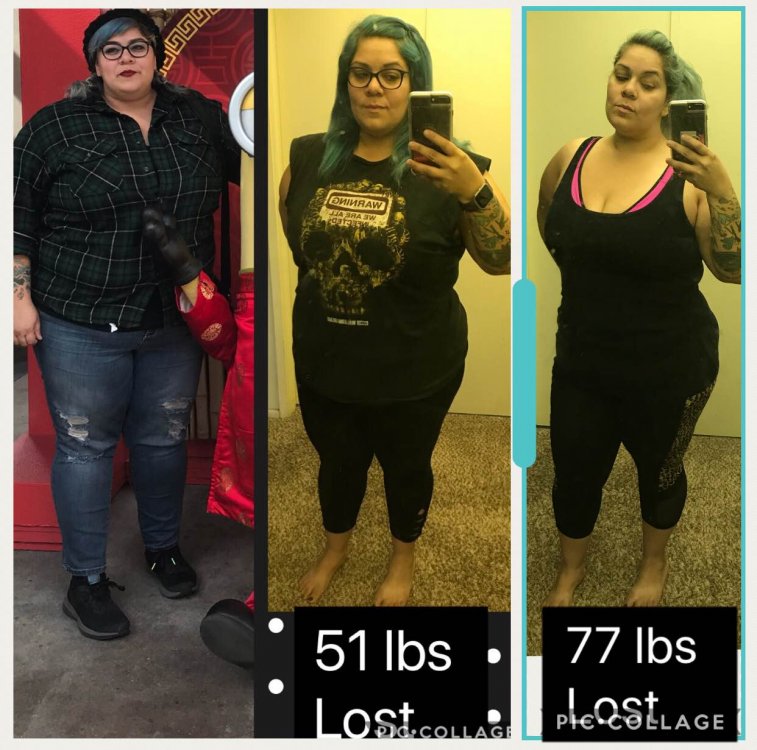
Surgery date was 2/28/18 1st photo is from 2/14, 2nd Mid March, last photo is from today.
-
I started at 326 and was on my pre-op diet for one week. Day of surgery I was 316 on Feb 28. As of today I am 255lbs. After my one month check up I became a steady gym goer, but last week I became a bit lazy. Very excited to go back and push myself and hopefully hit 100 lbs down in the next month. I can definitely feel and see the difference