-
I take opiate blockers how bad is the pain
I am allergic to most pain medication and I had a very low blood pressure so I didn’t get any thing except for Tylenol , pain isn’t bad at all
-
-
LA - Baton Rouge Area Chapter
Hi I am finished with nutrition and about to see the surgeon for my 3rd visit. Still a couple of months out and I am also very ready to finish the surgery part of this. I hope you have a great weekend
-
-
-
-
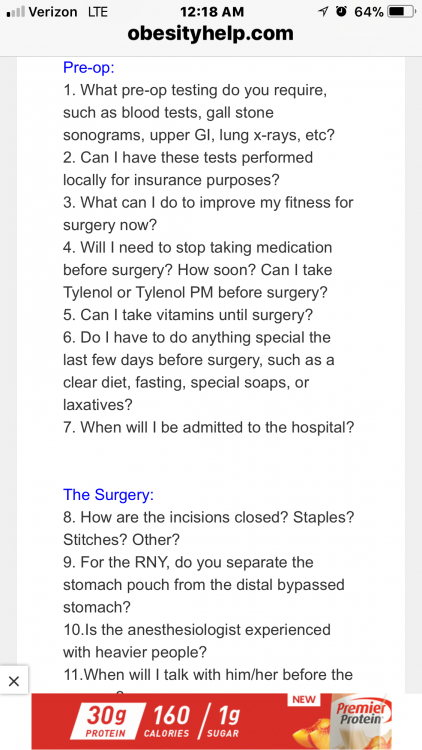
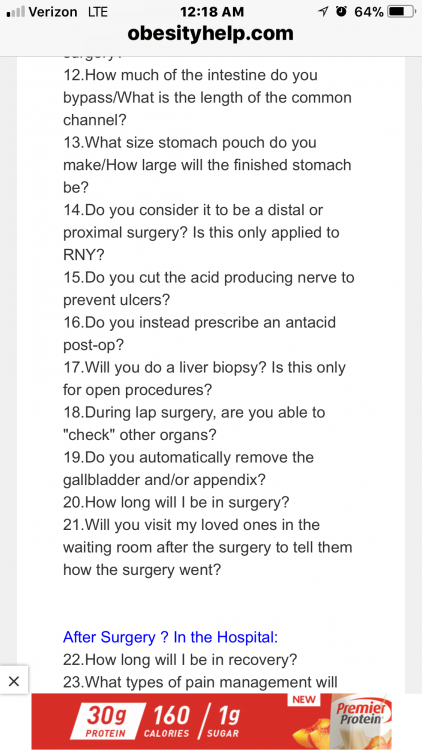
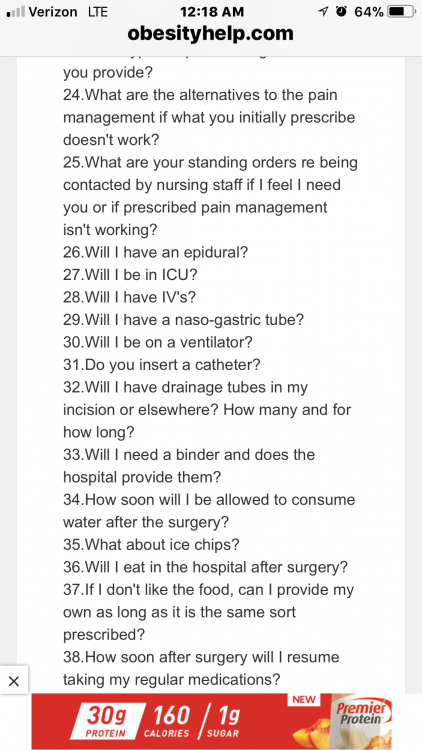
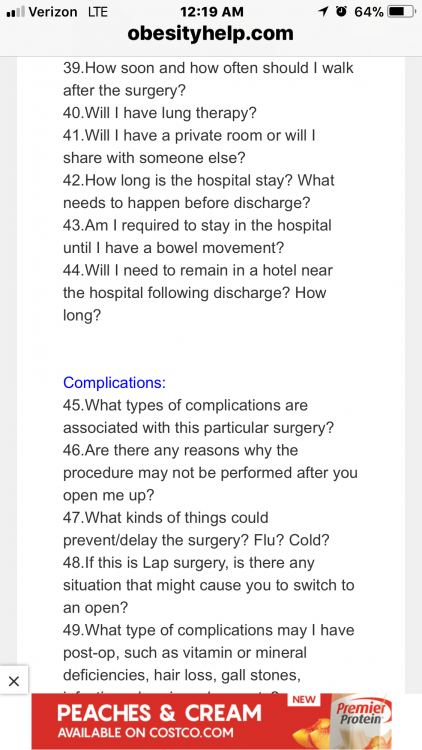
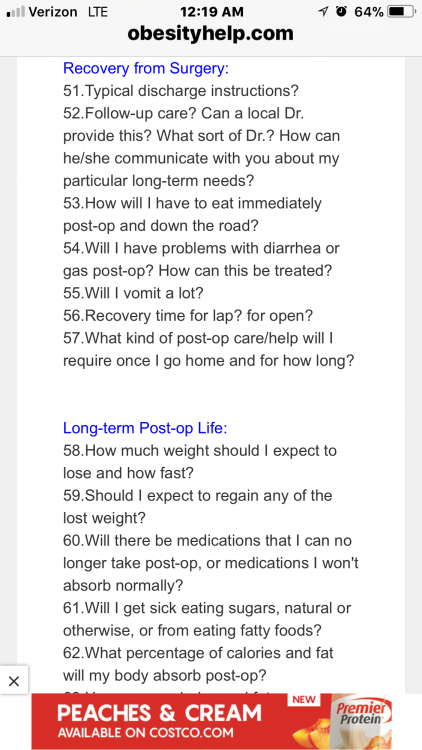
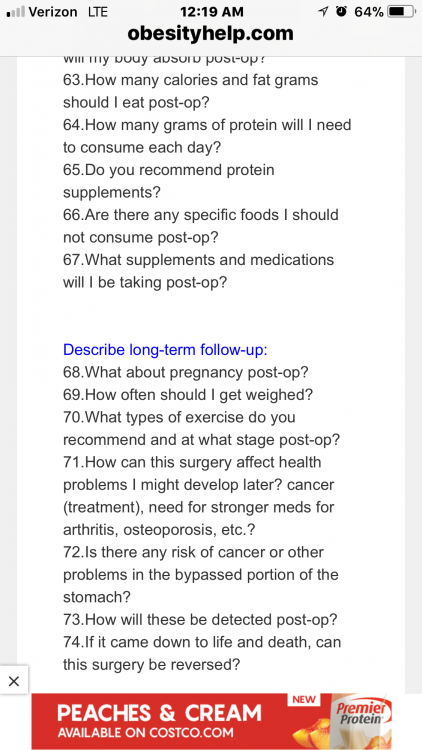
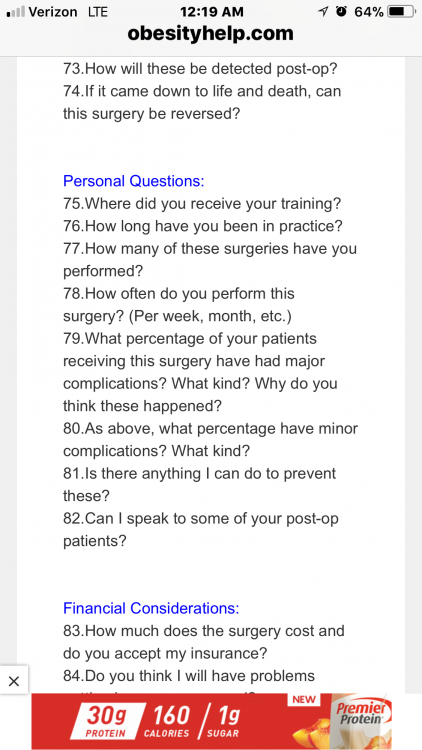
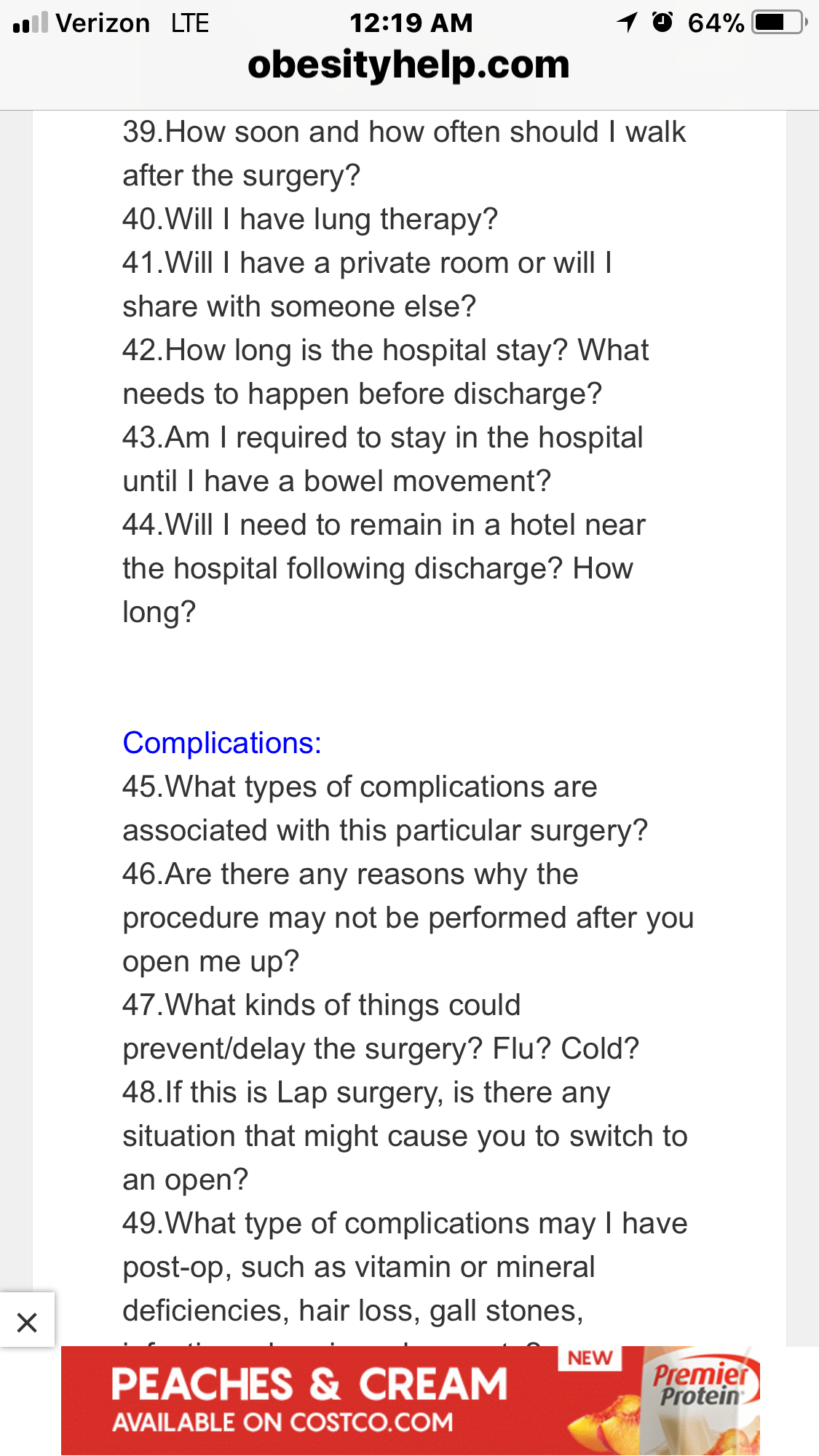
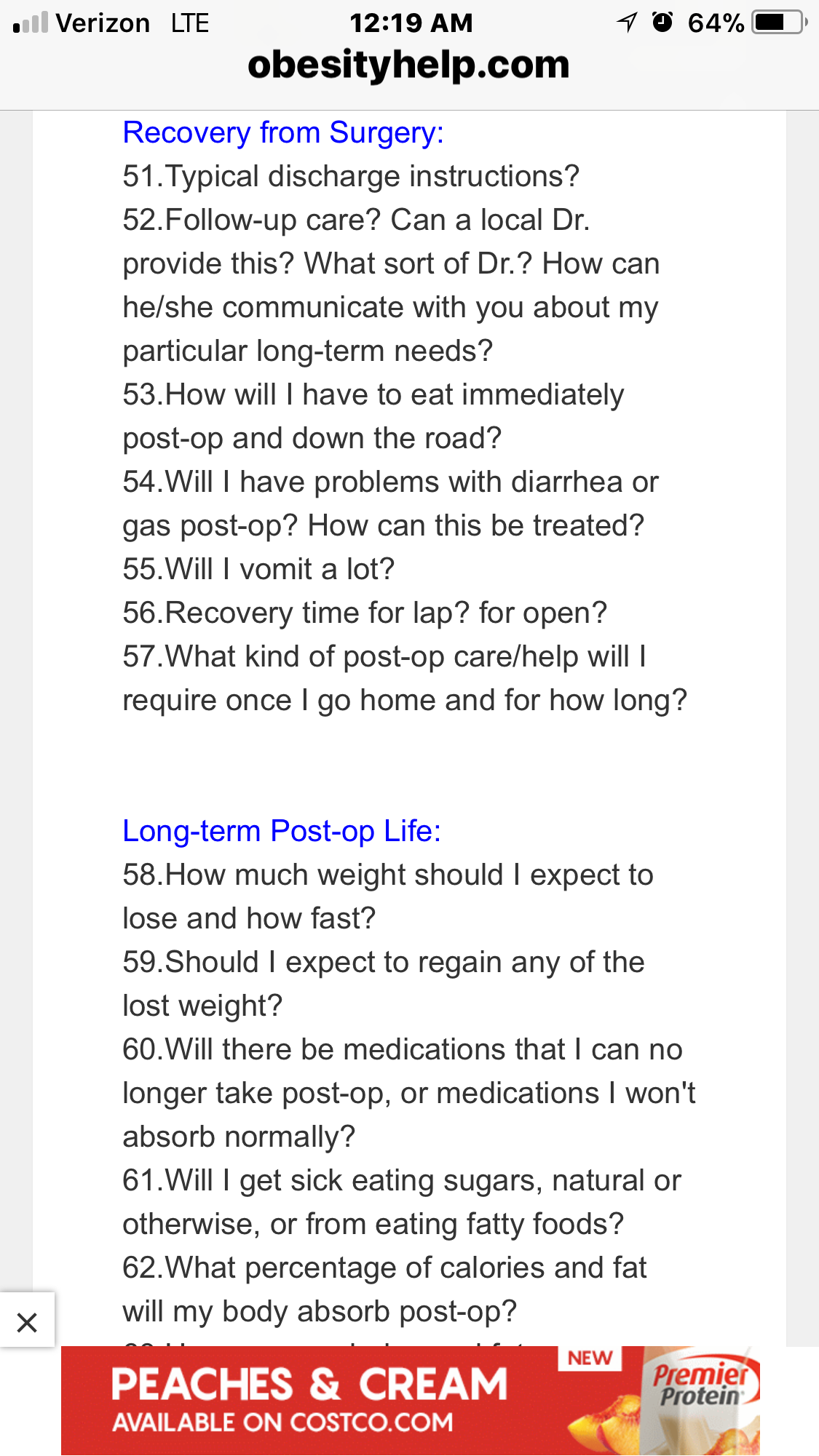
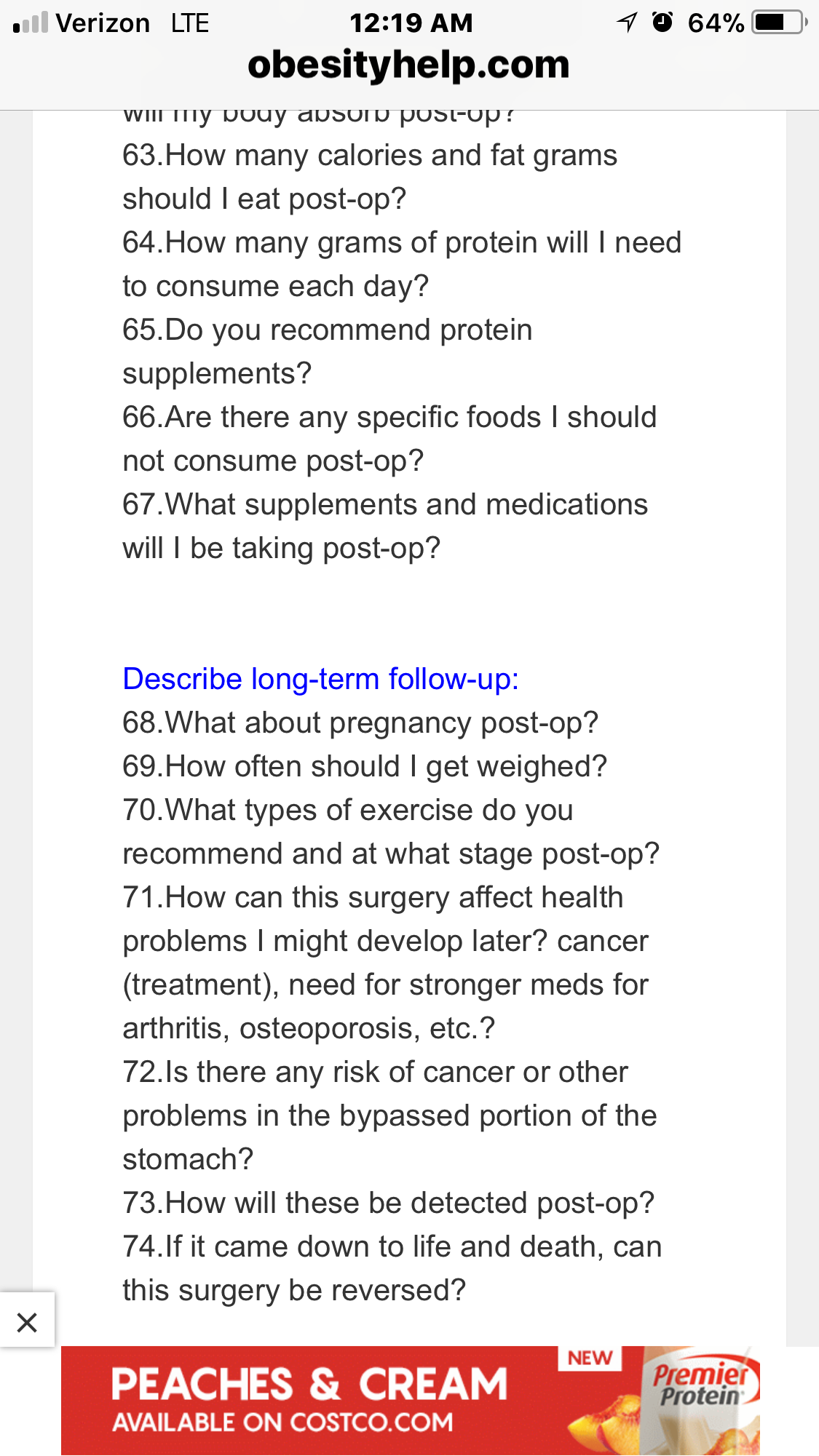
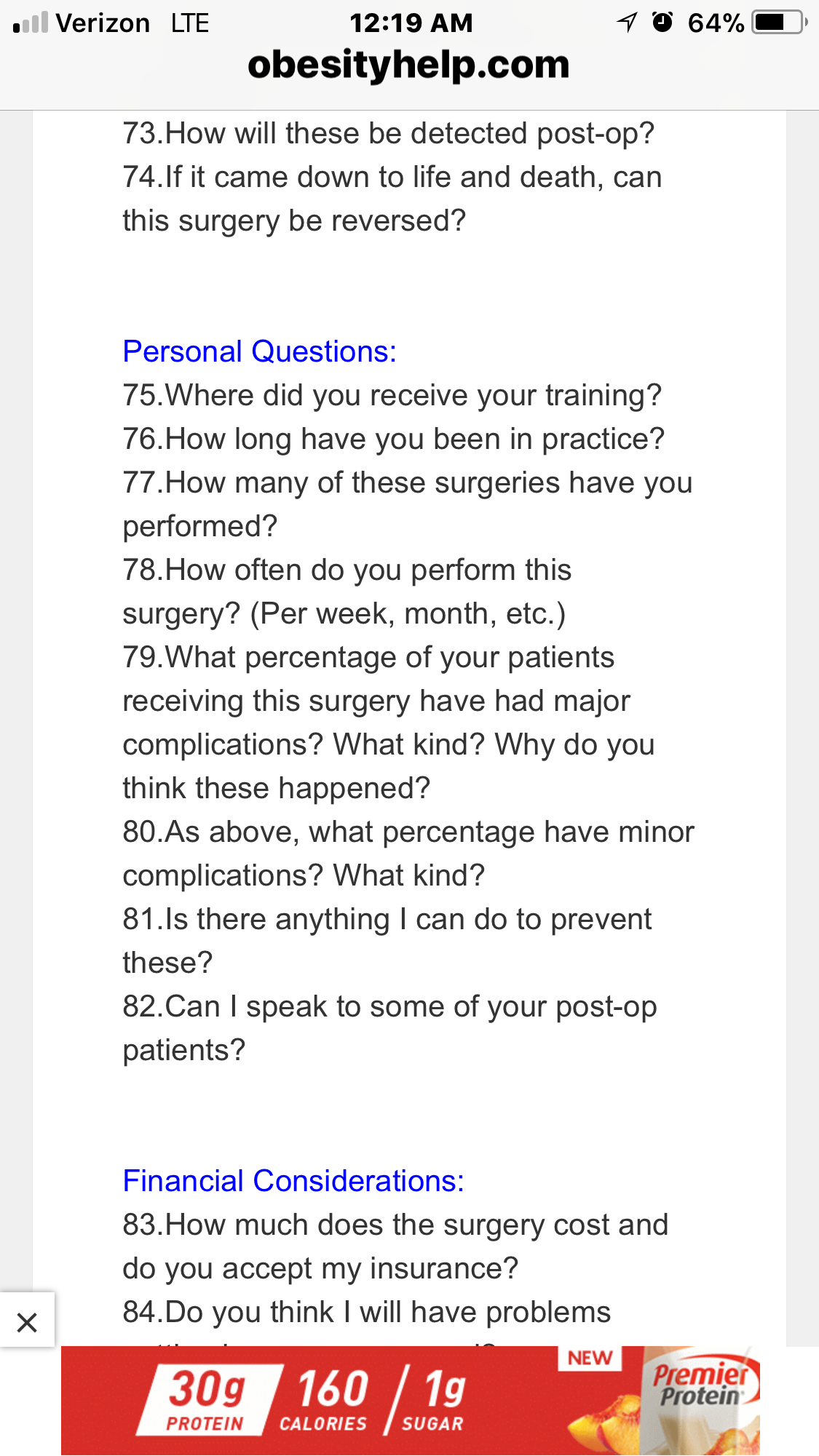
First Surgeon Consultation
-
LA - Baton Rouge Area Chapter
Hi I am in Walker , la . I am pre surgery. It would be nice to have someone else at least in our state. Lol
-
-
medicaid
I am in Louisiana and I have Medicaid and United health care community plan . It is different for each state because it is a state funded program
-
medicaid
- medicaid
What state- Pre-Op Diet for Initial Weight Loss
I am pre-op and doing the same, getting ready. I love the premier protein shakes. They were highly recommend . I can not do the unjury they were gross- Pre-Op Diet for Initial Weight Loss
- Where is everyone from City & State
Walker, Louisiana- New Orleans
Also has an office in Covington Also try Ochsner- New Orleans
Dr. O’Connell 2622 Jena st, no, la- Second approval?
Wow ! That is crazy. How ever your doc should know how to handle it- Blue Care Network troubles!!
There is only one doc in Louisiana accepting Medicaid right now for wls , how special is that- Blue Care Network troubles!!
Take a deep breath and remember we are all jumping through hoops to be healthy. I am going through Louisiana Medicaid and United Healthcare ? - medicaid
Join BariatricPal free
- Ask your own questions
- Reply and follow topics
- Message other members
- No cost, no spam
Account
Navigation
Search
Configure browser push notifications
Chrome (Android)
- Tap the lock icon next to the address bar.
- Tap Permissions → Notifications.
- Adjust your preference.
Chrome (Desktop)
- Click the padlock icon in the address bar.
- Select Site settings.
- Find Notifications and adjust your preference.
Safari (iOS 16.4+)
- Ensure the site is installed via Add to Home Screen.
- Open Settings App → Notifications.
- Find your app name and adjust your preference.
Safari (macOS)
- Go to Safari → Preferences.
- Click the Websites tab.
- Select Notifications in the sidebar.
- Find this website and adjust your preference.
Edge (Android)
- Tap the lock icon next to the address bar.
- Tap Permissions.
- Find Notifications and adjust your preference.
Edge (Desktop)
- Click the padlock icon in the address bar.
- Click Permissions for this site.
- Find Notifications and adjust your preference.
Firefox (Android)
- Go to Settings → Site permissions.
- Tap Notifications.
- Find this site in the list and adjust your preference.
Firefox (Desktop)
- Open Firefox Settings.
- Search for Notifications.
- Find this site in the list and adjust your preference.