jldoublee
Gastric Bypass Patients
-
Joined
-
Last visited
-
-
-
-
I had rny 6 months ago. Decaf was fine for me, but it tasted horrible to me (I’m sure this was a mental thing) after about a month or so when everything was healed up, I went back to regular. I have one fried that is 10 years out, one that is 5, and one that is a year and none have had any issues from “real” coffee
-
Re: stomach growl. I work from home a few days a week, one day I was sitting at the computer working through some super boring tasks and was wonder why the dogs were fighting. Turns out, it was actually my stomach. It will make some hot mess noises after surgery. LOL. as far as hunger goes, the true feelings of hunger where your stomach hurts didn’t return until this week. I’m 6 months out. But just a little snack calms it down. I don’t feel the need to eat anything and everything that isn’t nailed down. LOL
-
Oops. Forgot to check in. It’s been just a few days past the 6 month mark. Today I officially hit the 100 pound mark from my first visit!! In all the times of done weight watchers, calorie counting, whatever, I have NEVER made it to the 100 pound mark. After I got off the scale I just had to sit down to take it all in. My mind has finally swapped over to knowing I will succeed!! I wanted to hit the 100 pound mark by my birthday. I hit it a week sooner. My surgeon wanted me to hit the 100 pound mark by my next appt on January 2nd. I hit it 3 and some change sooner. Words can not describe the difference I feel.
-
-
-
-
Lol. Yeah. I actually emailed her today to setup an appointment to make sure I’m not going all cray cray. Lol
-
-
Protein is at least 60 (preferably from "real" food). No calorie limit, her view is that if you focus on protein and eating non-processed food, the rest will fall into place. I've lost a tad over 80 so far with this method and haven't once felt deprived like with say a calorie counting diet. I do stay away from bread, pasta, and rice though for the time being.
-
-
-
No, you are not alone. Actually, at the initial seminar, my surgeon said to never diet again after the pre-op diet. To choose an eating style that you are comfortable with and stick with it and make better choices. I met with the dietitian at the 4 week point as i was going back to solid foods. She gave a lot of suggestions and what to focus on, but there was never any hard set diet plan, for me this is working great and is sustainable long term. It also keeps me from stressing over every little thing and just go on with life and let the weight loss do what it wants . I meet with her about every 6 weeks or so mainly for accountability. Ultra low carb didn't do well with me. I felt jittery all the time.
-
-
"Ketovangelists"!! I'm dying!!! LOL. I'm totally stealing that to start calling my "Keto is the only way" coworkers! Talking about "egg fasts" and "carnivore diet" No. Just no.
-
That’s awesome kimbers18!! It’s amazing how much life can change in just a few months!
-
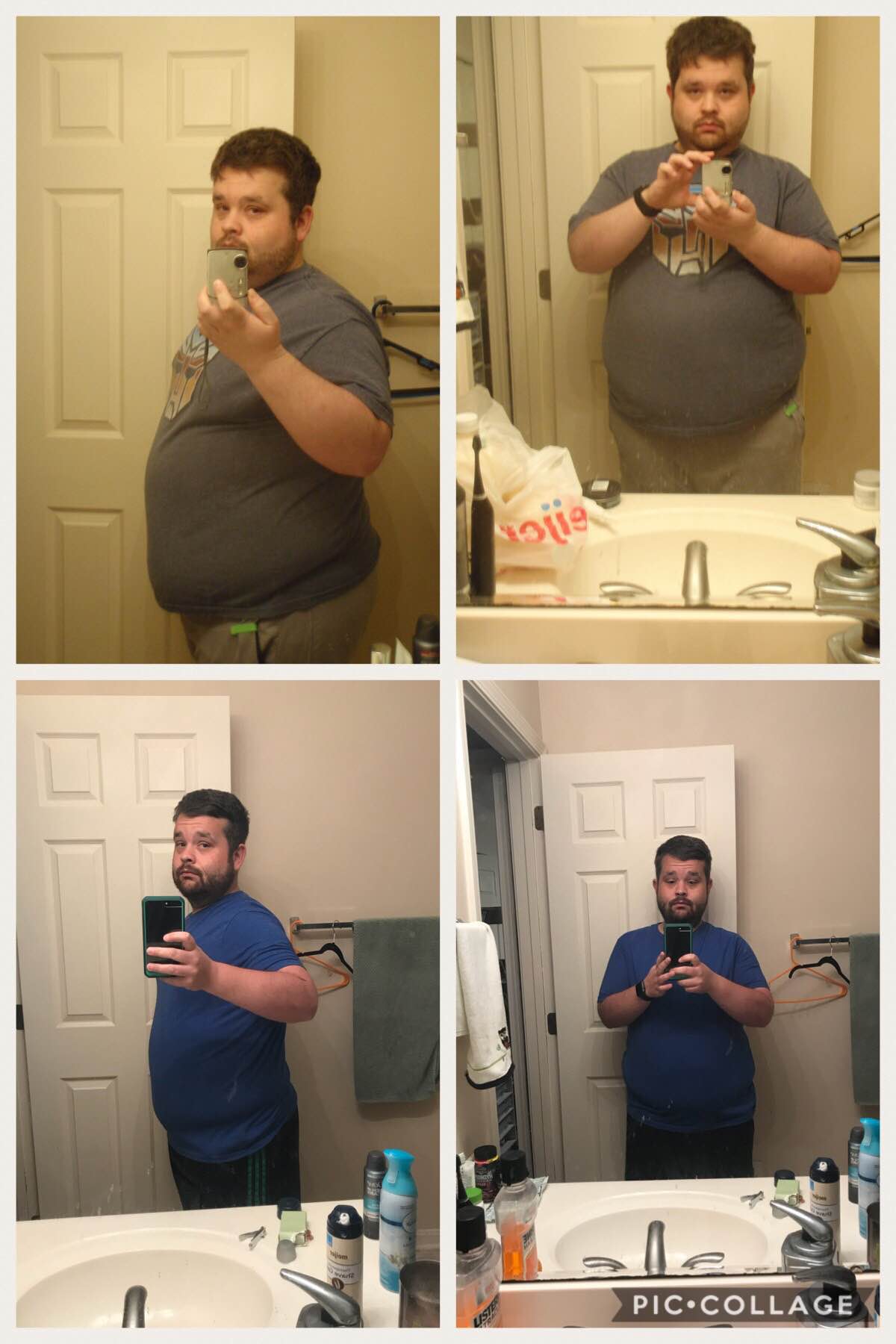
Awesome job!! I’m 6 days shy the 3 month mark. Down 70 total, around 50 since surgery. I suppose I can release the nasty bathroom selfies to the world. Lol
-
Today marks the 2 month point. Down 62.3 total, with 40 since surgery. Still smooth sailing! On Thursday someone commented on my weight loss that didn't know I had the surgery, so that was super amazing! haha. The thing that amazes me the most is that I haven't had any craving for cake! That is huge for me. Before I craved sugar constantly! Now that it is all out of my system and I am scared to death to even try sugar, sweets are just "meh" (though there is a rule at home and work that if anyone has sweets, they have to let me smell it since I do love the smell still. LOL)
-
Welcome! I had the bypass done on 3/29, and it too was my first surgery. The worst part was the diarrhea from the contrast used for the swallow test to make sure there are no leaks combined with the gas they pump you up with. Take my advice. Always go to the bathroom! Trust nothing! Lol. You probably won’t have much energy and will feel drained for a few weeks after, it will get better and then all of a sudden you’ll have a ton of energy, for me it was the 4th week once I started back on solid foods.
-
Woohoo!! Awesome job!
-
While losing 70 pounds may still be far from your goal, it’s also far from your starting weight. 70 pounds is a huge accomplishment, don’t down play it!! Go to the grocery and try to carry 70 pounds of butter or lard around the store, then you’ll see the big difference!! I started 320, so easily in the “no questions asked, head to the surgery line” group. Lol never feel embarrassed or unworthy for compliments! You have had a huge success whether you are ready to process it or not! [emoji3]
-
Awesome job Roxine!! I know exactly what you mean about airplane seats! My last trip was miserable. On the flight back home we didn’t have a jet bridge to board the plane, we had to go outside on the tarmac and walk up the stairs! That was bad enough and then it was a smaller plane that had no leg room and I had the lovely “let’s keep trimming this frayed seat belt” so that was a struggle to get buckled. As a 300+ guy, it was misery. Lol. Now for the fun stuff. I met with the dietician on Monday for the first time to see what it was all about (the one I had preop was a twig that just talked at me and contradicted herself.) during the preop class right before surgery, there was a different dietician who seemed to know her stuff well and actively engaged with our questions, I emailed her to see if I could get an appointment and she set it up. All I can say is “wow!” I’m so glad I went in to see her before starting the “normal eating phase” she gave me so many great tips. The first thing she said was “never eat fat free cheese. That’s garbage” lol. She wanted me to up my fat intake and aim for 80 grams of protein. She also encouraged me to get my walking up to 10k steps and suggested I join the gym at work since they have free training. I was so motivated when I left I came hone and hopped on the treadmill to get my 10k and 2 days later joined the gym. Yesterday I did something I never dreamed I would do, participated in a Pilates class! It was hard and I couldn’t do all the moves, but I did the best I could and it felt amazing. Also had my training session after work yesterday and got my personalized plan and learned how to properly use all the machines. Today my body hates me, but it’ll have to get over it because I’m about to go hiking! I’ve lost 26 since surgery and 48 total. I can’t believe the energy I have now and how I wake up before the alarm now. So glad I did this!
-
Congrats!!! I had my surgery Monday. All went well with the only bad thing being the horrible gas and diarrhea from the X-ray contrast. Came home yesterday and so far just really sleepy which I’m told is normal. Had a protein drink for “dinner” last night and it was pure amazingness compared to the horrible broth and sugar free jello at the hospital. Like who would have thought those could be messed up. Lol. Wasn’t going to weigh until the 2 week mark but I cheated and I’m down 6 pounds from Monday morning.