
WendyMata
LAP-BAND Patients
-
Joined
-
Last visited
Everything posted by WendyMata
-
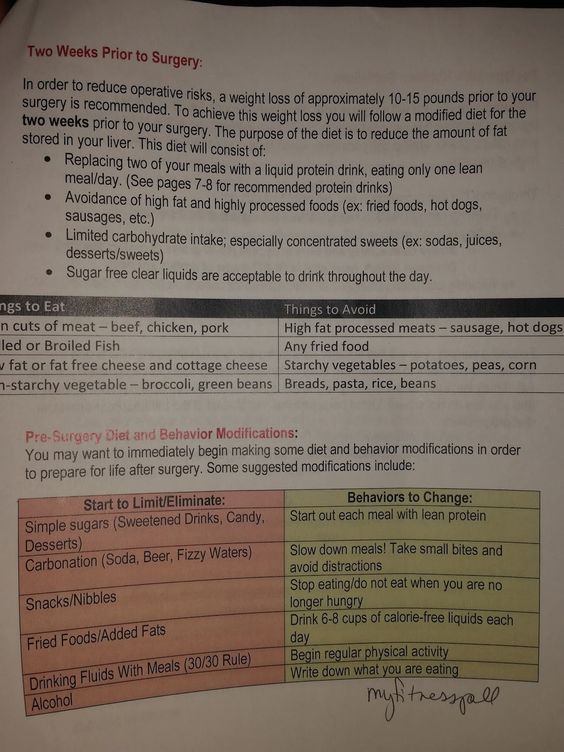
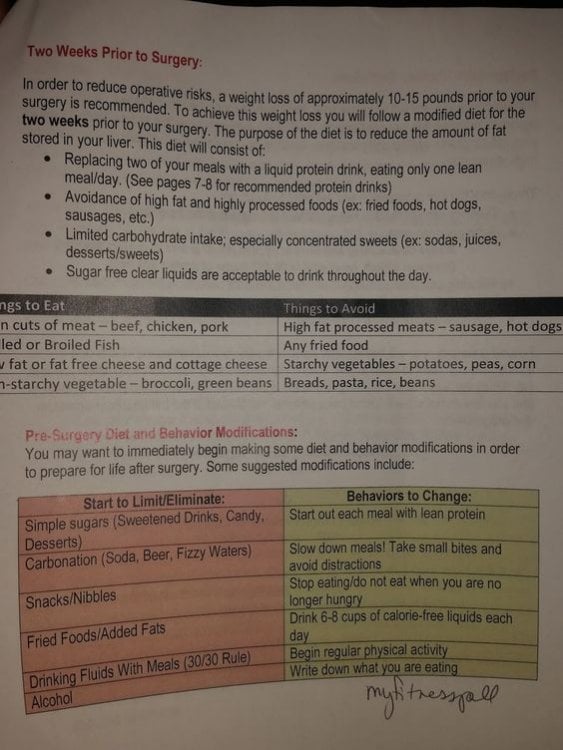
So, I was told, to do a "jump-start". Which meant, starting the weightloss all over again. And taking it back to my pre-op diet. I lost over 20lbs when I did it pre-op. And, truthfully, I have been doing awful lately. (I gained about 20 lbs back). My starting weight was 324. Pre-Op weight 298, lowest weight 236, current 260. I have fluctuated in the past- I am an emotional eater. Which is why I am up now. I have gone through a pretty rough year. But, I am jump starting again. Maybe, give it a try. The pre-op diet I did is attached. Don't get discouraged. We have all been there. Trust me, I could never get lower than 236. It's frustrating. But, you have to remember that you are beautiful. Regardless of how big or small your waist is. Be strong, and brave. And wake up everyday with a purpose. Don't let being over-weight ruin your life. Life is beautiful, and the curves and hills on the road, make it way more fun. :*
-
Hey yall, Trying to kick-start my weightloss again. I lost about 20lbs pre-op doing the diet that was recommended by True-Results. Anyone still have a copy of this?