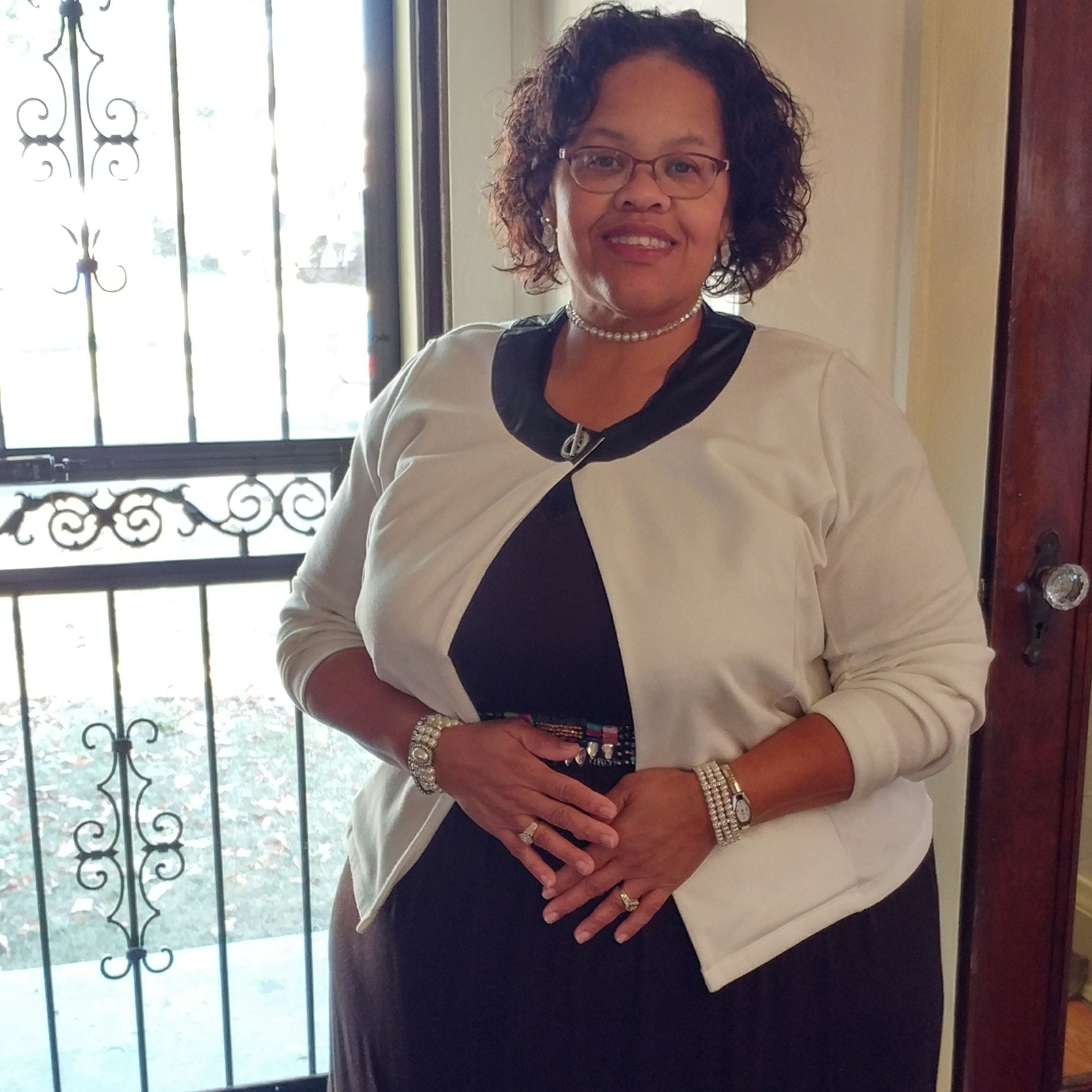
Johnwife4sure
Pre Op
-
Joined
-
Last visited
Everything posted by Johnwife4sure
-
Feel better Sent from my LGLS992 using BariatricPal mobile app
-
Hope things go well for you as well I lost 35 lbs on my own it took me 7 months Todo it! Sent from my LGLS992 using BariatricPal mobile app
-
November 16 can't wait today from 8am til 3pm pre Admission Q&A now working very hard on this Clear Liquid regiment family fly in Tuesday for my upcoming surgery! Sent from my LGLS992 using BariatricPal mobile app
-
My date is Nov 16 I'm so excited!!! Sent from my LGLS992 using BariatricPal mobile app
-
Good job Sent from my LGLS992 using BariatricPal mobile app
-
Wow that's great Sent from my LGLS992 using BariatricPal mobile app
-
Thanks Sent from my LGLS992 using BariatricPal mobile app
-
Thanks Sent from my LGLS992 using BariatricPal mobile app
-
November 16 for me Sent from my LGLS992 using BariatricPal mobile app
-
Hi I've been in this liquid regiment sense November 2 my surgery is scheduled schedule for Nov 16 However today I ate a protein bar?? Will this affect my up coming surgery ? Sent from my LGLS992 using BariatricPal mobile app