
MyBariatricLife
Gastric Sleeve Patients
-
Joined
-
Last visited
-
-
MyBariatricLife changed their profile photo
-
-
 logicwand reacted to a post in a topic:
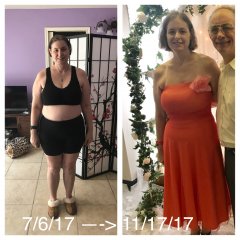
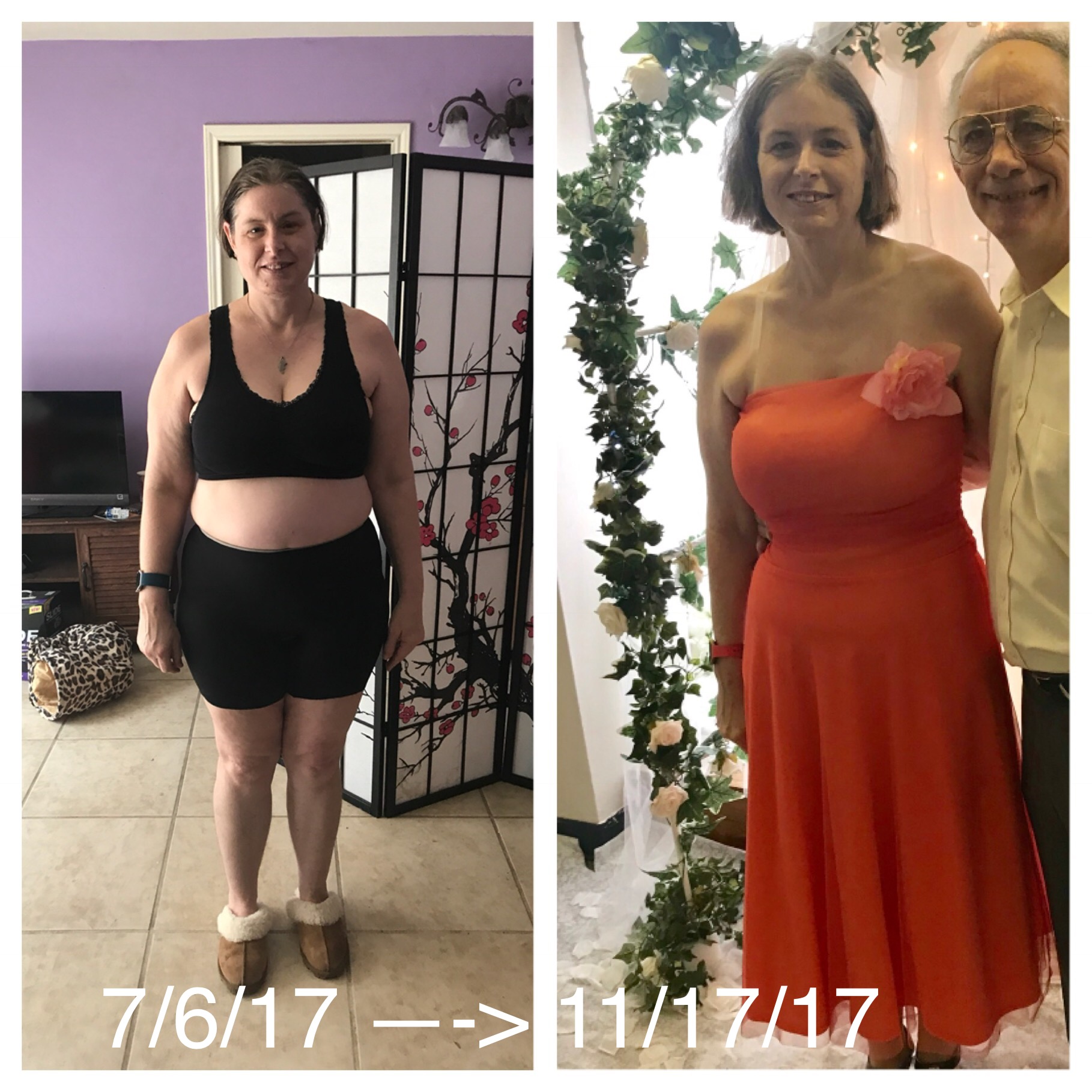
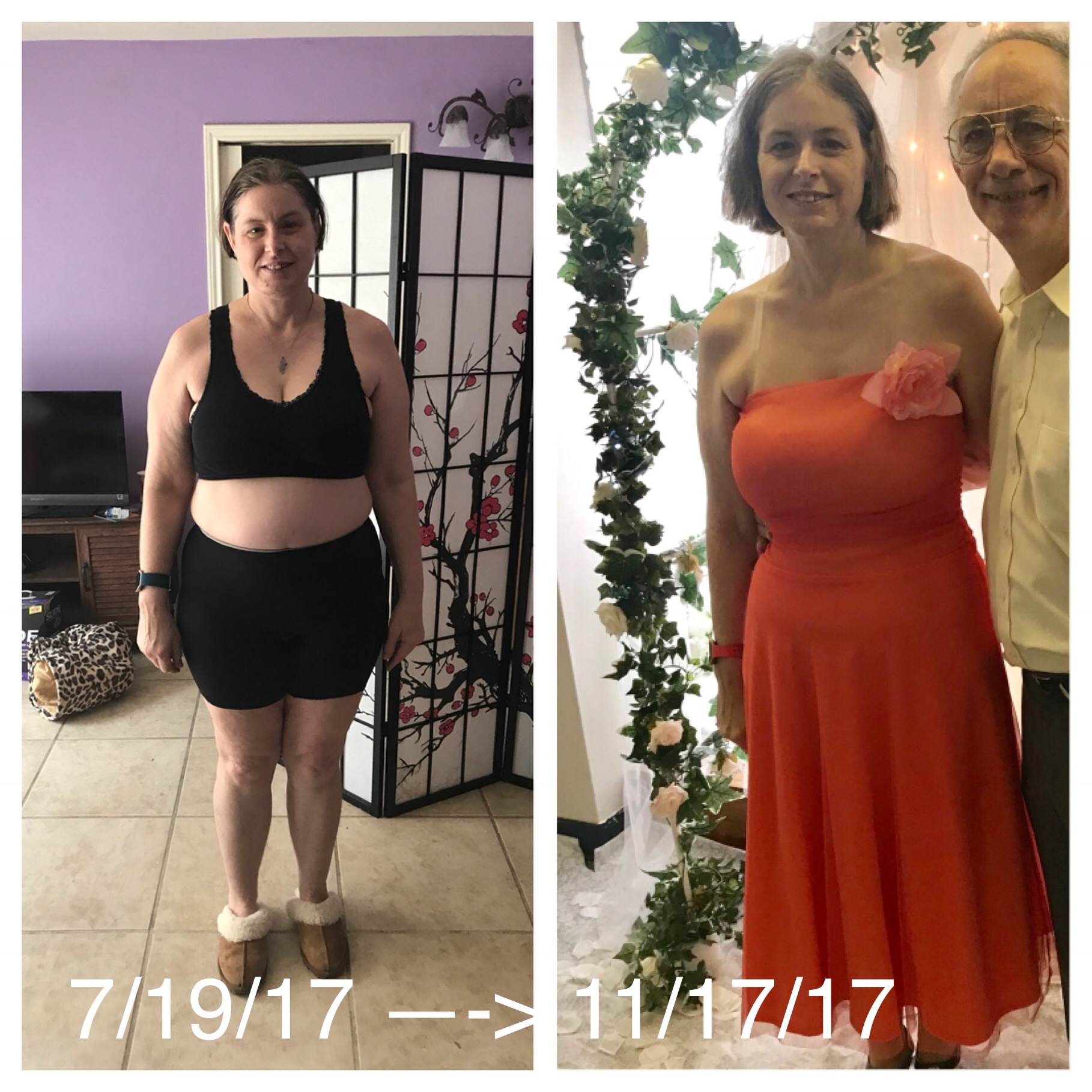
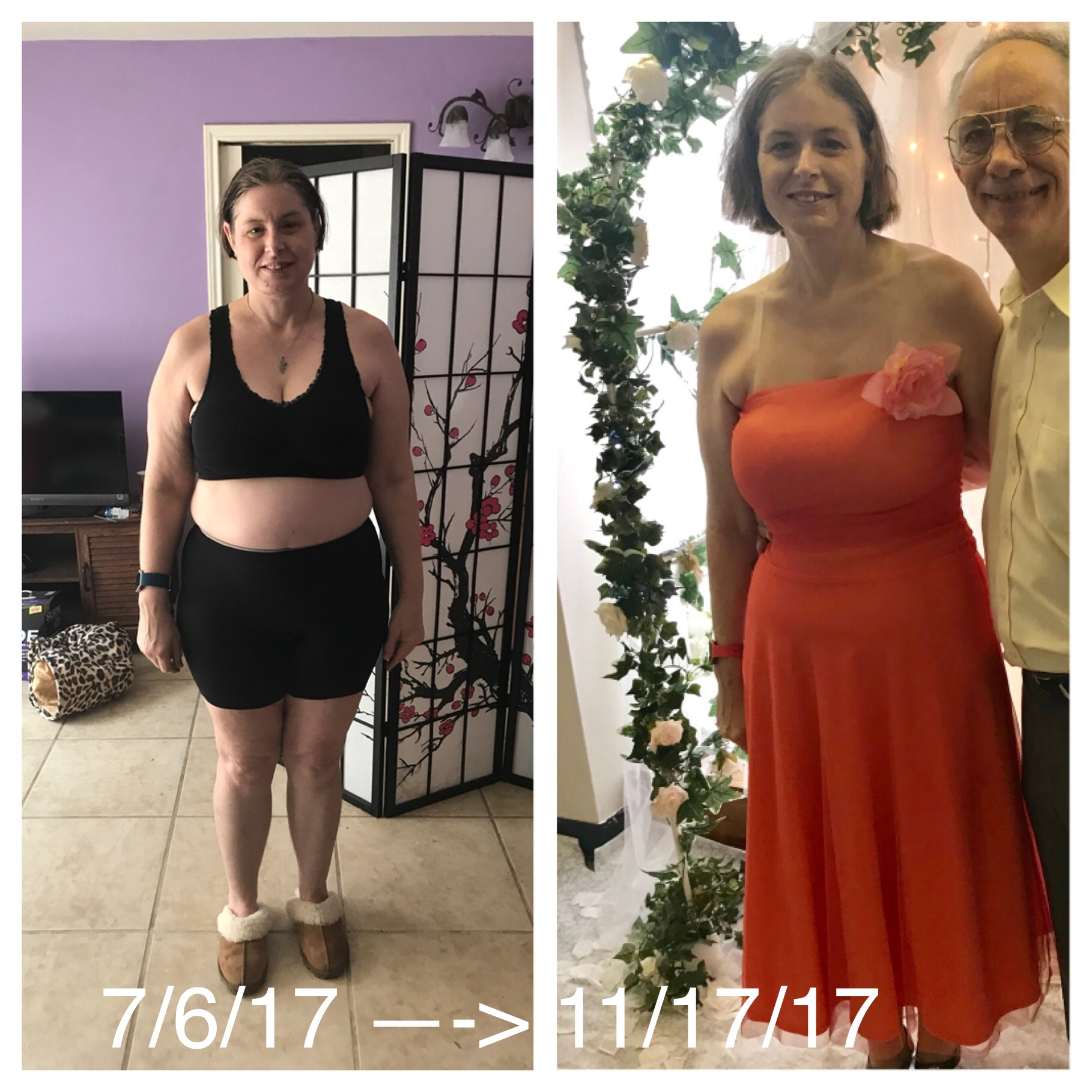
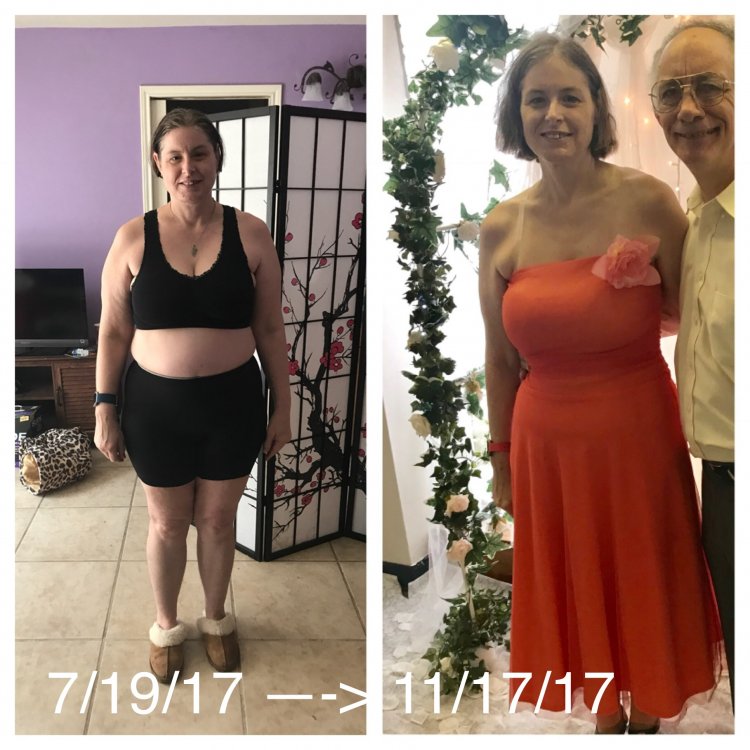
Before and after 6 months out. I am loving everything about my new self. I have more self confidence than ever!
logicwand reacted to a post in a topic:
Before and after 6 months out. I am loving everything about my new self. I have more self confidence than ever!
-
The website still lists Star Medica. https://www.beliteweight.com/facilities-details/?id=18
-
Nope. I was at Star Medica 6 months ago through BeLiteWeight.
-
-
Maggie1955 reacted to a post in a topic:
Before and after 6 months out. I am loving everything about my new self. I have more self confidence than ever!
-
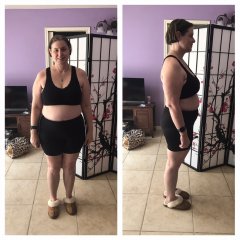
202.4 - before surgery, a weight loss surgery photo album by MyBariatricLife on BariatricPal. 2 photos in Before and After Gastric Sleeve Photos.
-
I’m now 6 months out. Lost 45 pounds, maintained through the holidays. Looking forward to getting back on track soon (after my birthday, which is tomorrow). Very happy with BeLiteWeight and the hospital I was at.
 BeLiteWeight has two hospitals and two surgeons. Sometimes they use Hospital Angeles. I was at Star Medica, but both are used.
FluffyChix reacted to a post in a topic:
Let's Play Another Round of "How I Get My Protein" post WLS
I used to gain on 1500 (with extreme exercise). Lost slowly on 1200. It took forever to find the right combo of thyroid meds. I take 120mg NP Thyroid (similar to Armour) plus 100mcg levothyroxine. Now I can burn 1700 calories a day if I lay around and do nothing.I love hiking.I never had reflux because of the sleeve.In lou of kids, I have three cats. They're my kids.Single, two months out. I'm 46 and never wanted kids or a husband to deal with.
MyBariatricLife reacted to a post in a topic:
A patient died after surgery with Dr. Elias Ortiz at A Lighter Me!
Don't know why it posted 5 times! Eek!Halfway to goal, and only 10 more pounds until I am in a normal weight range for my height!Halfway to goal, and only 10 more pounds until I am in a normal weight range for my height!Halfway to goal, and only 10 more pounds until I am in a normal weight range for my height!
BeLiteWeight has two hospitals and two surgeons. Sometimes they use Hospital Angeles. I was at Star Medica, but both are used.
FluffyChix reacted to a post in a topic:
Let's Play Another Round of "How I Get My Protein" post WLS
I used to gain on 1500 (with extreme exercise). Lost slowly on 1200. It took forever to find the right combo of thyroid meds. I take 120mg NP Thyroid (similar to Armour) plus 100mcg levothyroxine. Now I can burn 1700 calories a day if I lay around and do nothing.I love hiking.I never had reflux because of the sleeve.In lou of kids, I have three cats. They're my kids.Single, two months out. I'm 46 and never wanted kids or a husband to deal with.
MyBariatricLife reacted to a post in a topic:
A patient died after surgery with Dr. Elias Ortiz at A Lighter Me!
Don't know why it posted 5 times! Eek!Halfway to goal, and only 10 more pounds until I am in a normal weight range for my height!Halfway to goal, and only 10 more pounds until I am in a normal weight range for my height!Halfway to goal, and only 10 more pounds until I am in a normal weight range for my height!