
Iconcinnity
Gastric Sleeve Patients
-
Joined
-
Last visited
Everything posted by Iconcinnity
-
Red looks good on you! One of my favorite colors to rock!
-
Sorry - misread that question! I had my op at The University of Michigan with Dr. Jonathon Finks. Sent from my LG-TP450 using BariatricPal mobile app
-
Thanks Mike! Sent from my LG-TP450 using BariatricPal mobile app
-
Hi Ria - 5/31/2017 was my surgey date. Sent from my LG-TP450 using BariatricPal mobile app
-
Swap those dates! First photo is Sept. Second is new years eve! Sent from my LG-TP450 using BariatricPal mobile app
-
Here is my before pics and a few afters. The second photo was taken on Sept. 9 and I was about 225 lbs. The first photo was Exactly 7 months to the day of surgery (new years eve) and I have lost 109 lbs total so far and made it into the Onederland. The journey remains challenging but every day is a new day to do things the right way and I take it one day at a time. I'm thankful for the opportunity to have a new lease and outlook on life! on Sent from my LG-TP450 using BariatricPal mobile app
-
Keep up the good fight! You'll get there and have made great progress!
-
Nearly 7 months after surgery I am down 107 lbs and crossed into the "One"derland!! Feeling super optimistic about 2018 [emoji123][emoji16][emoji123] Sent from my LG-TP450 using BariatricPal mobile app
-
Consider finding a new doc who will support you and be an advocate! Sent from my LG-TP450 using BariatricPal mobile app
-
One thing you might try is measuring too. I went in for a six month research appt. and they did measurements. I was surprised to learn I've lost a total of 54 inches from all over. My mid-section was one of the highest with over 20 inches lost in that area alone! Keep at it and congrats on your journey thus far! Sent from my LG-TP450 using BariatricPal mobile app
-
6 months out and officially hit 100 lbs lost on Thanksgiving! Surely something to be thankful for!
-
Hi Sherry - its a running app that trains you to run a 5k in 9 weeks. Formally from Couch 2 5K. [emoji3] you start running at minute intervals and then increase your running each week. Sent from my LG-TP450 using BariatricPal mobile app
-
Sent from my LG-TP450 using BariatricPal mobile app
-
Thanks - each week sees a little more disappear. I'm now just 7 pounds from "one"dry land and over the weekend - hit 100 lbs lost! Sent from my LG-TP450 using BariatricPal mobile app
-
It ebbs and flows - some days you're down and some up and sometimes nothing at akl. It happens to all of us. Consider your body is changing at the deepest cellular level and give it time to catch up. It will! Sent from my LG-TP450 using BariatricPal mobile app
-
Good luck tomorrow Sherry! Sent from my LG-TP450 using BariatricPal mobile app
-
Clarification - 95 pounds lost. 211.6 in weight. Down from 306! Sent from my LG-TP450 using BariatricPal mobile app
-
I'm 5 pounds from 100 lost and 12.4 from "one"derland! Sent from my LG-TP450 using BariatricPal mobile app
-
Today I hit 95 lbs. on the scale. Almost to 6 month mark. I notice I do get cold quickly now. I've also started the shedding hair process, but I have a ton of hair so its not noticeable right now. Sent from my LG-TP450 using BariatricPal mobile app
-
I planned 4 weeks, but took three weeks. Could have gone back after two. Its important to take the time you need so plan for more but if you can go back early - then do that. Its hard to know how your body will react. I was active as soon as I came home from the hospital, but would fatigue throughout the day. Sent from my LG-TP450 using BariatricPal mobile app
-
Yes! Potassium might be needed! Helped me. Sent from my LG-TP450 using BariatricPal mobile app
-
Thank you so much! I feel really good! Sent from my LG-TP450 using BariatricPal mobile app
-
Thanks! Sent from my LG-TP450 using BariatricPal mobile app
-
December 2016 in my before to today's pic! HW: 306 SW: 289 CW: 214 Still more to go but celebrating every bit of this 92 lbs lost! Almost to 100 and "one"derland!
-
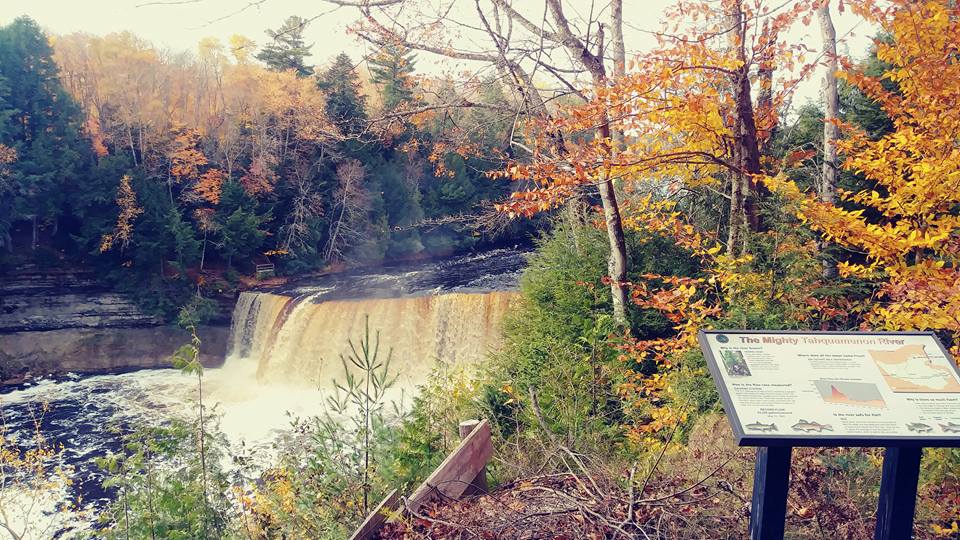
Fitting into hubby's jeans, hiking Tahquamenon Falls, overall health and wellness! Today we celebrated our 13th anniversary with a two mile hike to an international dark sky park (in the dark)! We could see the Milky Way belt, comets and satellites! The park lit the trail with tea lights so you could find your way! It was so cool! Sent from my LG-TP450 using BariatricPal mobile app