
feeln_froggy
Duodenal Switch Patients
-
Joined
-
Last visited
-
-
-
-
-
-
-
-
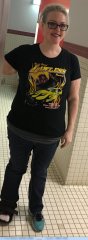
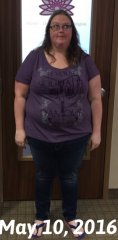
Hey all... I have been struggling the past 6 months. I am only 1 year post op so that is kind of sad that I have struggled 1/2 of the time, and have only lost about 15 lbs in the past 6 months. Overall I am down almost 120 (1lb away!), so I can celebrate that success, but I have hit a major plateau and nothing I seem to do will get me past that 195 mark. I only have between 30-40 left to go!! I know I need to get my exercise into a higher gear. My main concern is what should my macros be at 1 year post op. Anyone at my point continuously still losing a good amount of weight, what does your typical day of eating look like? I am still not sure if I should be focusing on low carb, the calories, the fat or what the heck I am supposed to be focused on!? Any help would be greatly appreciated! Thanks!!
-
After & Progress Photos, a weight loss surgery photo album by feeln_froggy on BariatricPal. 10 photos in Before and After Duodenal Switch Photos.
-
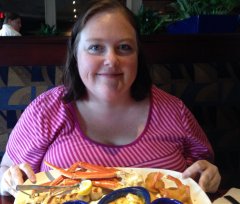
Before Photos, a weight loss surgery photo album by feeln_froggy on BariatricPal. 7 photos in Before and After Duodenal Switch Photos.