
Jinyinjin
Gastric Sleeve Patients
-
Joined
-
Last visited
-
-
-
-
-
-
-
-
-
-
-
-
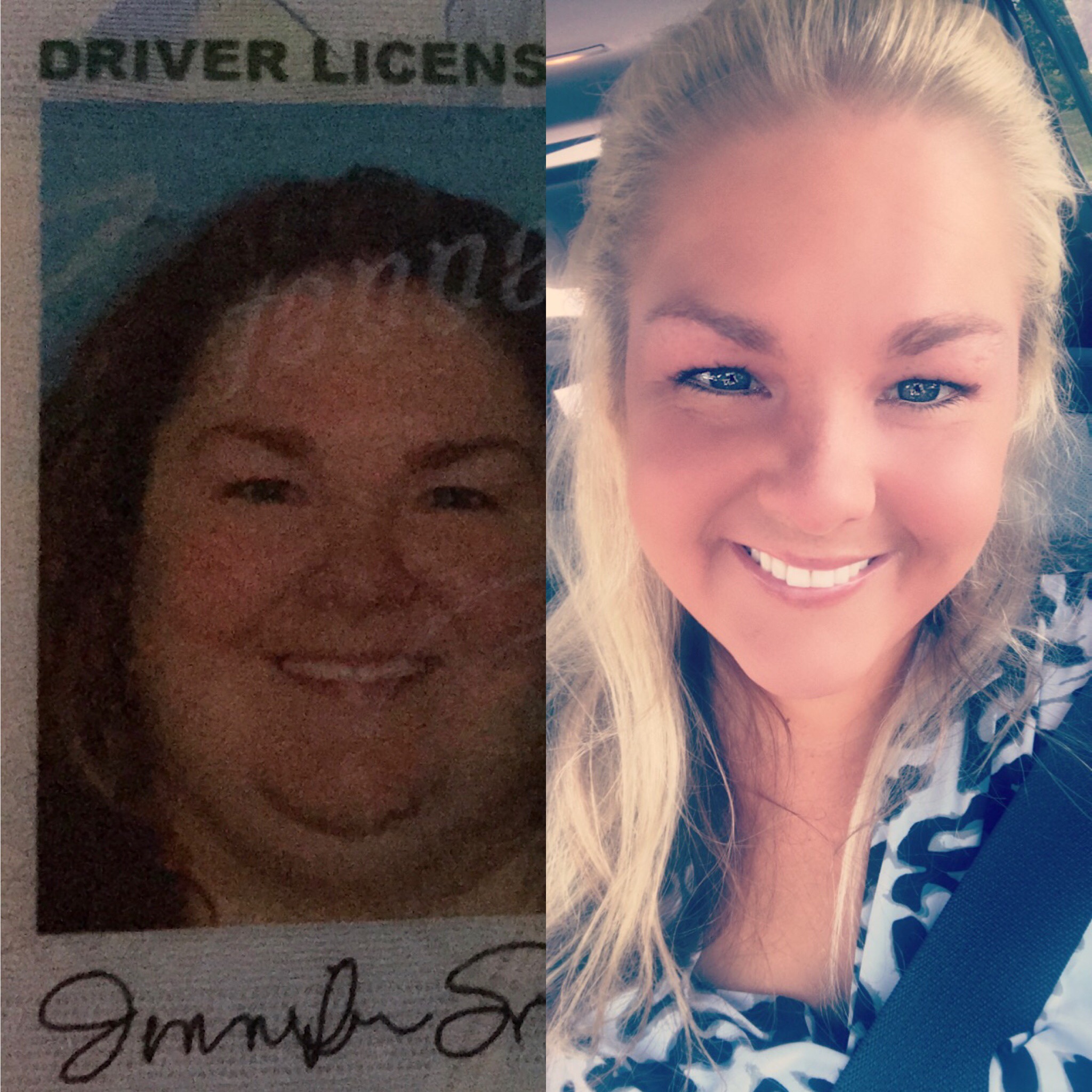
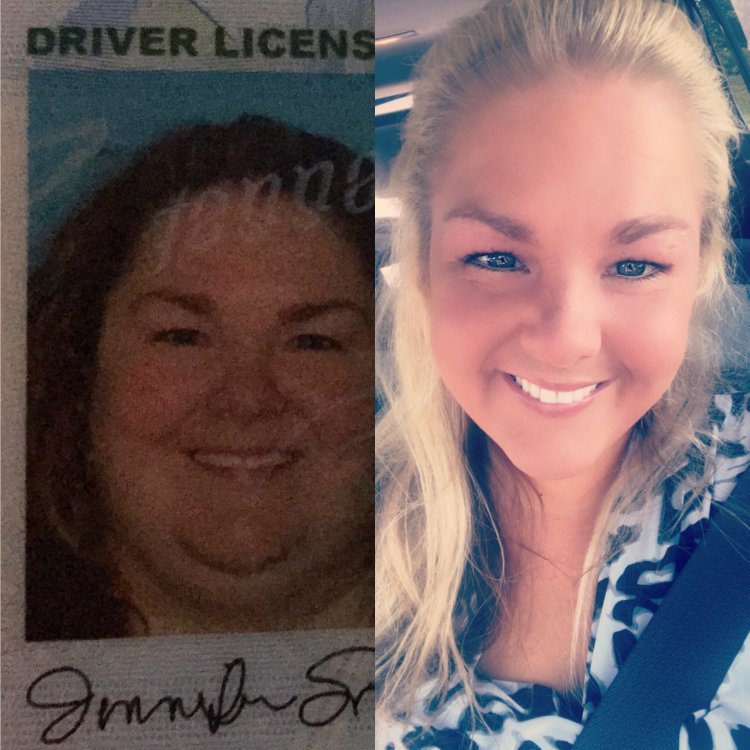
The first pic was taken at my highest weight of 262 and the other was taken last weekend. I'm down 74 pounds.
-
-
-
Thank you! I am drinking between 59-64 ounces a day. I need to learn how to measure.
-
-
-
Thank you for the advice!!
-
-
Checking at my log, I like yesterday, I had 66 proteins, 16 carbs, and 419 cal. My calories range between 400 to 600, my proteins range from 65 to 80, and my carbs don't usually go over 20. I am using the Baritastic app to log my food.
-
-
I'm getting between 65-80 grams a day.
-
-
I am sure there are tons of threads on this but they're hard to find. I had surgery on March 8,2017. Since then, according to my scale I've only lost 11 pounds in three weeks. Is this normal for anyone? At one week post op, I'd lost six pounds, so that's only five pounds in the two weeks since. Is this normal? I'm exercising. I'm doing everything I should be.
-
Noodles are very starchy and they are hard for your stomach to process. I would just follow the guidelines they gave you.
-
You should be getting a lot more water than that. Are you taking enough vitamins?
-
Yes the doctor knew I was.
-
Thank you!
-
Okay this weekend I don't know how but I've pulled a muscle in my neck. The doctor wrote me a prescription for muscle relaxers and a steroid. Is this safe to take? I had my surgery March 8.
-
Thank you! I will. I try to make my meals last as close to 30 minutes as possible.
-
Thank you guys so much. Yes, I take my time and eat very slowly. I'm glad there isn't something wrong with me.
-
Congratulations!!!
-
I am only 10 days post op and I can eat one scrambled egg. From everything I've read, people can't eat more then 2-3 bites without feeling full. Should I be concerned that I can eat one whole scrambled egg and don't feel that way? I'm content after I eat it and I don't feel sick.