Ready4aNewStart
Gastric Sleeve Patients
-
Joined
-
Last visited
-
-
-
-
-
-
-
-
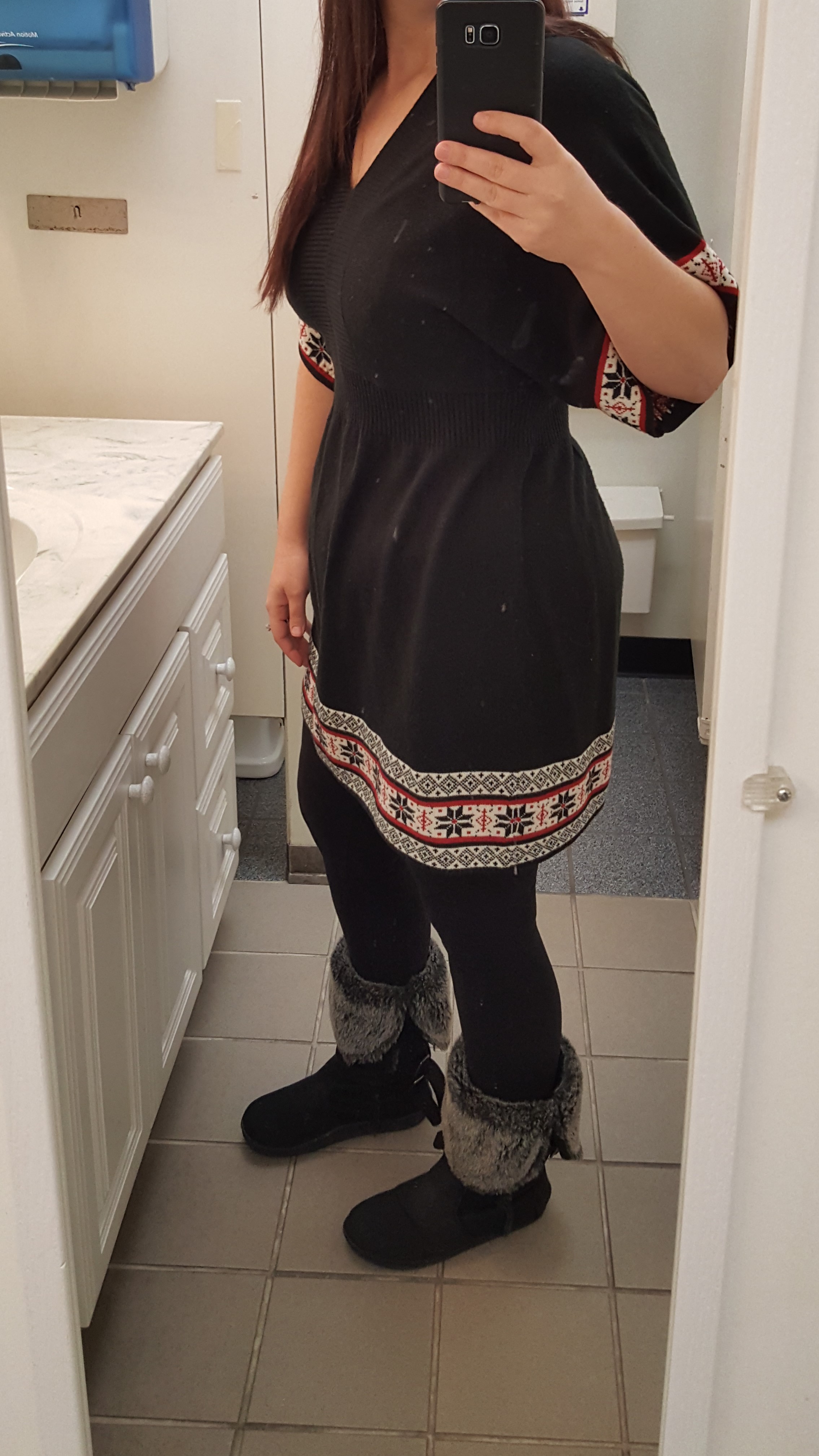
I am 7.5 month post op. I am feeling great! I started at 258 lbs. and am now 180 lbs. I am down 78 lbs. I have 15 lbs. to go until I am at my goal weight. We will see if I want to go further than that once I get there.

-
-
-
I am now 4 months post op. I am down 61 pounds since surgery. Weight loss has slowed down but I am still losing, so I'll take it. I am 32 lbs. away from my goal weight. I am so happy! I am able to wear cute clothes and not hide all my fat all the time. Yes, I still have fat to lose but I'm feeling more comfortable in my skin. Best decision I have made was to get the sleeve. I drink 1 to 2 premier protein shakes everyday. Try to get at least 60 oz. of water a day. I eat 3 to 4 meals. Meat being the biggest portion (3 oz.) then a couple tablespoons of potatoes, or veggies. I take 2 multivitamins a day and 1 biotin pill. Hair loss has started Not horrible but I can notice it. So I am hoping the biotin will help.
-
-
I had surgery on Monday, April 24th and went back to work on Thursday, April 27th. I have a desk job as well. I was a little tired but felt fine.
-
I would call the nutritionist and give her your daily food journal so she can help you out. My first thought would be to lower the calories and lower the carbs a little. If your still trying to lose I think 800-1200 calories is what should be consumed based on questions I've asked my nutritionist. Any more than that would be to maintain weight or gain.
-
I have only been walking. I plan to start using our elliptical next week to see if that helps also. We do have weights in our basement also, I will have to start using those too. Thanks for the reply. And a 4 month stall...WOW....I feel for you! I'm glad your back to losing now!
-
Good morning everyone, I am 10 weeks post op and have been stuck at the same weight for the last 2 weeks. I am down a total of 43 pounds since surgery. I drink 2 protein shakes a day, and eat 3-4 times per day. A sample of my meals include a lite string cheese and a small fruit cup in water not syrup. Another sample meal would be 5 tablespoons of tuna fish and 4 or 5 whole wheat crackers. I do eat chicken for meals occasionally as well. I am drinking about 60 oz. of powerade Zero or crystal light every day also. Any suggestions would be great. Thank you!
-
Everyone looks so good!
-
-
-
Today is 3 weeks post surgery. I feel amazing. I am down 28 lbs. People are noticing that I am losing weight and telling me I look good. That makes me feel so good and encourages me to stay on track as well. My clothes are getting baggy and I may have to search in my closet for some smaller sizes soon. 1 hard boiled egg mixed with 2 teaspoons of light miracle whip fills me up. The feeling is a weird feeling when your full but I am getting used to it. How are other post op's doing with weight loss?
-
Thank you. I am so happy I had the surgery. I am down 24 pounds now. The surgeon just said nausea is a very common side effect from this surgery. It lasted for 2 days and then went away with the help of the medications. It is amazing at what small quantities of food fill you up now. Good luck with your surgery.
-
Nausea lasted about a day and a half for me. I don't remember being put out for anesthesia but apparently I did good. I'm not on you tube lol.
-
It is so worth it! I was supposed to be sleeved on May 2nd but they moved it up to April 24th. I was very nervous and excited but am so happy I went through with it. I am down 20 lbs from last Wednesday. I am assuming a lot of it has to do with still being on liquids but still happy about it. The biggest problem right after surgery was the Nausea. Now its the gas pain but gas x chewables are helping along with walking. I am back to work and feeling pretty good. I haven't had to take any pain medication since 7pm the day of my surgery. My surgery was at 11:45am. Good luck to everyone preparing for surgery. You won't regret it!
-
I am actually down 20 lbs. from last Wednesday. I am assuming due to just being on liquids. But hey i'll take it! I'm really starting to feel better with a small amount of the gas pains left. I have returned to work, I have a desk job where I can get up and walk whenever I want. So that has really helped. I too am struggling to get the liquids in but I just keep sipping.
-
I was sleeved on Monday, May 24th. I am 3 days post op now. I haven't had any pain. I had horrible nausea from surgery until last night. Also, I have had gas pains every time I take a sip of water or crystal light. I went to rite aid last night and bought some gas X chewables to help. Hopefully this side effect stops soon. But I'd say with 0 pain I am pretty lucky!
-
I finished my presurgical testing yesterday. They moved my surgery date up to this Monday at 10:30am. I'm so excited yet nervous!!!
-
-
I'm not sure what brand my shakes are. It was a kit that my doctor made me order. The shakes are tolerable. The chocolate mix is combined with 8 oz. of fat free milk. I drink 4 of these a day, 1 packet of chicken soup broth mixed with 8oz. of boiling water. Then I take a peach fiber drink that is pretty good at night before bed. The vitamins they have me taking both now and after surgery is a procare multivitamin and 2 calcium citrate vitamins from celebrate vitamins each day. The calcium pills I got in a cherry tart flavor. They are really good. The multivitamin isn't that tasty. As far as the surgery goes, my husband, sister, brother, boss, and a few friends are the only ones that know. I'm not telling extended family because I don't want to hear the negative comments. I am 29 years old, married, and have a 1 year old daughter. My start weight is 258lbs according to the scale last week at my appt.