Coachthex32
Gastric Sleeve Patients
-
Joined
-
Last visited
Everything posted by Coachthex32
-
I am able to get plenty of fluids down to stay hydrated. Only 9 days post op. When is it ok to start drinking coffee again? Sent from my iPhone using the BariatricPal App
-
Thanks! Sent from my iPhone using the BariatricPal App
-
I'm on Phase 2 liquids. The list includes strained cream Soups. Would tomato Soup be ok? Sent from my iPhone using the BariatricPal App
-
Dec 22. I would like to join. Sent from my iPhone using the BariatricPal App
-
I'm two post op and have been sipping liquids every 15 mins awake. (4 oz an hour) I can start shakes tomorrow. Do you drink these at the same rate? 1 oz every 15 mins? Sent from my iPhone using the BariatricPal App I meant to say two days post op. Sent from my iPhone using the BariatricPal App
-
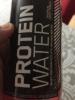
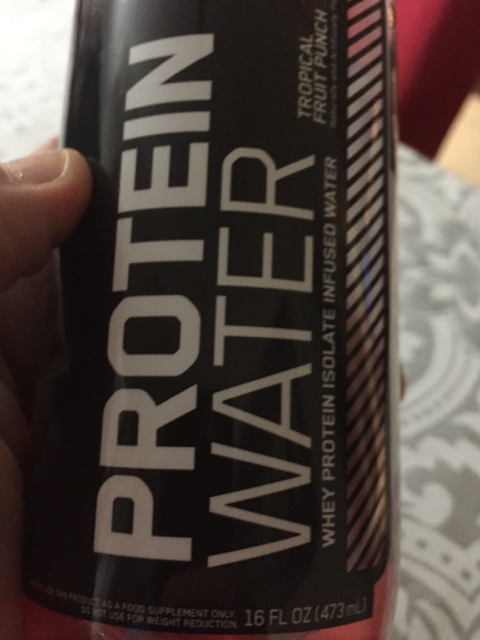
I am drinking 1 oz Protein Water and water every 15 mins. This will give me 40 g of protein and 48 oz of Fluid the first two days. The doctor wanted me to do this the first 48 hours before starting 3 weeks of liquid (shakes, broths, etc). Is it safe to quit measuring and just keep taking small sips without the measuring cup? I am still hydrated from the surgery (urine is still clear) but my mouth is extremely dry. Sent from my iPhone using the BariatricPal App