Dustinhall83
Pre Op
-
Joined
-
Last visited
Everything posted by Dustinhall83
-
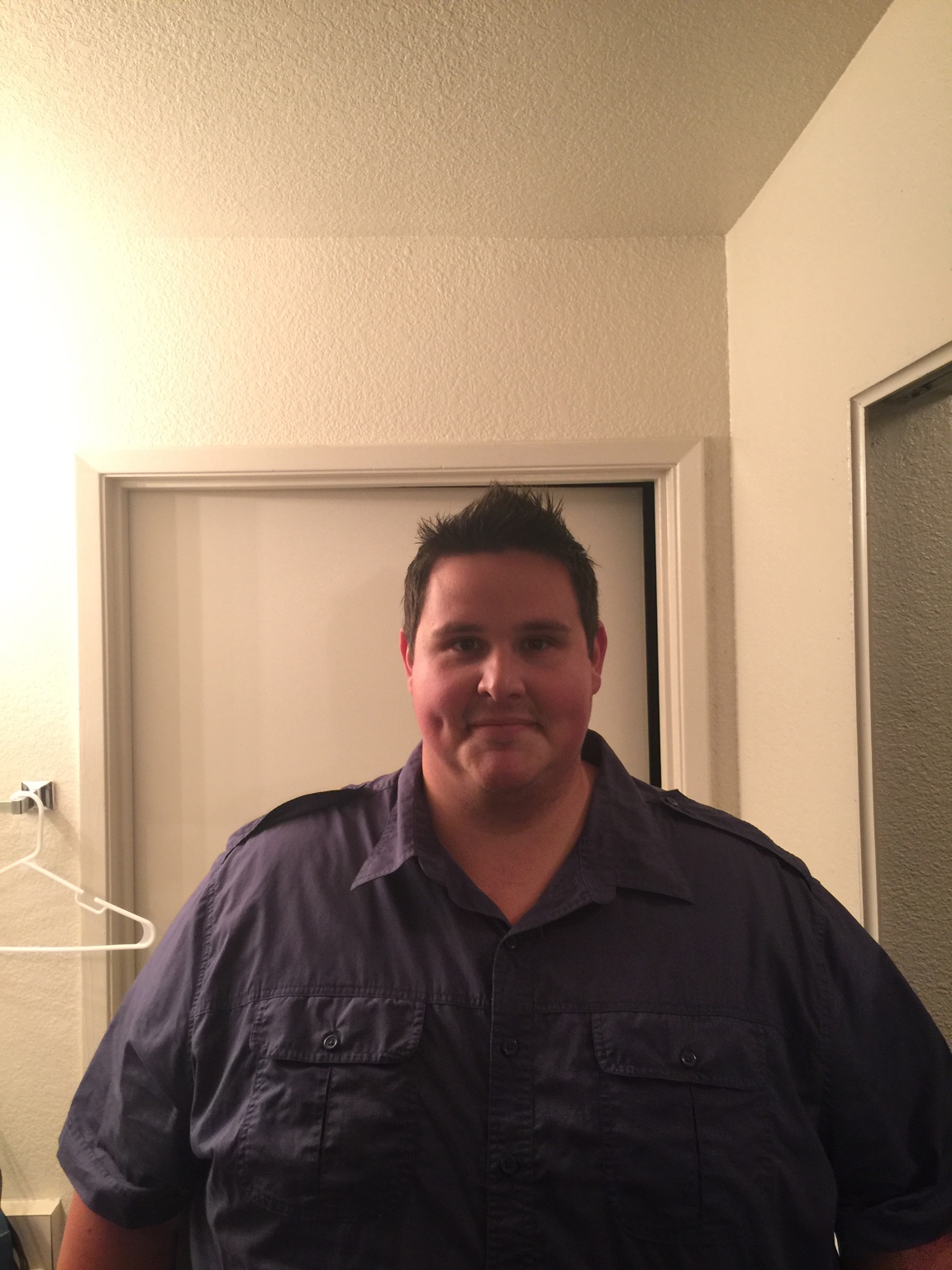
Hi All, Surgery was 7/29/16. I started my journey at 533lbs and as of this morning I'm 295.6. I have a ways to go so I'm not nearly done but wanted to document my progress. I'll place some pictures below.
-
Mind over everything. I have been big my whole life and finally being able to fit on roller coasters, airplanes and shop at regular stores is a drive for me. It's important to find your drive on why and let that push you beyond what you "think" you could do Sent from my iPhone using the BariatricPal App
-
Any helpful tips you can share with your journey. I'm 3 1/3 post op and down 142lbs. Started at identical weight as yourself and hoping for the same results Sent from my iPhone using the BariatricPal App
-
Hi Everyone, Started my journey at 533.8. I went on my pre op diet and got down to 508 on July 29th 2016. It's been an Up and down road with hip issues and gout but as of November 15th I'm down 142lbs. I would like to be at my goal weight of 220 by my surgaversary or soon after. Best decision ever and I don't regret it. I tend to walk 4 miles a day then do gym circuit, stairmaster and weights. Yoga has been great too. Can't wait to go on roller coasters. Sent from my iPhone using the BariatricPal App