




Skip to content
View in the app

A better way to browse. Learn more.

BariatricPal

A full-screen app on your home screen with push notifications, badges and more.

To install this app on iOS and iPadOS
  1. Tap the Share icon in Safari
  2. Scroll the menu and tap Add to Home Screen.
  3. Tap Add in the top-right corner.
To install this app on Android
  1. Tap the 3-dot menu (⋮) in the top-right corner of the browser.
  2. Tap Add to Home screen or Install app.
  3. Confirm by tapping Install.
  • Appearance

Join BariatricPal free

  • Ask your own questions
  • Reply and follow topics
  • Message other members
  • No cost, no spam

Rubie2292

Pre Op
  • Joined

  • Last visited

  1. Awesome!! CONGRATS!! Sent from my SM-N920T using BariatricPal mobile app
  2.    nana perez reacted to a post in a topic: Still working on me
  3. You look Great!!! Sent from my SM-N920T using BariatricPal mobile app
  4.    Rubie2292 reacted to a post in a topic: Early Plateau: Is something wrong?
  5.    jerz_gurl15 reacted to a post in a topic: made it to ONEderland [emoji2]
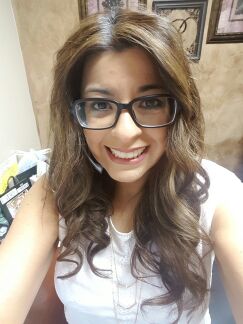
  6. Rubie2292 changed their profile photo
  7. Awesome feeling!! Keep up the great work! Sent from my SM-N920T using BariatricPal mobile app
  8. Sorry to hear about your ER visit. I was sleeved on 10/26 and have similar post op experiences. Difficulty with meeting my Protein intake and also have not had a BM since 10/24. Just wondering if the two issues combined could be a concern. I have had zero gas since surgery and my pain travels from my back to my rib cage and around my breast bone. Sent from my SM-N920T using the BariatricPal App

Account

Navigation

Search

Search

Configure browser push notifications

Chrome (Android)
  1. Tap the lock icon next to the address bar.
  2. Tap Permissions → Notifications.
  3. Adjust your preference.
Chrome (Desktop)
  1. Click the padlock icon in the address bar.
  2. Select Site settings.
  3. Find Notifications and adjust your preference.