mellivenelli
Gastric Bypass Patients
-
Joined
-
Last visited
Everything posted by mellivenelli
-
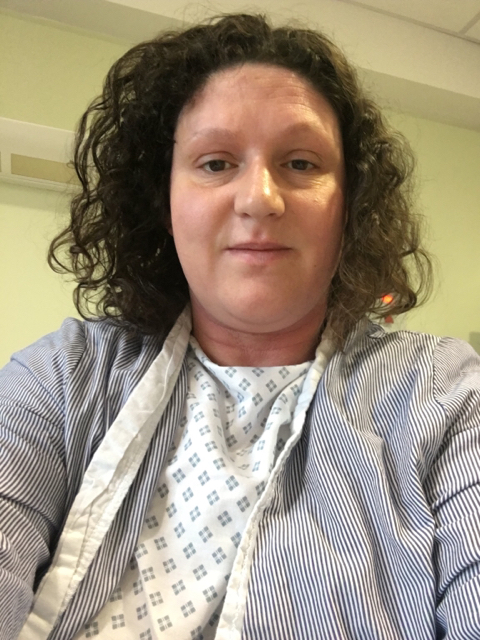
Currently waiting to go down for my bypass. Scared but excited. Praying it goes ok cos I've got lots of health problems. Good luck to anyone else going through this too. Sent from my iPhone using the BariatricPal App

-
I'll be your buddy. Im having mine the same day in the UK. Im a bit nervous because they may cancel it. I'll find out on the morning if it happens. Sent from my iPad using Tapatalk
-
Sending strength and healing vibes x Sent from my iPad using Tapatalk
-
Hi everyone! Im having the RNY on 20th december in the UK. Start my LRD on tuesday. Wishing you all luck! Sent from my iPad using Tapatalk
-
Thank you. You look amazing. Seeing you achieve this gives me hope xxx Sent from my iPad using Tapatalk
-
Hope it's gone well and you're ok x Sent from my iPad using Tapatalk
-
I willl be having my RNY on 20th december! Sent from my iPad using Tapatalk
-
Good luck!! Sent from my iPad using Tapatalk
-
Good luck Sent from my iPad using Tapatalk
-
Having my endoscopy on tuesday. Im more scared of that right now. Sent from my iPad using Tapatalk
-
December 20th here. Bricking it. Sent from my iPad using Tapatalk
-
Good luck! Sent from my iPad using Tapatalk