Weslee86
Pre Op
-
Joined
-
Last visited
-
-
-
-
I really need help getting on track again. I had Gastric Bypass in March 2016 My surgery weight was 476 Pounds For the first year the weight came off I have been stalling for the last 6 Months which my weight has been more or less constant. My current weight is 279pounds Any advise will be greatly appreciated to kick start the weight loss again
-
-
-
-
-
-
-
-
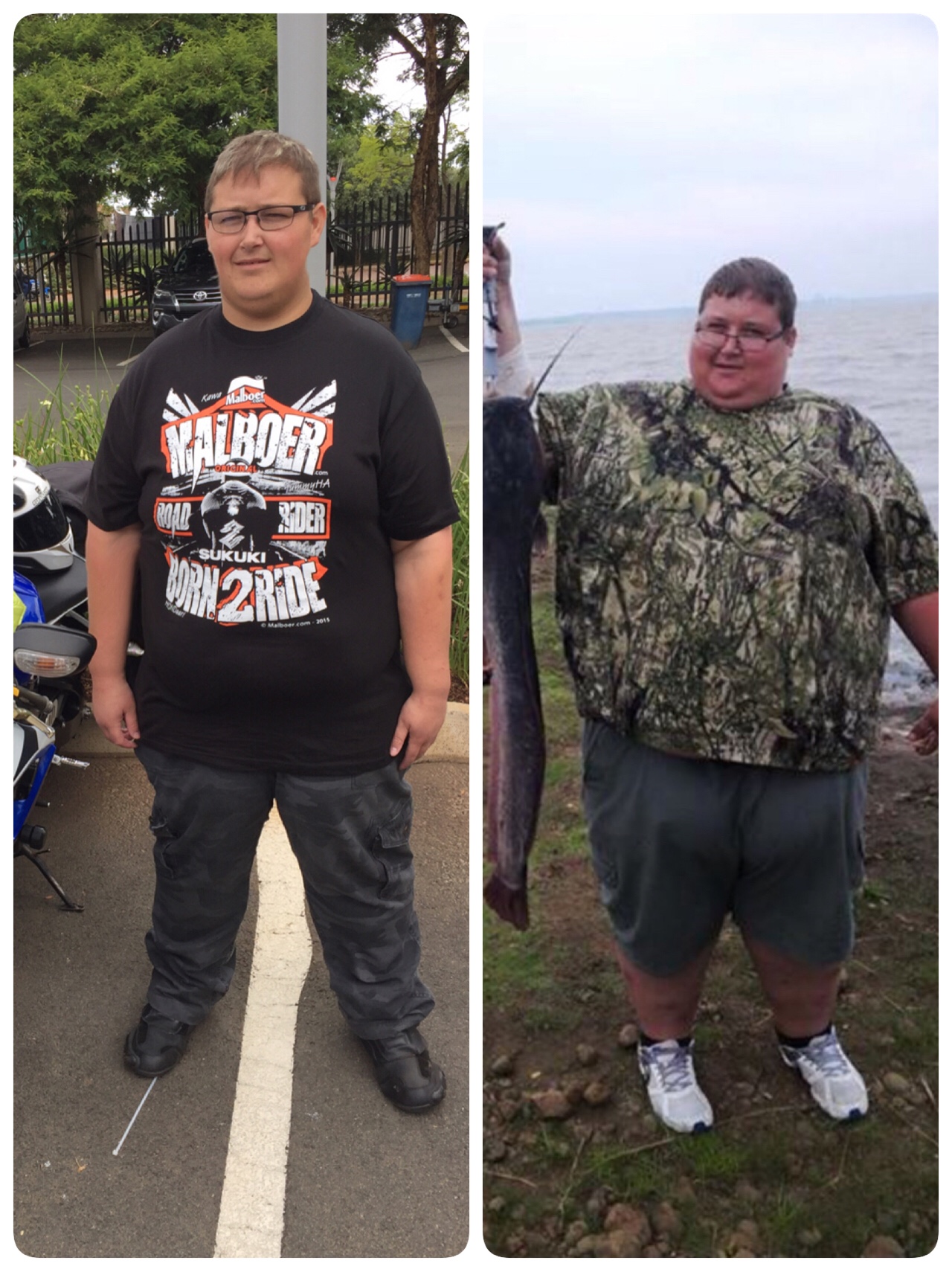
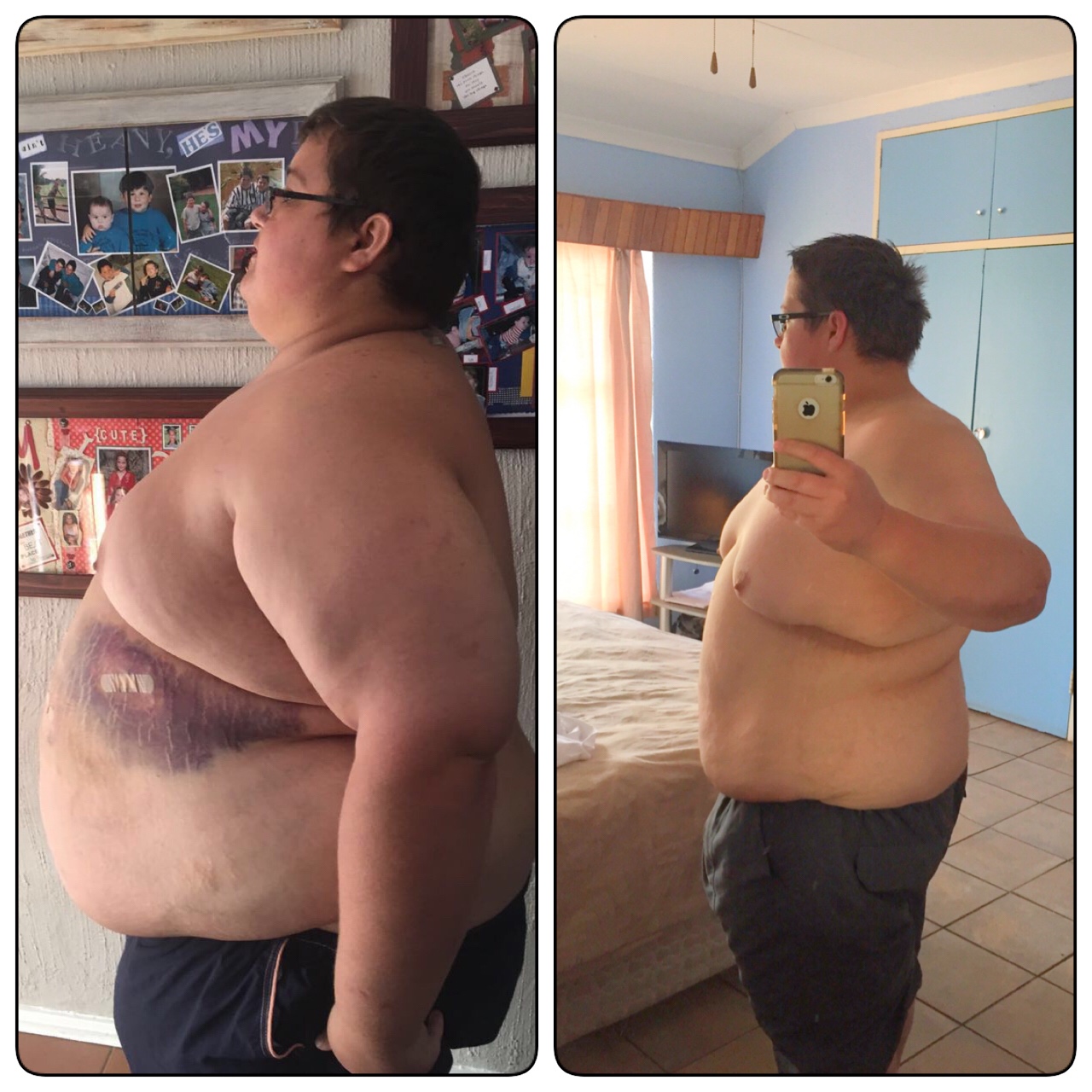
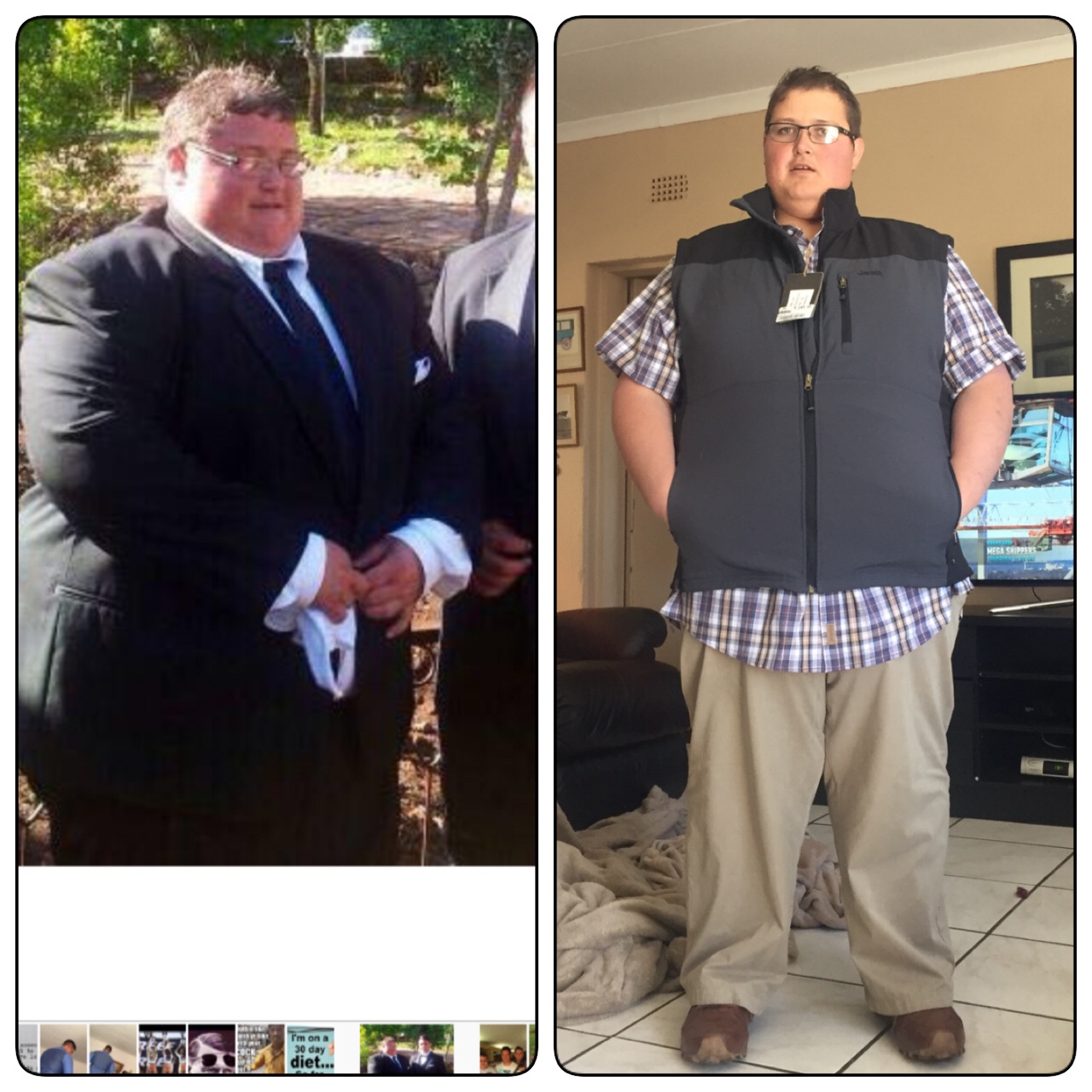
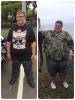
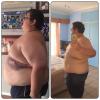
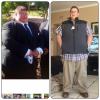
Surgery date: 8 March 2016 Surgery weight: 476 lbs or 216kg Weight as of today 295lbs or 134kg First picture: 20 Feb 2016 New picture: 10 Jan 2017 Still a long away to go but getting there slowly
-
Hi, Daniel Just saw this post from you and said if anyone need help. I'm from South Africa and had my surgery on the 7th March 2016 I don't know anyone else close to me which had the surgery which I can talk to. My doctor is not much help as according to him I need to almost starve my self so that I can loose weight I'm currently 7months post op and down 148 Pounds HW - 476 I feel great and do not have any pain. I paid in cash for surgery so I did not had to go to Nutritionist or pre op assessments. My questions are • What was the average weight you lost per month • What size portions did you eat at 7 Months • Did you also get hungry often Thanks for your assistance Just want to get some more info to find out if I'm on track. Sent from my iPhone using the BariatricPal App
-
Hi All I was just wandering what is the average weight loss after gastric bypass I'm currently 6months and 2 weeks and the last few months my weight loss has slowed down to between 13 pounds and 20pounds a month Just want to know if I need to try anything new or keep doing what I'm doing 8/3/2016 SW - 476 20/3/2016 CW - 335 Thanks Sent from my iPhone using the BariatricPal App
-
Thank"s everyone Your support helps me allot Sent from my iPhone using the BariatricPal App
-
SW - 476 CW - 337 Still a far way to go Sent from my iPhone using the BariatricPal App
-
Sent from my iPhone using the BariatricPal App
-
HW - 476 CW - 350 Surgery date was 8th March 2016 Sent from my iPhone using the BariatricPal App
-
Hi, this is my first time replying on this forum Had RNY on the 8th March Surgery weight - 476 Current weight - 374 I have not yet started to exercise I think having the surgery was the best thing I have ever done. I have so much more energy than before and sleeping have also improved I do not really count my calories and just eat small healthy meals Sent from my iPhone using the BariatricPal App