almalce
Gastric Bypass Patients
-
Joined
-
Last visited
-
-
-
-
-
-
-
-
-
-
-
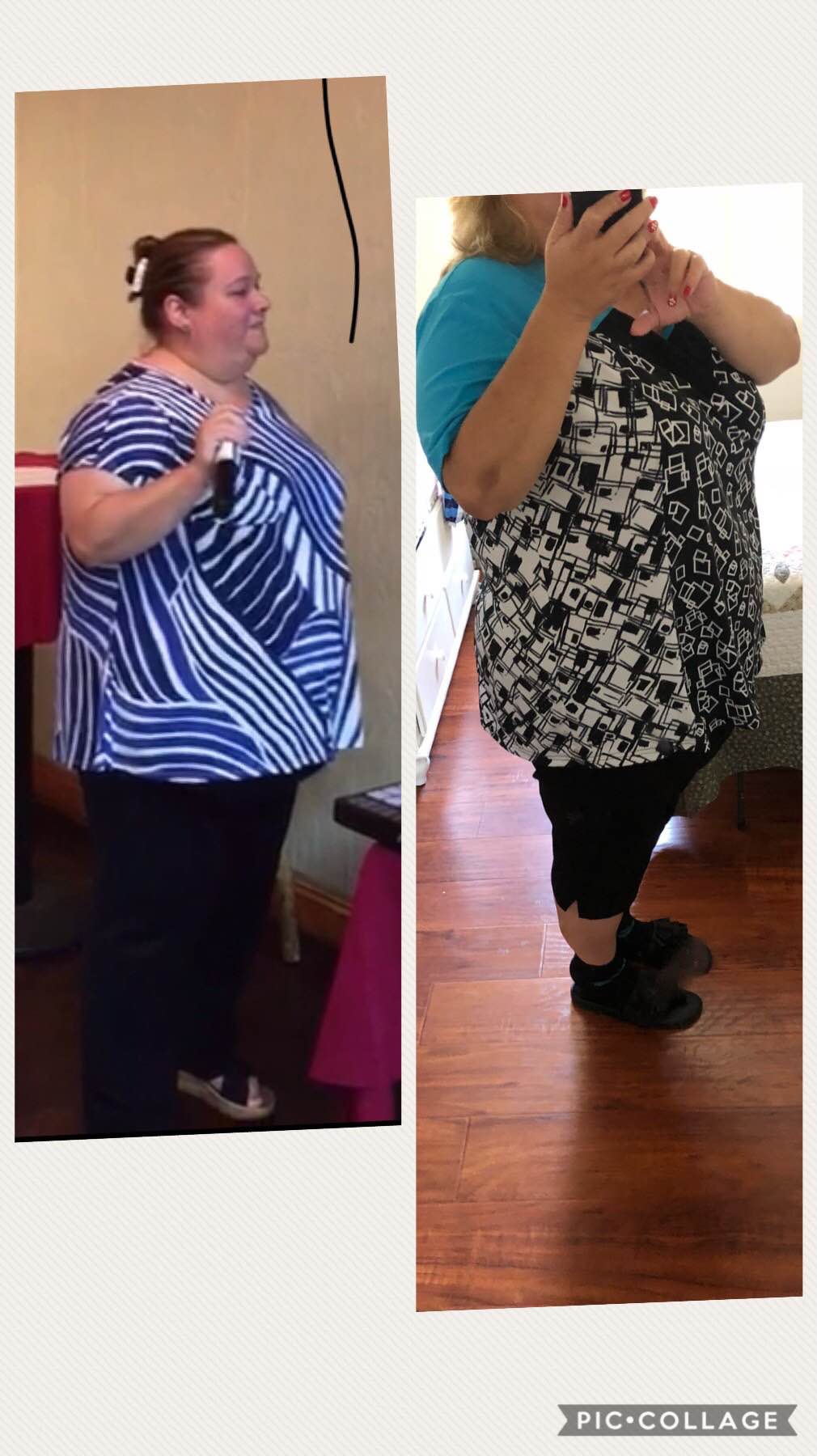
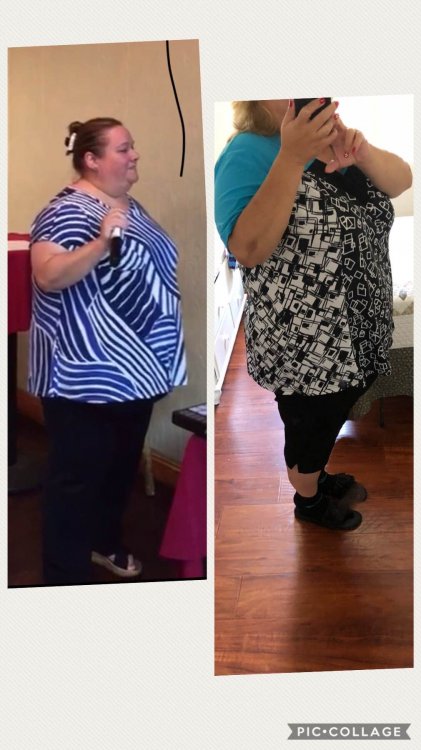
I have been away for a while but here is some progress that i’ve made.... Hw 368 SW 328 TW 268 I have not lost much weight but i have lost a total of 8 dress sizes so im super happy with that.
-
-
-
-
-
-
Band to RNY 1/18/2018 13 days later 25 lbs loss
-
-
Mine too
-
I had my surgery on the 18th as well. Have not had much pain because im walking. Im not going to lie i took pain killer once yesterday but my surgeon prescribed liquid form Tylenol with codeine. I have not been able to drink more than 1 protein drink a day though. I have an alarm that goes off every 15 Minutes to try to get some liquids down but at times i feel full and im scared if stretching my pouch
-
Me too! Im super anxious thinking about what I am going to feel after the surgery! Im scheduled for the 18th
-
Im scheduled for the 18th sooo nervous
-
-
Its been a week since i started my preop diet and i just want something that i like to eat. But im keeping strong didnt even cheat for new years i just keep telling myself focus on the end result this is what youve been waiting for for so long
-
I did i got the lemonade and orange Ive only tried the lemonade its not too bad i chugged it and had to do it on a water bottle... the hot cocoa is not too bad
-
-
He is my surgeon too...
-
I started my preop diet today....i can hear my stomach but i am trying really hard to not focus and looking forward to the end result. Whittier-CA
-
-
I had my lapband removed 11/2 and scheduled for bypass 1/18
-
-
Im scheduled for 1/18/2018 im starting my preop diet 12/28/2017 nervous excited so many emotions
-
This is the only dr approved by the IPA Sent from my iPhone using the BariatricPal App
-
Ive started this process about 10 months ago. Its been a long bumpy road. Ive been scheduled three times and than it doesn't happen. First time got cancelled cause i lost my job and lost my insurance. Got new insurance and approved right away to see bariatric doc. Had surgery date for august and it hot cancelled because i never got told by drs personnel that i had approval for preop clearance so that date got cancelled. Got new date by drs office for October i guess they waited to last minute to send paperwork and they didn't send all the proof and it got denied as i need to go from band to sleeve. I was told that they sent the appeal November 8 i have been calling emailing doing all my follow up and they say we are waiting on approval. Called insurance myself and insurance never received anything. Insurance submitted a grievance against them and have not heard anything back except i got paperwork to see if i want to request that see a judge for approval. I need guidance please help. Sent from my iPhone using the BariatricPal App
-
Congrats keep it up