bubblezluv005
Pre Op
-
Joined
-
Last visited
Everything posted by bubblezluv005
-
Gm this is special k 1448 I had my sleeve on 3/16 started at 203 day of surgery , today I'm down to 190lbs ! Taking everything to move my bowels milk of magnesia not working & miralax isnt either any suggestions how are you managing getting your Water down? Sent from my SGH-T999 using the BariatricPal App Awwwe I know it must be frustrating.. Thankfully I had no problems with my bowels. I know some people it took up to two weeks for them to have one. So just be patient and if it really is bothering you contact your doc. As for water intake I'm still not at where I should be but I sip all day..try and use flavor enhancers it should help. Me I prefer mines ice cold. Good luck
-
Well at least you only have to do it for one week. I was on a 2 week one
-
Awwww congrats and good luck hunnie..the liquid diet is hard and challenging ..you can do it tho. Are you allowed one meal. I was allowed one 300 calorie meal with mines
-
Thankyou and Dr Iqbal in Vineland Nj
-
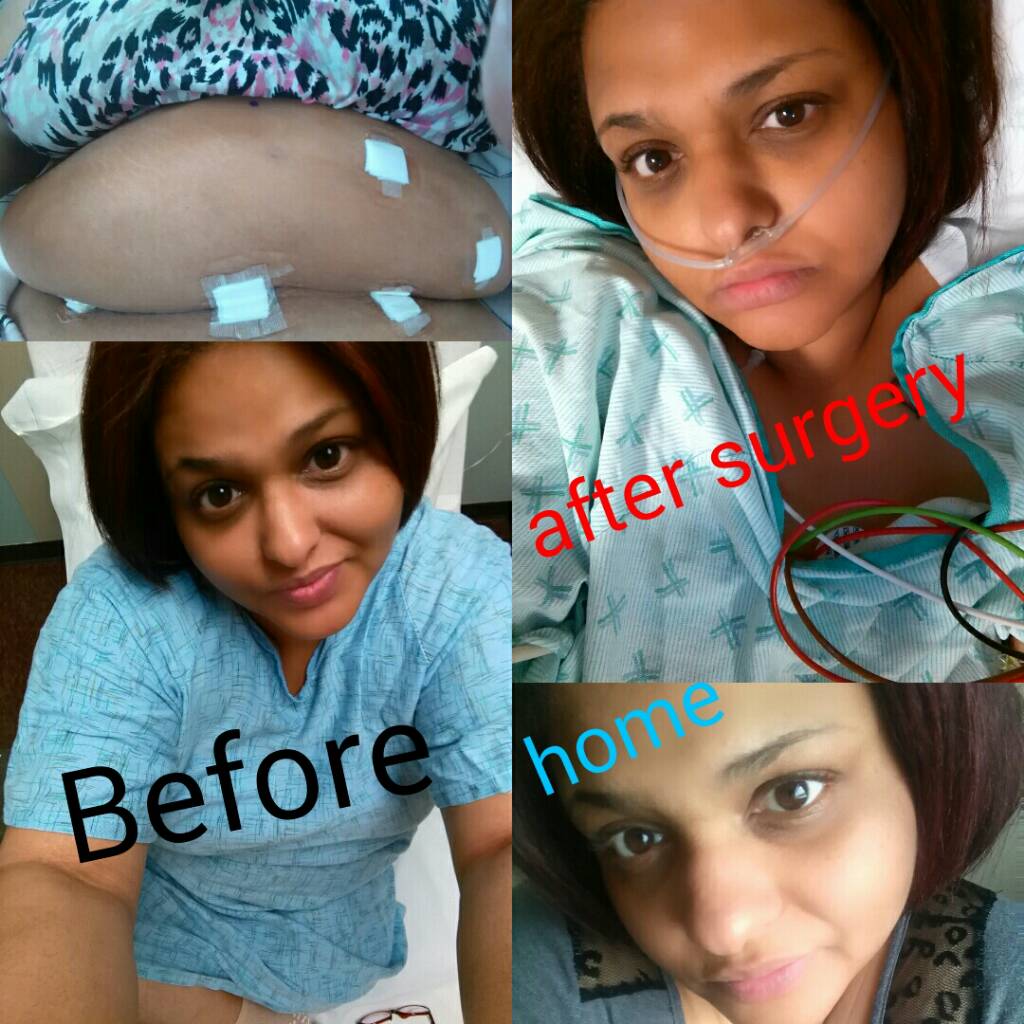
Hi my name is heather. I'm from new jersey and I am newly sleeved (3/14/16) Had my 1 week post op appt 3/22 and I'm down 16lbs. So excited about this journey to a healthier lifestyle. Hope you are all doing wonderful[emoji4] and best of luck to you all throughout your journey [emoji8] HW:302 SW:285 CW:269 GW:170