-
-
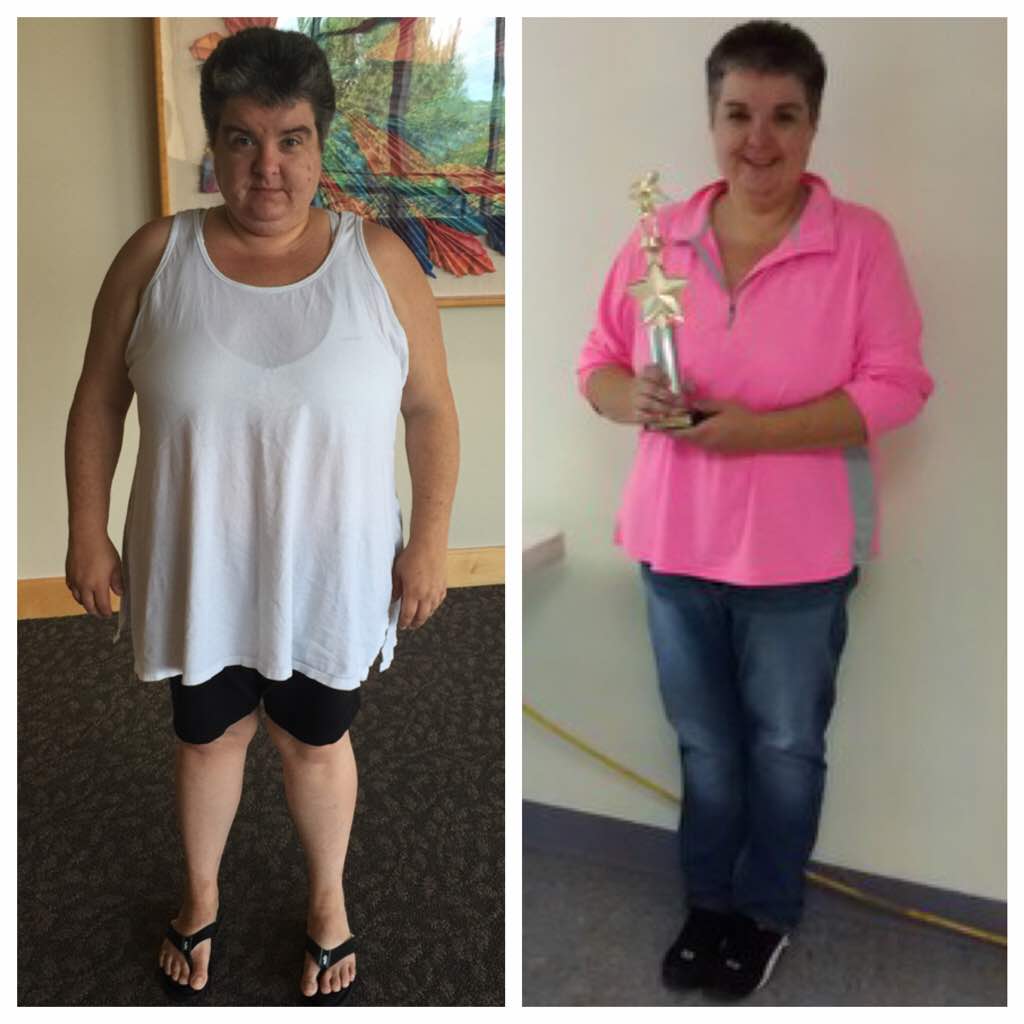
6 Weeks Post Bypass
-
-
August bypass friends
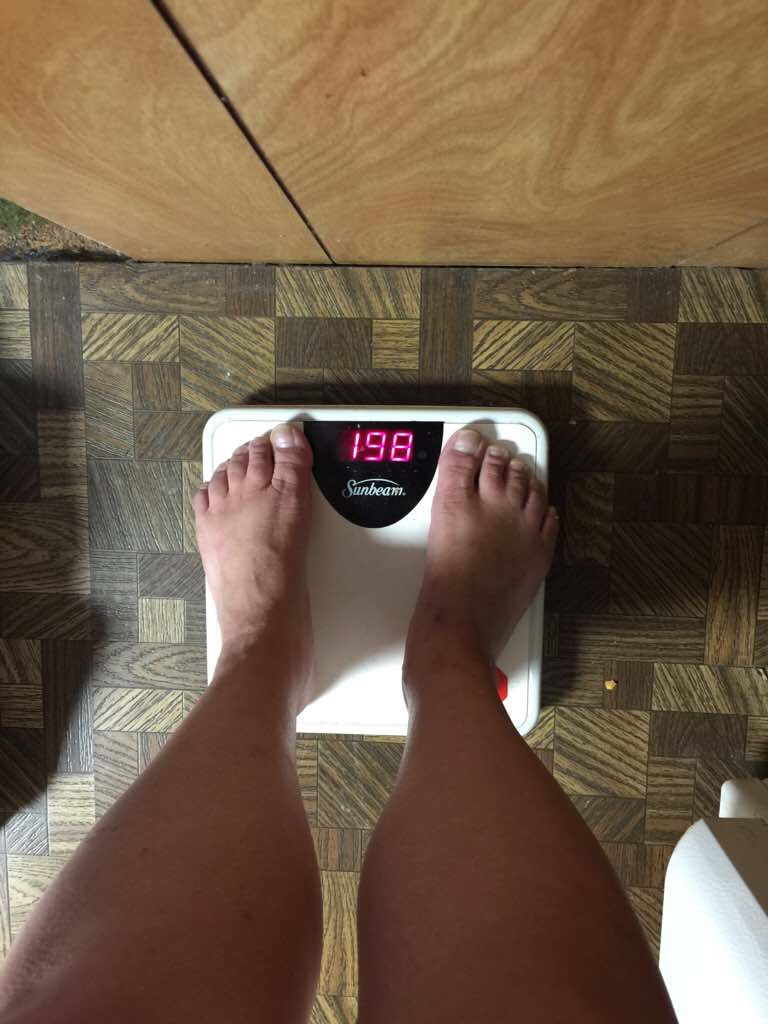
Surgery date 8-19-15. HW 250 SW 244 CW 204. Congratulations to you all.
-
-
-
-
-
-
-
A little bit of FUN
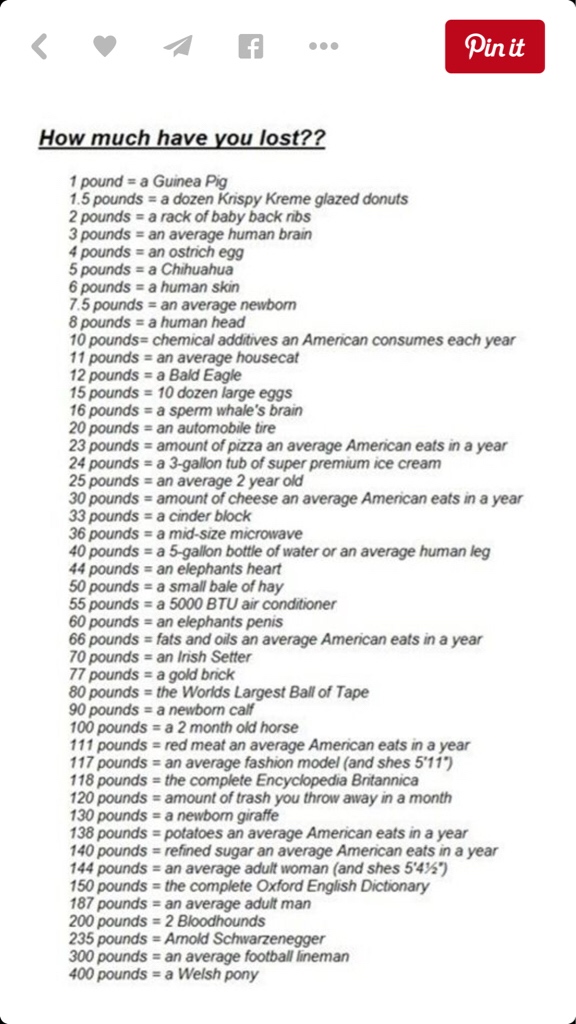
Way to go on the penis. LMAO. Sorry I couldn't help myself. Good job on the microwave. Haha
-
A little bit of FUN
I am at a 5 gallon bottle of water / or a human leg !!
-
A little bit of FUN
- 6 Weeks Post Bypass
Thank you. No, I shoot pool. LOL.- 6 Weeks Post Bypass
- Tricare North - Bariatric Help
Hello, I also have Tricare north Prime. I just had bypass surgery 11 days ago. They required me to have 6 months of dr supervised weight loss monitoring. Which for mine I got to do 6 nutritional classes with weigh ins. I am 5'3 was 248. BMI of 40. Had no problem with tricare at all. Good luck to you.- FOOD !
As I am still on clear liquids, 11 days post bypass, I have become the worlds biggest food sniffer. If someone is eating something around me I must sniff it. My way of getting a little food fix. Hahaha- Self Pay and surgery complications
I also have Tricare and they paid for my surgery. Just had bypass done on 8-19 and not at a MTF.- Official August thread! Where are you guys?
Happy to be joining the group. August 19th. From Pa.- Excited Newbie
Just found out today Tricare approved my surgery. August 19, the day of new beginnings. Love reading all the stories, advice and seeing the pictures. Congratulations to you all.- Hi anyone make a list of things they want to do after the weight loss?
Carolm1965, I have a Boston named Buster. ❤️
Join BariatricPal free
- Ask your own questions
- Reply and follow topics
- Message other members
- No cost, no spam
Account
Navigation
Search
Configure browser push notifications
Chrome (Android)
- Tap the lock icon next to the address bar.
- Tap Permissions → Notifications.
- Adjust your preference.
Chrome (Desktop)
- Click the padlock icon in the address bar.
- Select Site settings.
- Find Notifications and adjust your preference.
Safari (iOS 16.4+)
- Ensure the site is installed via Add to Home Screen.
- Open Settings App → Notifications.
- Find your app name and adjust your preference.
Safari (macOS)
- Go to Safari → Preferences.
- Click the Websites tab.
- Select Notifications in the sidebar.
- Find this website and adjust your preference.
Edge (Android)
- Tap the lock icon next to the address bar.
- Tap Permissions.
- Find Notifications and adjust your preference.
Edge (Desktop)
- Click the padlock icon in the address bar.
- Click Permissions for this site.
- Find Notifications and adjust your preference.
Firefox (Android)
- Go to Settings → Site permissions.
- Tap Notifications.
- Find this site in the list and adjust your preference.
Firefox (Desktop)
- Open Firefox Settings.
- Search for Notifications.
- Find this site in the list and adjust your preference.