mommajay5
Pre Op
-
Joined
-
Last visited
Everything posted by mommajay5
-
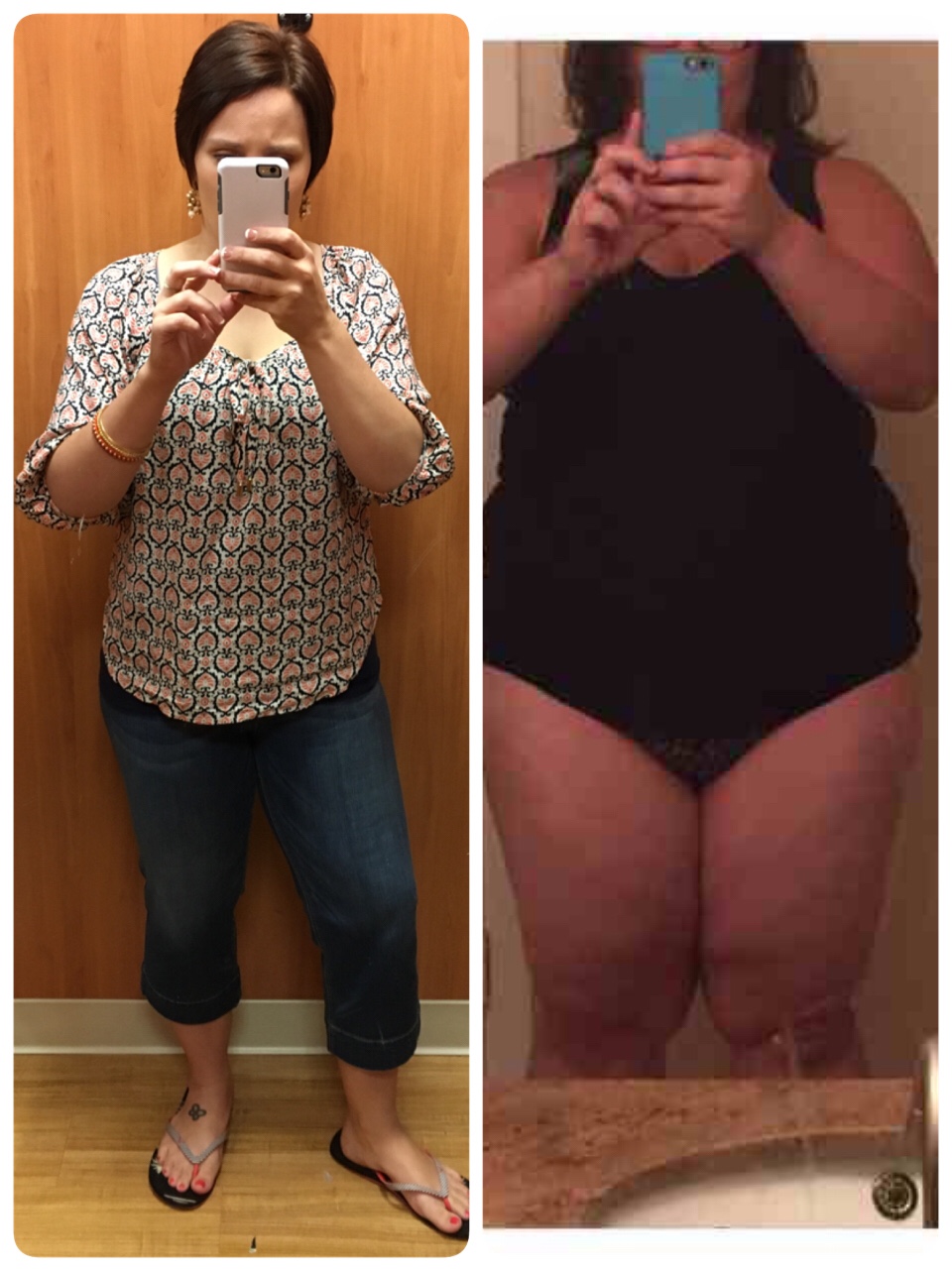
I love seeing everyone's pictures! I have hit my goal size (size 8) but still have 3-5lbs to lose.
-
7 months out and down 99lbs
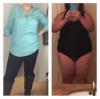
-
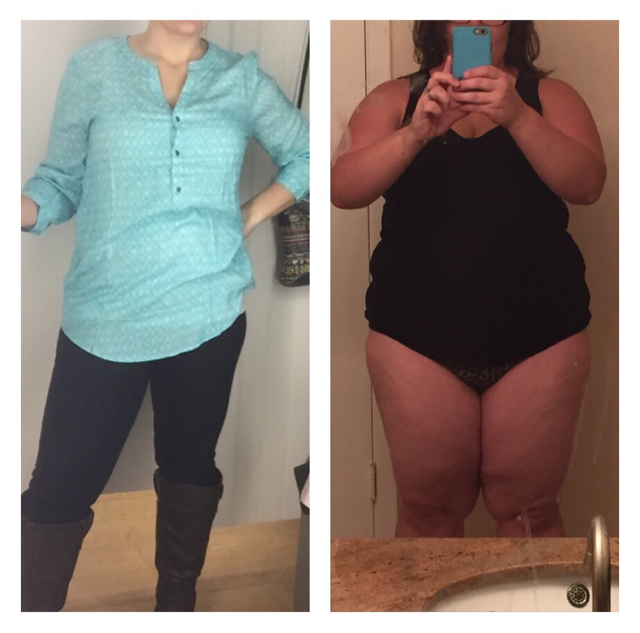
I'm so happy I have the sleeve and the band gone. I've lost 82lbs in under 6 months.
-
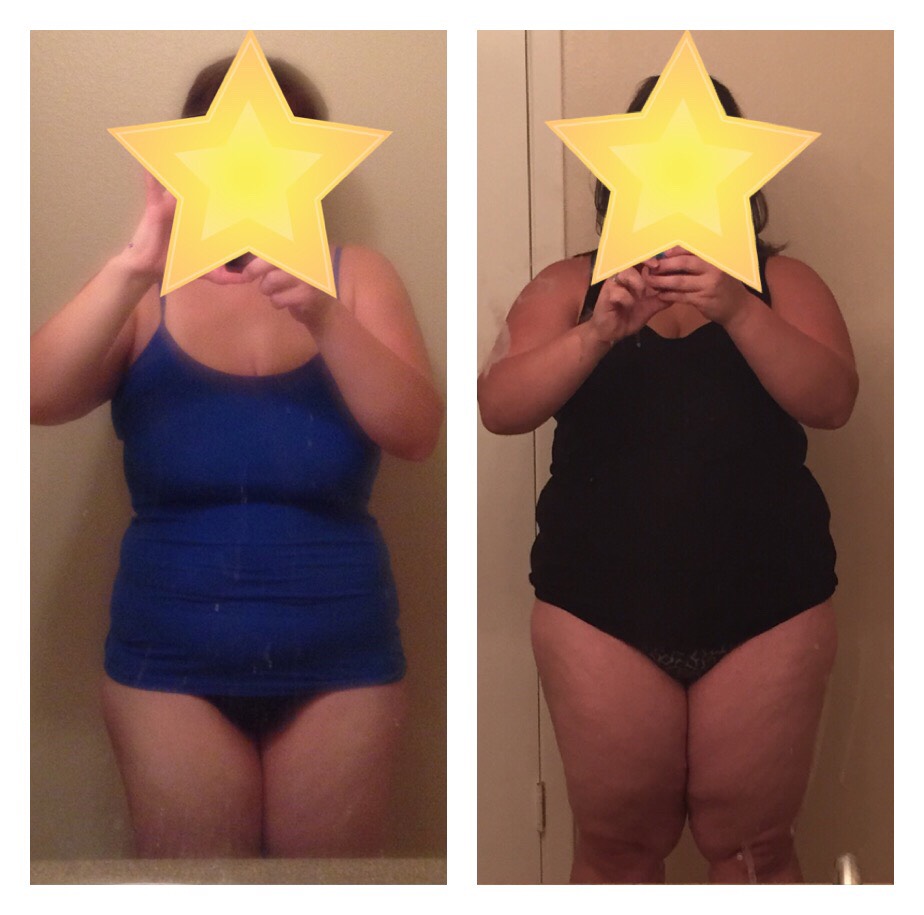
4 months out and 72lbs down???? 40lbs to go
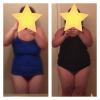
-
I use Nutty by Nature Peanut Butter 2 tbsp has 200cal 3 grams sugar and 14 grams protein. They have different flavors like cookie dough & brownie batter.
-
My band was unfilled six weeks before I was sleeved but I was having trouble with my band.
-
I was sleeved on the 7th and I'm doing good. I think I over did it yesterday so I'm sore today. I'm on clear fluids until next Thursday. I'm drinking about 90oz of water and some broth.
-
I'm going from band to sleeve tomorrow. The first year with the band was ok (but never really liked it) then I got pregnant and have had a lot of trouble for the last four years. I'm so excited to be sleeved!