




Skip to content
View in the app

A better way to browse. Learn more.

BariatricPal

A full-screen app on your home screen with push notifications, badges and more.

To install this app on iOS and iPadOS
  1. Tap the Share icon in Safari
  2. Scroll the menu and tap Add to Home Screen.
  3. Tap Add in the top-right corner.
To install this app on Android
  1. Tap the 3-dot menu (⋮) in the top-right corner of the browser.
  2. Tap Add to Home screen or Install app.
  3. Confirm by tapping Install.
  • Appearance

Join BariatricPal free

  • Ask your own questions
  • Reply and follow topics
  • Message other members
  • No cost, no spam

Fr@nki#

LAP-BAND Patients
  • Joined

  • Last visited

Everything posted by Fr@nki#

  1. @@drray08, I've gone back to the beginning. Read over my materials, remembered why I made the decision to begin with and got myself back on track. I also pulled out my food journals and was amazed at how little I ate and felt satisfied. I'm now writing everything down, measuring everything I eat and walking 30 minutes a day. I also called my doctor and scheduled assn appointment. I'm terrified he's gonna give me the business but I know I've got to go back for accountability purposes and a band check/fill.
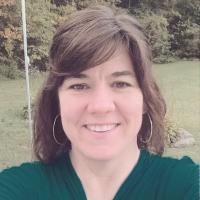
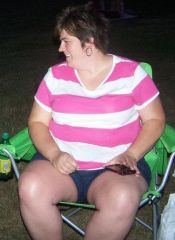
  2. Images added to a gallery album owned by Fr@nki# in Before and After Lap Band Photos
    Fr@nki#, a weight loss surgery photo album by Fr@nki# on BariatricPal. 1 photo in Before and After Lap Band Photos.
  3. Both just showed up, thanks! Should I email you?
  4. Got my band in 2013. Lost 80+ pounds. Gained 20 back. Trying to get back on track, having no luck! I need accountability!!!
Account

Navigation

Search

Search

Configure browser push notifications

Chrome (Android)
  1. Tap the lock icon next to the address bar.
  2. Tap Permissions → Notifications.
  3. Adjust your preference.
Chrome (Desktop)
  1. Click the padlock icon in the address bar.
  2. Select Site settings.
  3. Find Notifications and adjust your preference.