dunnfab15
Pre Op
-
Joined
-
Last visited
-
 ausmith reacted to a post in a topic:
I am 3 years out and maintaining, but recently came across some preop goals
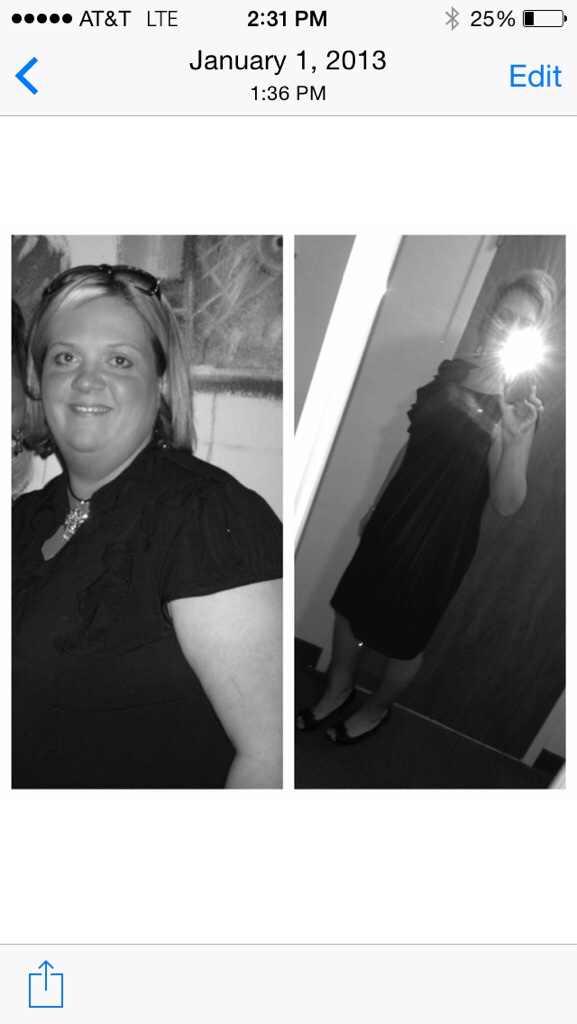
I'm three years out too. I weighed 260 when I started and now weigh in at 150. I tell everyone I lost my teenage daughter. Her weight equals my weight loss. I have dropped as low as 132 this last summer. It was nice and I would like to be there again. Lots of stressful life events from May to now. I hope to work these out to get over this hump. Trying to go back to basics in very beginning but so hard. Thanks for listening
ausmith reacted to a post in a topic:
I am 3 years out and maintaining, but recently came across some preop goals
I'm three years out too. I weighed 260 when I started and now weigh in at 150. I tell everyone I lost my teenage daughter. Her weight equals my weight loss. I have dropped as low as 132 this last summer. It was nice and I would like to be there again. Lots of stressful life events from May to now. I hope to work these out to get over this hump. Trying to go back to basics in very beginning but so hard. Thanks for listening