melva66
Pre Op
-
Joined
-
Last visited
-
-
-
-
-
-
-
-
-
-
-
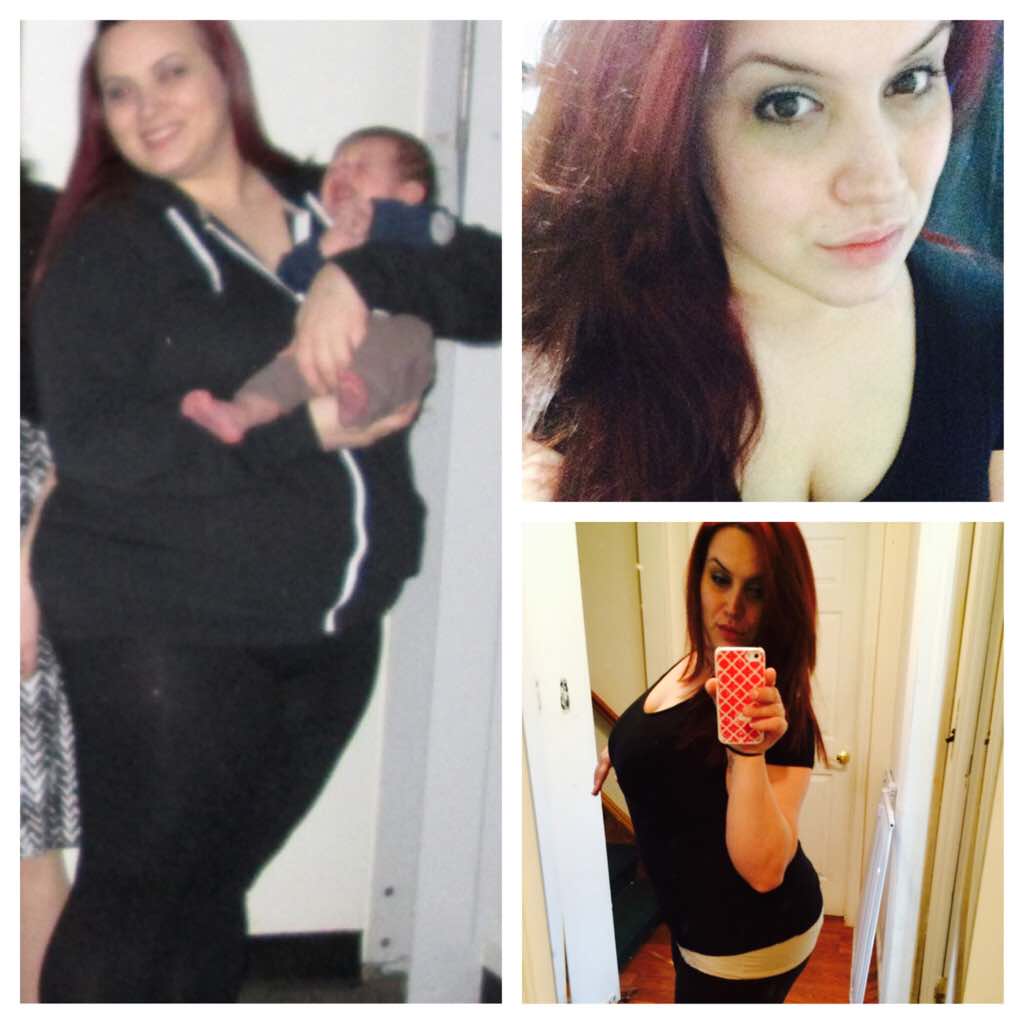
Was sleeved on January 13th. Down 19 lbs since then. Loving my sleeve ????

-
So I had my surgery last Tuesday and since then it's like something died in my mouth. I brush and use mouth wash but nothing seems to be working. Any tips on how to get rid of this problem?
-
My day is finally here ????????????
-
-
Thanks! I'm have surgery on the 13th. Just trying to prepare in every way!
-
Do I have to wait to have sex after surgery? Lol I know weird question but between me and the boy were obsessed.
-
It took like 2 1/2 week to get approved. I'm 5"4 weighing in at 230. BMI 39.
-
It took awhile to get approved from my insurance company. I was told by them that the holidays were the reason for it taking so long. Keep your head up and stay positive! You've got this!
-
-
-
-
-
-
Yay!! Love that I have sleeve buddy's that live so close!! I heard dr Ahmad was a good dr. I was thinking of switching but my dr has just as good reviews! Maybe one day we can meet and Celebrate our sleeves! Lol
-
-
-
-
-
I was nervous of the same exact thing!! Don't worry yourself, you'll get approved!
-
Being sleeved on January 13 but packing not since I'll be working right up to the day of my surgery. What are some key things I should be packing?
-
Yay!! I don't have to start my diet till the 6th. I'm here in NY getting done at stony brook hospital by Dr Pryor.
-
Thank you everyone!!
-
After weeks and weeks of waiting I was finally approved this morning for my surgery!!!! Literally have tears in my eyes I'm so excited! I'm so ready for this life style change! January 13th is the beginning of my life.
-
After weeks and weeks of waiting I was finally approved this morning for my surgery!!!! Literally have tears in my ears I'm so excited! I'm so ready for this life style change! January 13th is the beginning of my life.
-
As long as my insurance approves me my surgery is set for January 13th! I seriously can't wait any longer lol.