Bell1980
Pre Op
-
Joined
-
Last visited
-
-
-
-
@@downsizingdiva i totally agree but my that's not the half of it I work at a hospital where if u sneeze ,fart or whatever everybody know I'm okay with it sometimes but its one thing if one or two ppl ask how much your weight is today is one thing I get that × 10 almost every day so I don't want to be mean but I ask them back well how much do u weigh ????????????
-
-
I have four friend that have had surgery with in weeks of me & one just over two months ago it seem like every body is comparing us & our progress we all have very different body types yet its seems like a race to who is smaller who's doing better I'm just sick & tired of all of it being judged every day ????
-
Count me in too Cw:195 Halloween Gw: 180
-
-
-
-
-
-
-
-
-
-
-
-
-
-
-
-
-
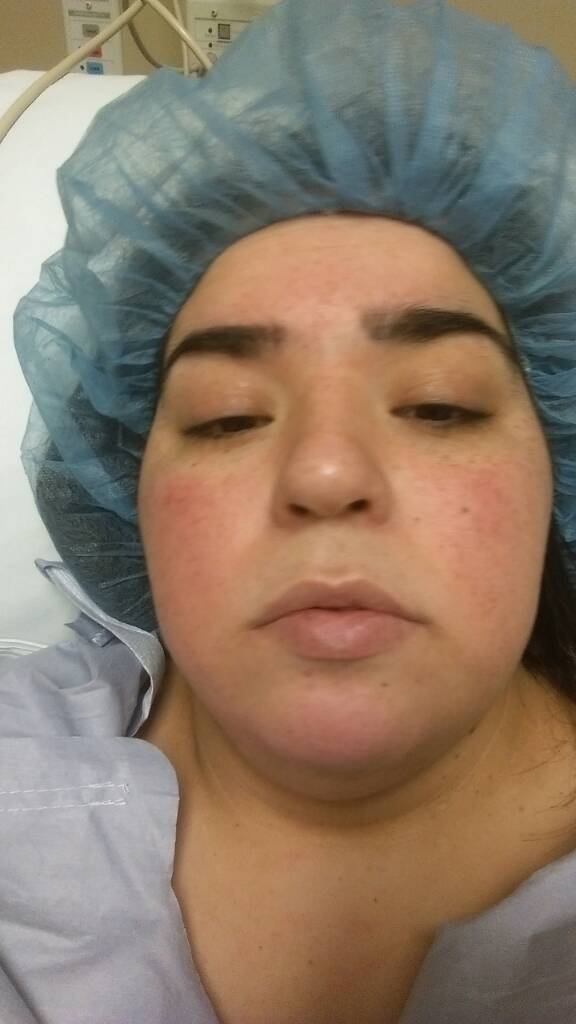
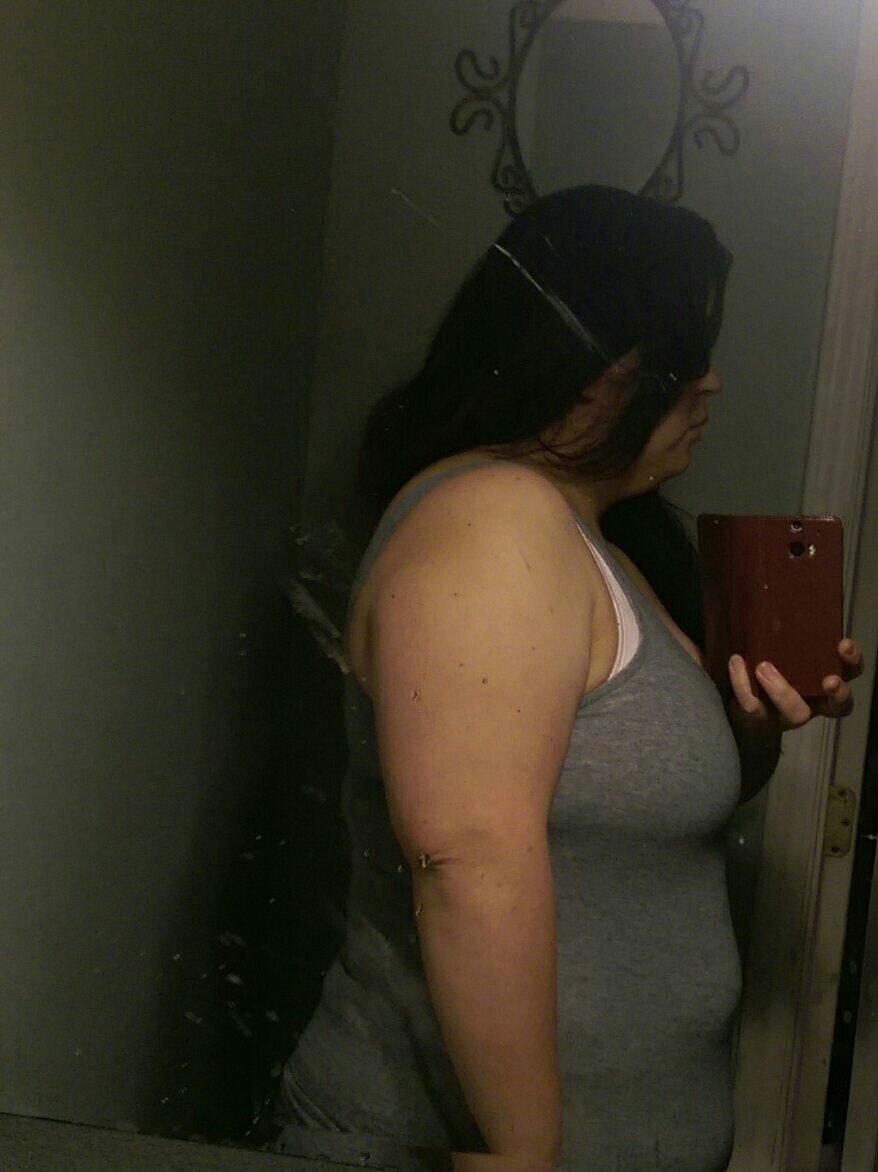
Here's a pic of before & after and day of surgery Hw313 Cw 192 Gw 145 Surgery was December 22,2014



-
You look awesome
-
I had two c-sections & my surgery was the worst ,worst pain I've personality felt
-
Now not ready for a full body ????

-
Before 313 cw 224

-
@@'sweeteyes504 I think I'm doing okay did have a stall for a while there Hw313 Sw 282 Cw 235 still have a long way to go I want to lose 75 pound more ex least my husband said he's taking me to rent a butt lol" that was the first thing to go????
-
Yes I've ate salads tomatoes almost everything raw I've had no problem I was sleeved December 22nd I just don't eat that much any ways like for breakfast I'll eat one boiled egg & 1/2 of a cup cream of wheat drink water all day lunch I'll eat a small salad or fish I don't get hungry at all & I eat lots of fruit
-
I had Two C- Section and VSG surgery was in my opinion hard I was in pain pain pain for a month well everyone is different
-
Good luck ????
-
I want to know the same thing I'm on the same boat ???? except I'm not in pain just stomach grawling & I can't eat only little to nothing and I'm not hungry
-
I'm one month one week out I use spanxs I was in so much pain it actually helped hold me in didn't have a problem
-
I like the premier shakes from Sam's Strawberry Cream & The chocolate one there really good & are 30 gram of protein