





NairobiBlue
Pre Op
-
Joined
-
Last visited
-
-
-
-
-
-
-
-
-
-
-
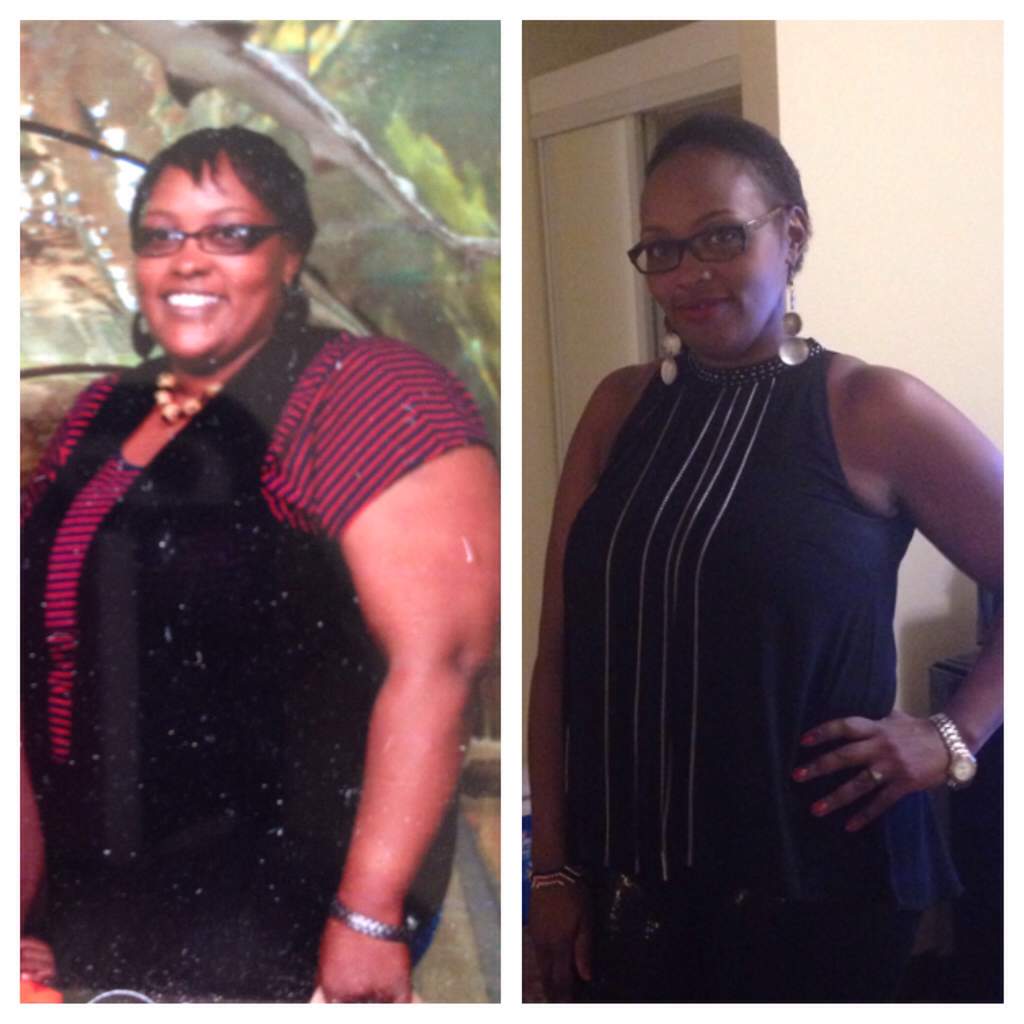
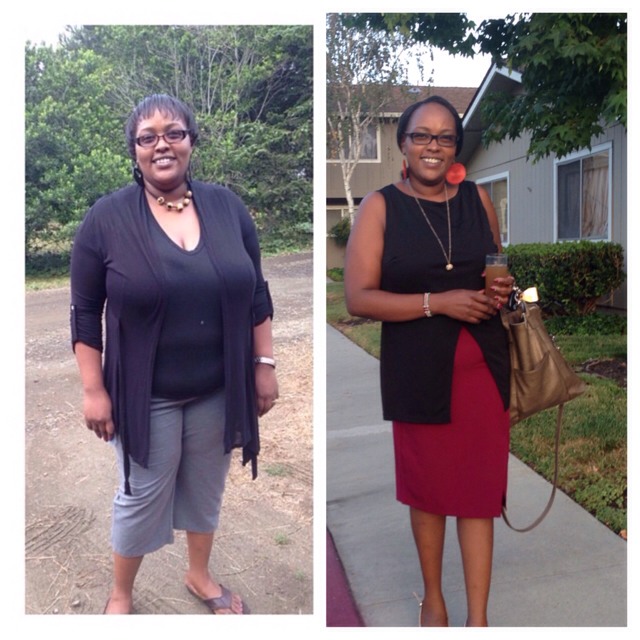
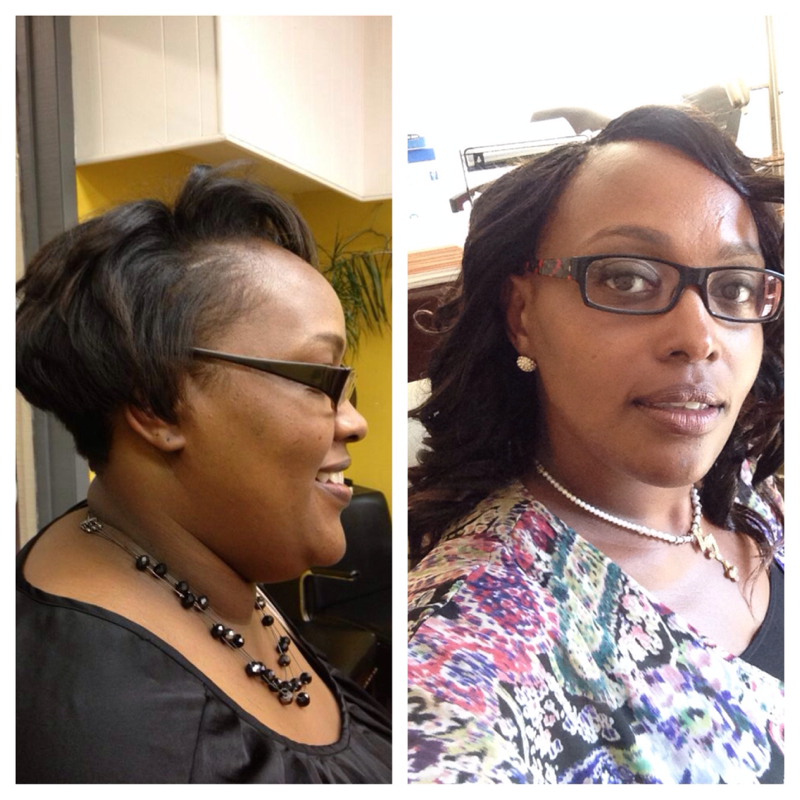
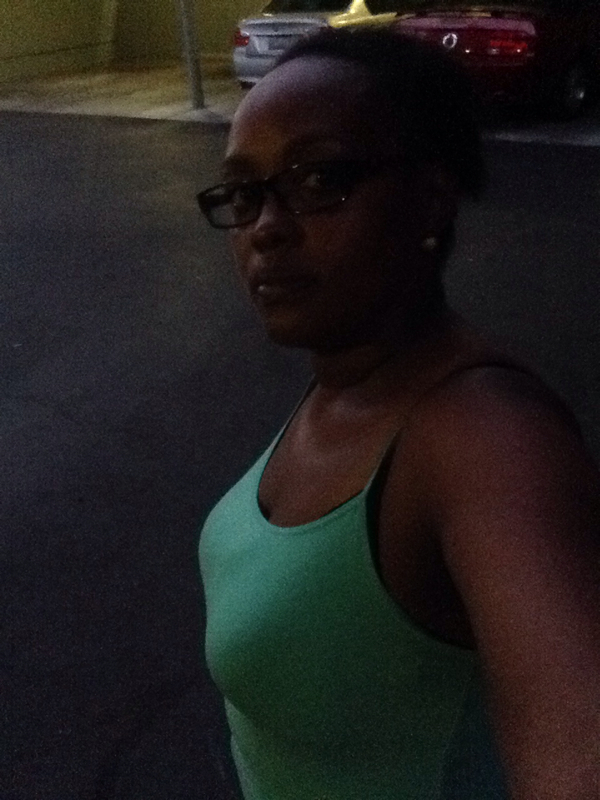
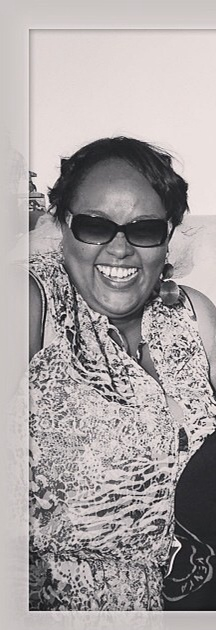
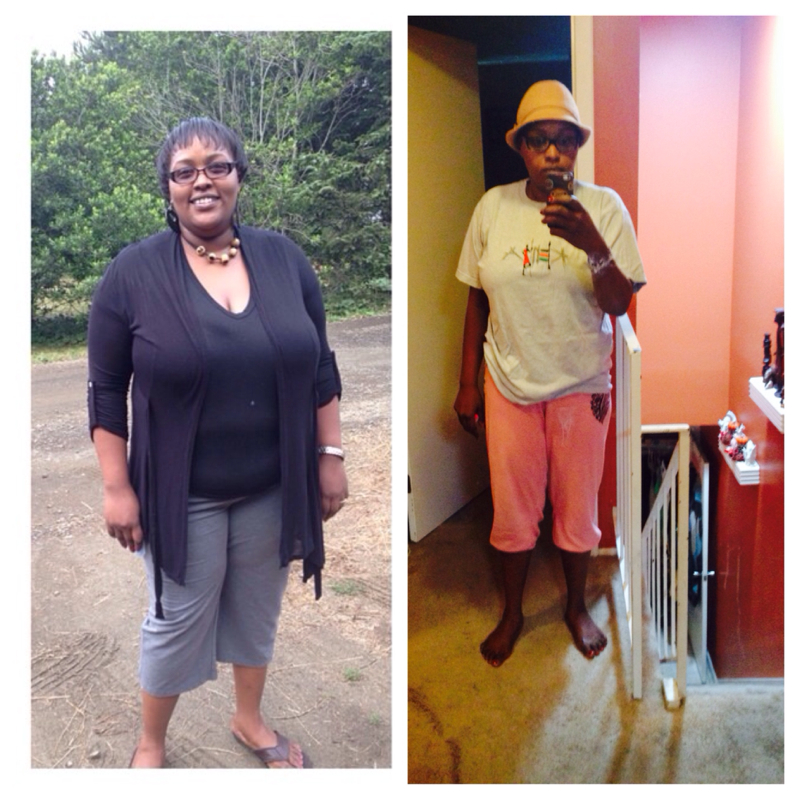
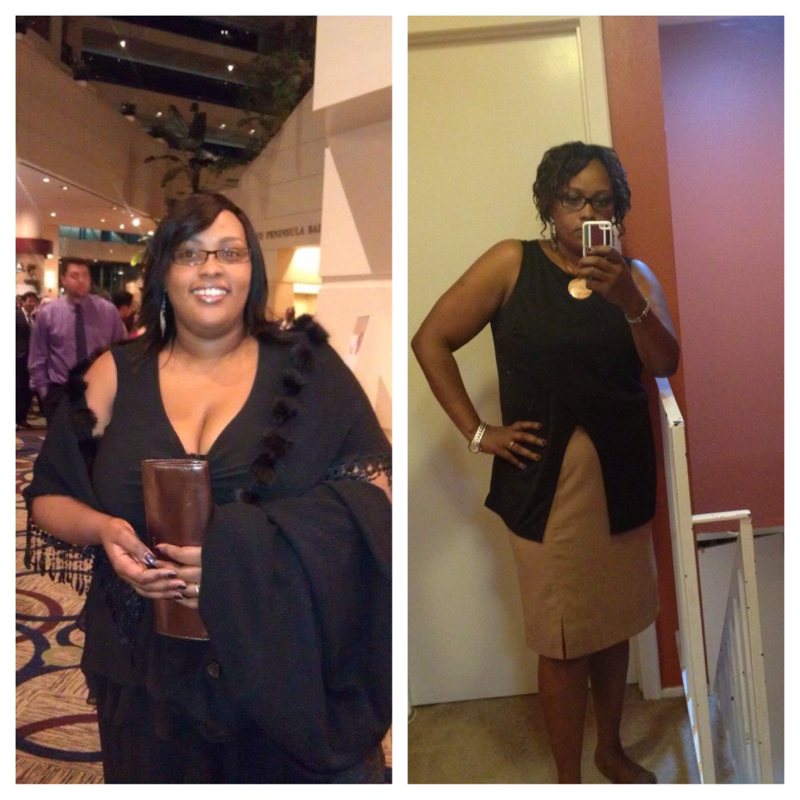
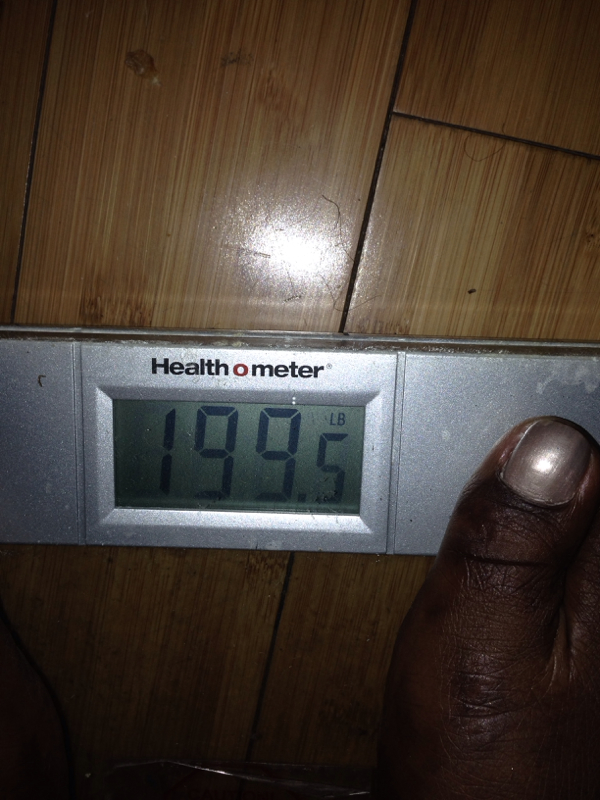
So encouraging. Had my Surgery Dec 2nd 2013 and I'm down 100 pounds. Started at 292 now 191.
 I'm a born again Christian and wrestled with my weight for years, had uncontrollable diabetes, sleep apnea, high blood pressure. High cholesterol, name it I had it! I prayed and stood on my faith! I had surgery and I can't begin to tell you how it changed my life! God used the doctors to keep me whole!!! I have no regrets and thank Him for what he has done! It's been 8 challenging yet fulfilling months! I am whole again!
 Thank you! I'm absolutely happy!It's been such an amazing feeling! Started off at 292. Had RNY December 2013!

Account
Navigation
Search
Configure browser push notifications
Chrome (Android)
- Tap the lock icon next to the address bar.
- Tap Permissions → Notifications.
- Adjust your preference.
Chrome (Desktop)
- Click the padlock icon in the address bar.
- Select Site settings.
- Find Notifications and adjust your preference.
Safari (iOS 16.4+)
- Ensure the site is installed via Add to Home Screen.
- Open Settings App → Notifications.
- Find your app name and adjust your preference.
Safari (macOS)
- Go to Safari → Preferences.
- Click the Websites tab.
- Select Notifications in the sidebar.
- Find this website and adjust your preference.
Edge (Android)
- Tap the lock icon next to the address bar.
- Tap Permissions.
- Find Notifications and adjust your preference.
Edge (Desktop)
- Click the padlock icon in the address bar.
- Click Permissions for this site.
- Find Notifications and adjust your preference.
Firefox (Android)
- Go to Settings → Site permissions.
- Tap Notifications.
- Find this site in the list and adjust your preference.
Firefox (Desktop)
- Open Firefox Settings.
- Search for Notifications.
- Find this site in the list and adjust your preference.