




Skip to content
View in the app

A better way to browse. Learn more.

BariatricPal

A full-screen app on your home screen with push notifications, badges and more.

To install this app on iOS and iPadOS
  1. Tap the Share icon in Safari
  2. Scroll the menu and tap Add to Home Screen.
  3. Tap Add in the top-right corner.
To install this app on Android
  1. Tap the 3-dot menu (⋮) in the top-right corner of the browser.
  2. Tap Add to Home screen or Install app.
  3. Confirm by tapping Install.
  • Appearance

Join BariatricPal free

  • Ask your own questions
  • Reply and follow topics
  • Message other members
  • No cost, no spam

ramyers8679

Pre Op
  • Joined

  • Last visited

  1. I had my sleeve gastrectomy surgery on July 21 and I will admit during the 14 pre-op diet, I cheated by eating too much lean meat. Many of days I wanted to add chips or fried foods, but I never added any starchy products or high carbohydrate items. I was free during my pre-op diet to each as much vegetables and egg beaters as I wanted each day. Good luck with your pre-op diet.
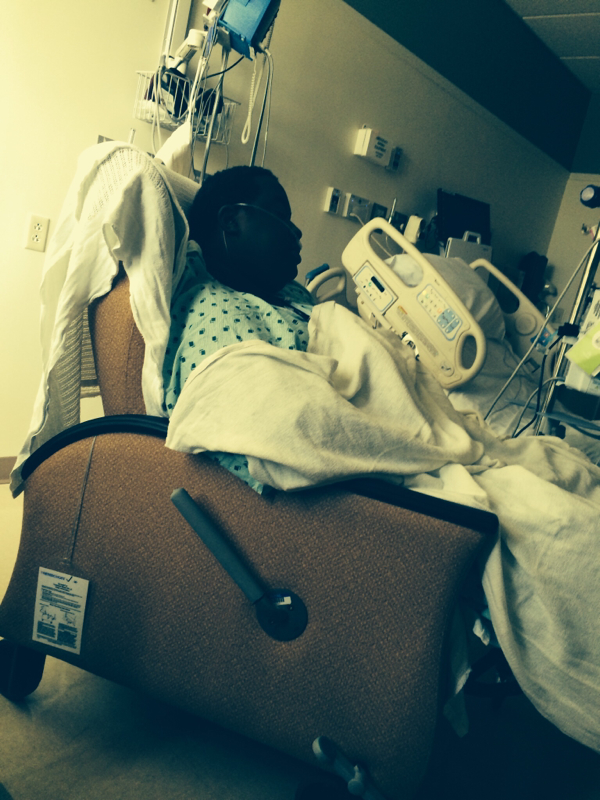
  2. I have BCBS Federal standard option and I had no issue with them approving me for surgery. I had my sleeve surgery on July 21, 2014. While in the hospital, a representative stopped by my room the next day to check up on me and followed-up with me by telephone on Friday.
  3. http://maps.google.com/maps/api/staticmap?center=38.828719,-76.881900&zoom=14&markers=38.828719,-76.881900&size=400x300&sensor=true
  4.    mommy mira reacted to a post in a topic: Finally Did It
  5.    Tamlyn reacted to a post in a topic: Finally Did It
  6.    SD Kelly reacted to a post in a topic: Finally Did It
  7.    #9grammy reacted to a post in a topic: Finally Did It
  8.    finediva reacted to a post in a topic: Finally Did It
  9. http://maps.google.com/maps/api/staticmap?center=38.828719,-76.881900&zoom=14&markers=38.828719,-76.881900&size=400x300&sensor=true
Account

Navigation

Search

Search

Configure browser push notifications

Chrome (Android)
  1. Tap the lock icon next to the address bar.
  2. Tap Permissions → Notifications.
  3. Adjust your preference.
Chrome (Desktop)
  1. Click the padlock icon in the address bar.
  2. Select Site settings.
  3. Find Notifications and adjust your preference.