Skip to content
View in the app

A better way to browse. Learn more.

BariatricPal

A full-screen app on your home screen with push notifications, badges and more.

To install this app on iOS and iPadOS
  1. Tap the Share icon in Safari
  2. Scroll the menu and tap Add to Home Screen.
  3. Tap Add in the top-right corner.
To install this app on Android
  1. Tap the 3-dot menu (⋮) in the top-right corner of the browser.
  2. Tap Add to Home screen or Install app.
  3. Confirm by tapping Install.
  • Appearance

Join BariatricPal free

  • Ask your own questions
  • Reply and follow topics
  • Message other members
  • No cost, no spam

Bianca J

Pre Op
  • Joined

  • Last visited

  1.    Victoryw reacted to a post in a topic: I Want To See Before & After Pics! (Cont'd)
  2.    Victoryw reacted to a post in a topic: I Want To See Before & After Pics! (Cont'd)
  3.    Victoryw reacted to a post in a topic: I Want To See Before & After Pics! (Cont'd)
  4.    Victoryw reacted to a post in a topic: I Want To See Before & After Pics! (Cont'd)
  5.    Bianca J reacted to a post in a topic: I Want To See Before & After Pics! (Cont'd)
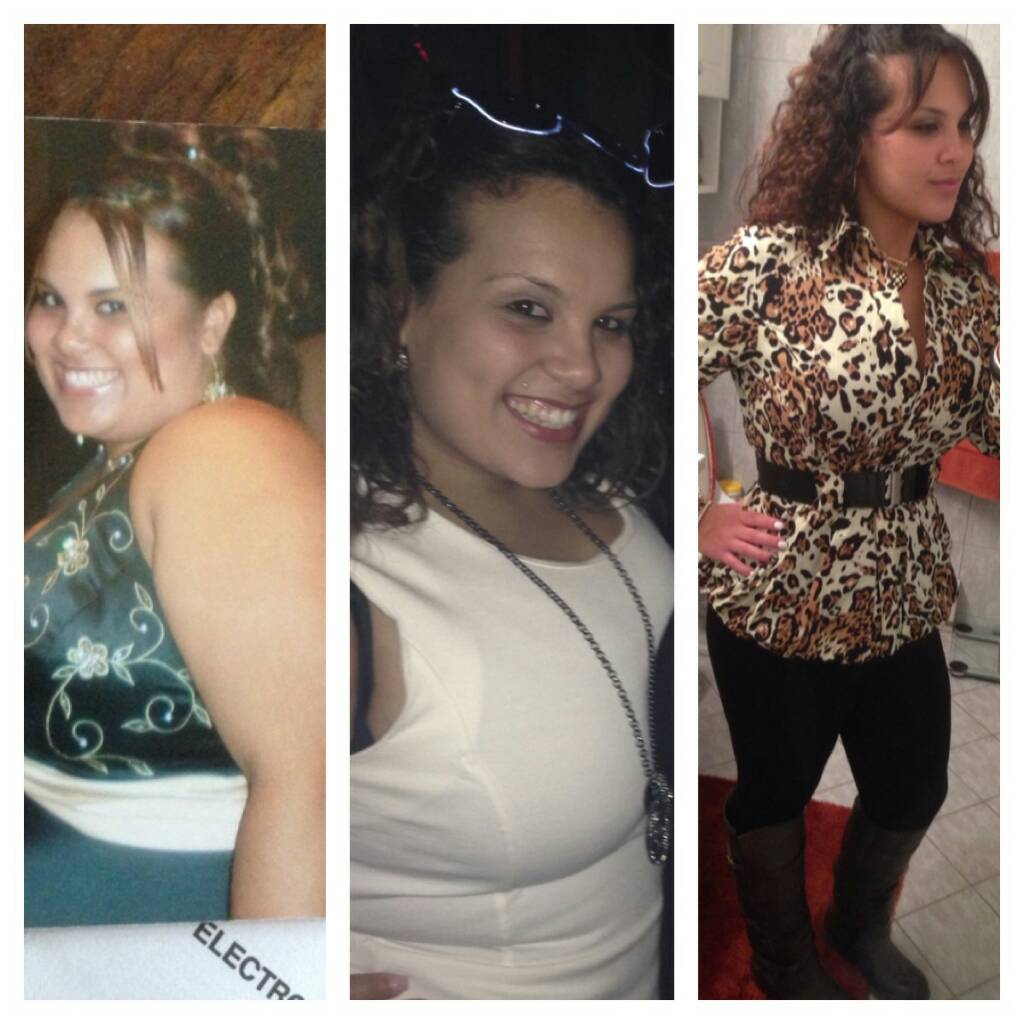
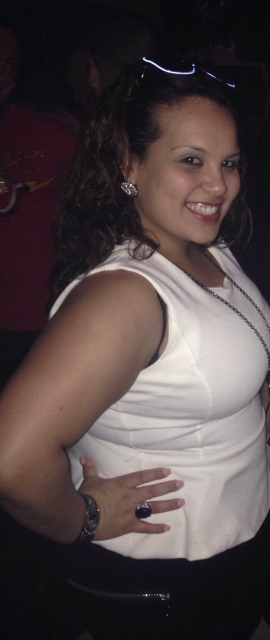
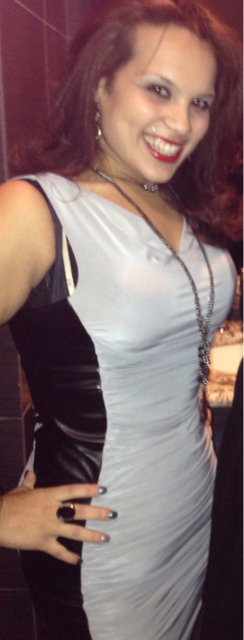
  6. The first pic was from prom to right before surgery and months after the next two was today and last month

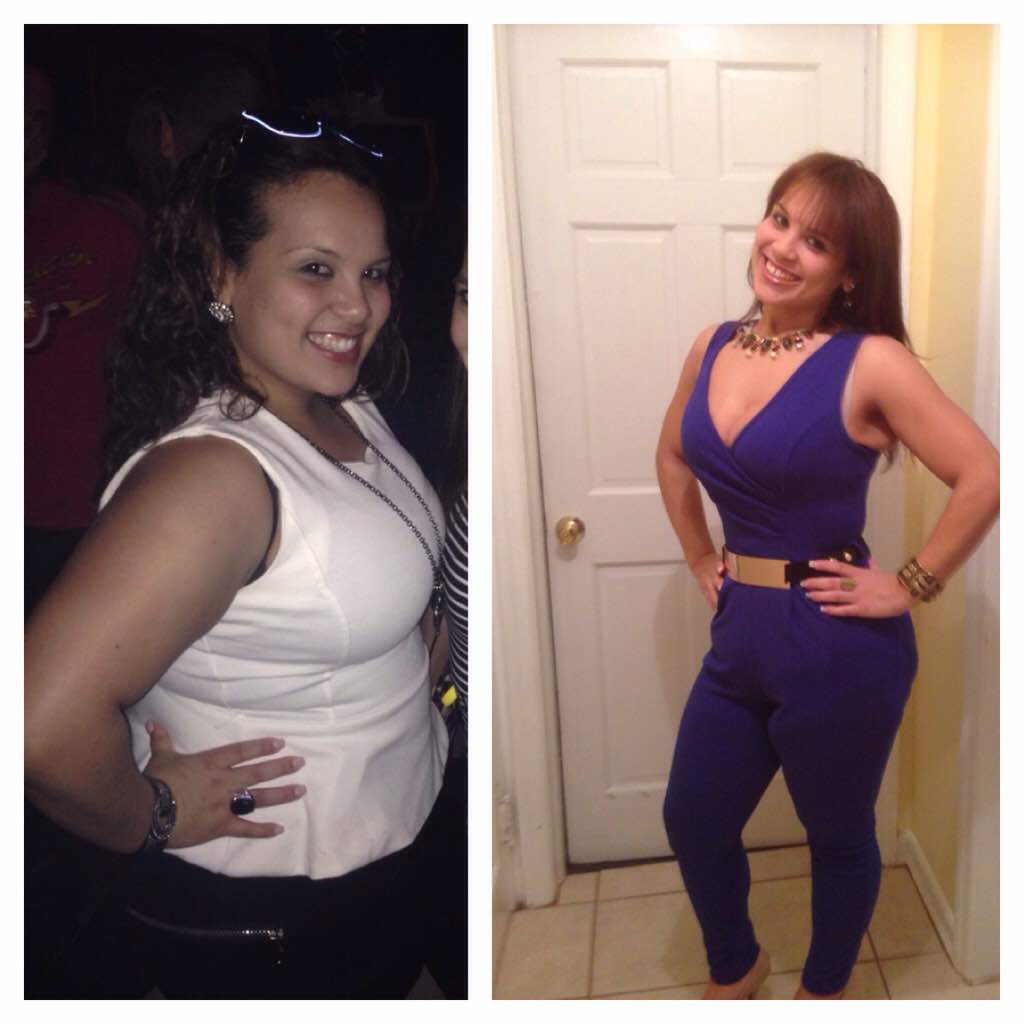
  7. Today 1 yr anniversary and I'm 80 down and wearing sizes I never thought I would be in. Small (4,6) so proud Before surgery and now
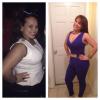
  8. I've been in a stall as well the last 10 lbs are killing I still have to watch my Choice of food my only weakness.
  9. Parlin / perth amboy
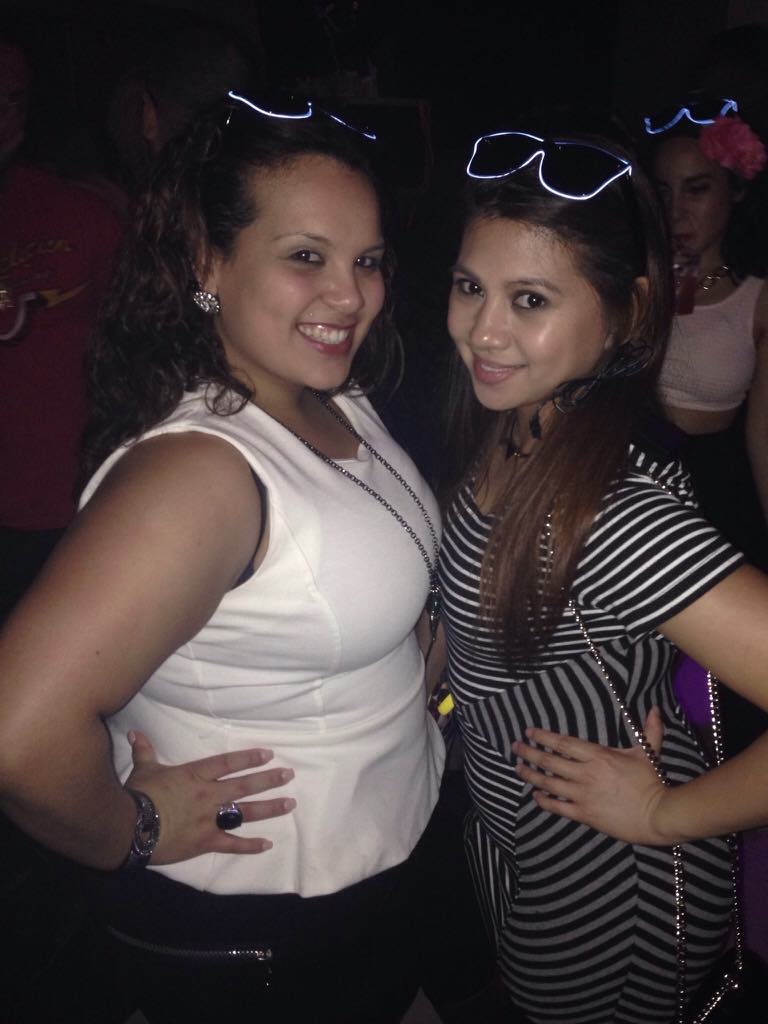
  10. Me on the left prior to surgery Just past Valentines '15 Still struggling on the last 15lbs but losing inches Me on the left prior to surgery Just past Valentines '15 Still struggling on the last 15lbs but losing inches

  11. I'm in Sry I'm late 146 now goal to be 140
  12. 145 today made it midway from goal but am totally happy happy new year everyone
  13. 147 this morning lol I'm happy
Account

Navigation

Search

Search

Configure browser push notifications

Chrome (Android)
  1. Tap the lock icon next to the address bar.
  2. Tap Permissions → Notifications.
  3. Adjust your preference.
Chrome (Desktop)
  1. Click the padlock icon in the address bar.
  2. Select Site settings.
  3. Find Notifications and adjust your preference.