Skip to content
View in the app

A better way to browse. Learn more.

BariatricPal

A full-screen app on your home screen with push notifications, badges and more.

To install this app on iOS and iPadOS
  1. Tap the Share icon in Safari
  2. Scroll the menu and tap Add to Home Screen.
  3. Tap Add in the top-right corner.
To install this app on Android
  1. Tap the 3-dot menu (⋮) in the top-right corner of the browser.
  2. Tap Add to Home screen or Install app.
  3. Confirm by tapping Install.

Kasee58

Gastric Sleeve Patients
  • Joined

  • Last visited

Everything posted by Kasee58

  1. @@Kindle, you look absolutely fantastic. I am 3.5 months post op and hope to get those kind of results in one year.. let alone five months... congratulations..
  2. Whoops..not used to doing this on my phone. Thank you luckyknickers and Bigcountry007 they are great pics congrats
  3. You look fabulous, keep up the good work
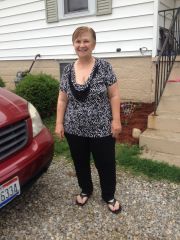
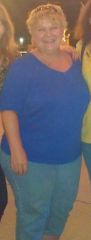
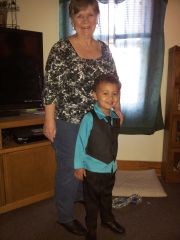
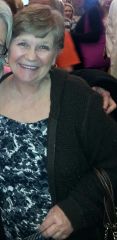
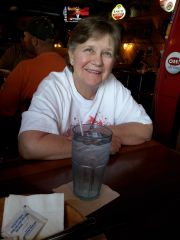
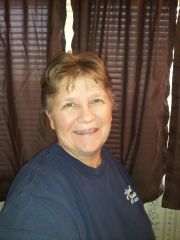
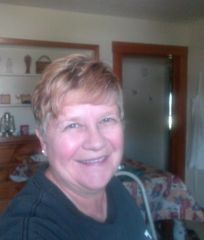
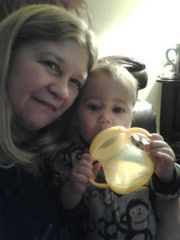
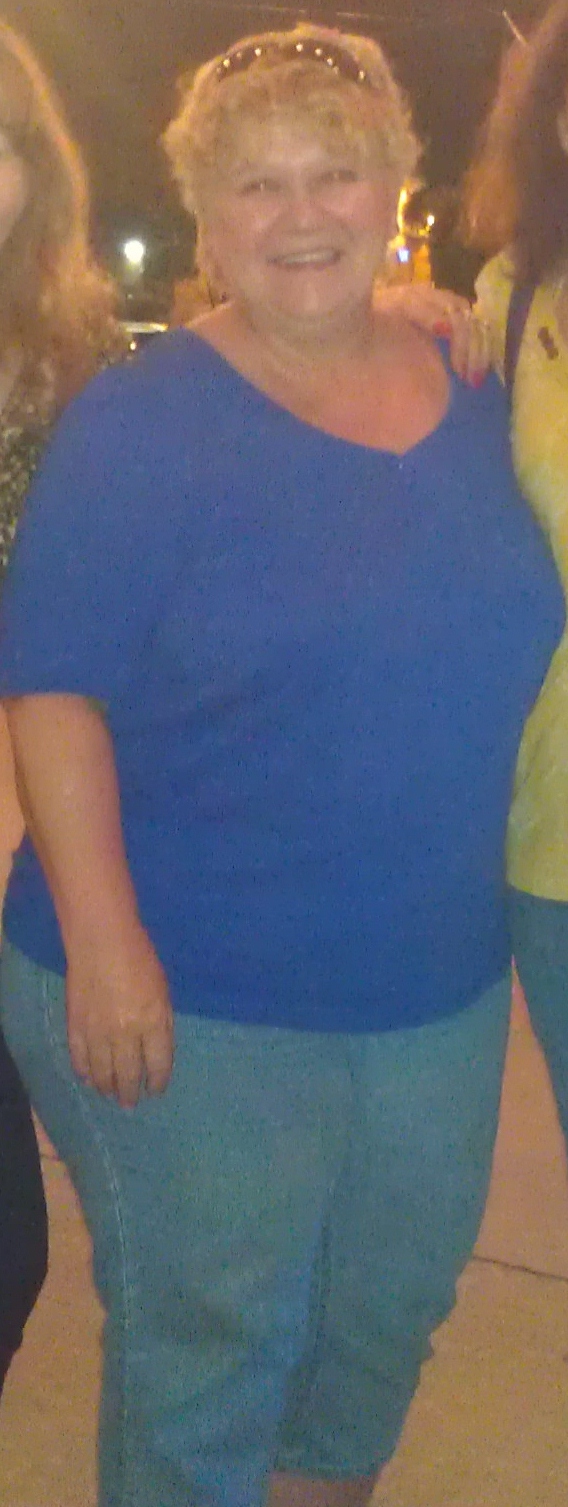
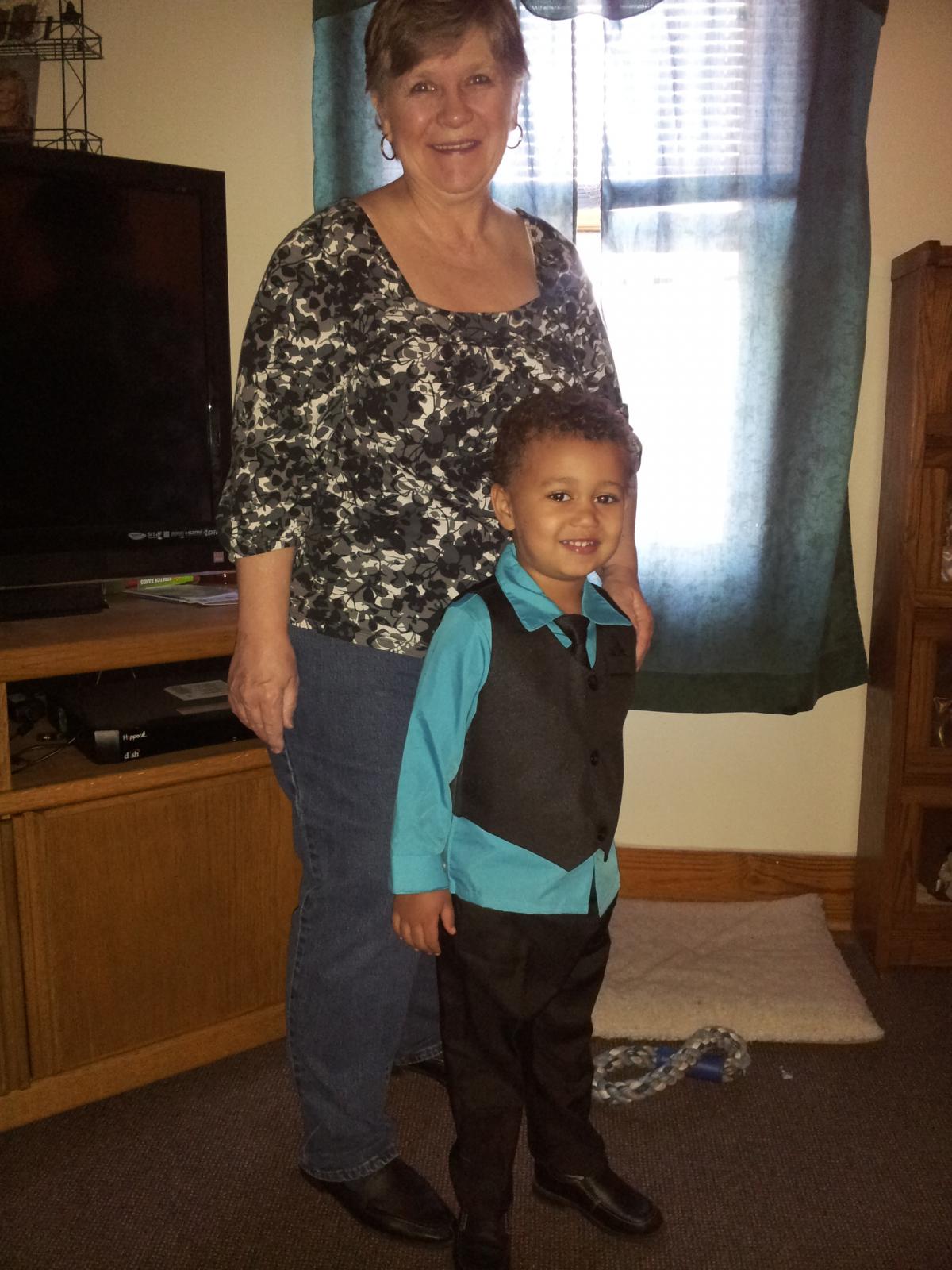
  4. Okay.. here goes. I am three months post op and today marked my 50 lb loss since I started this journey. I am sooooooo happy with the success and love my new lifestyle. I am more energetic and just getting started. The picture with the blue top was a little over a year ago and the one with the little boy (my youngest grandson) was Easter Sunday a couple weeks ago.
Trending Products

PatchAid Vitamin Patches

Account

Navigation

Search

Search

Configure browser push notifications

Chrome (Android)
  1. Tap the lock icon next to the address bar.
  2. Tap Permissions → Notifications.
  3. Adjust your preference.
Chrome (Desktop)
  1. Click the padlock icon in the address bar.
  2. Select Site settings.
  3. Find Notifications and adjust your preference.