





luv2plumb
Pre Op
-
Joined
-
Last visited
Everything posted by luv2plumb
-
I'm in Old Bridge too! Spent 15 years in Old Bridge...off Rt. 9. Been in NYC for a little over 10 years. I'm right off of rt 35 I hope your doing well
-
So happy with my decision

-
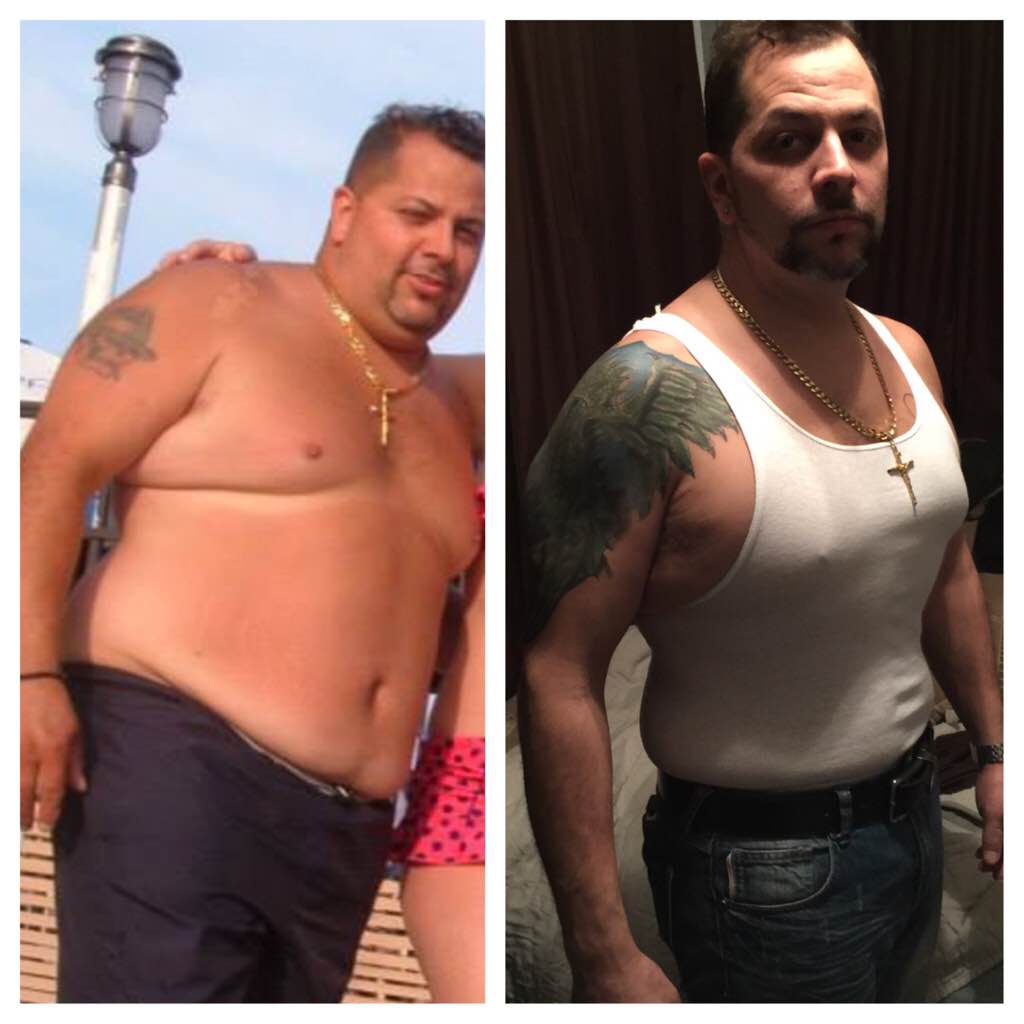
2 years after sleeve and still going
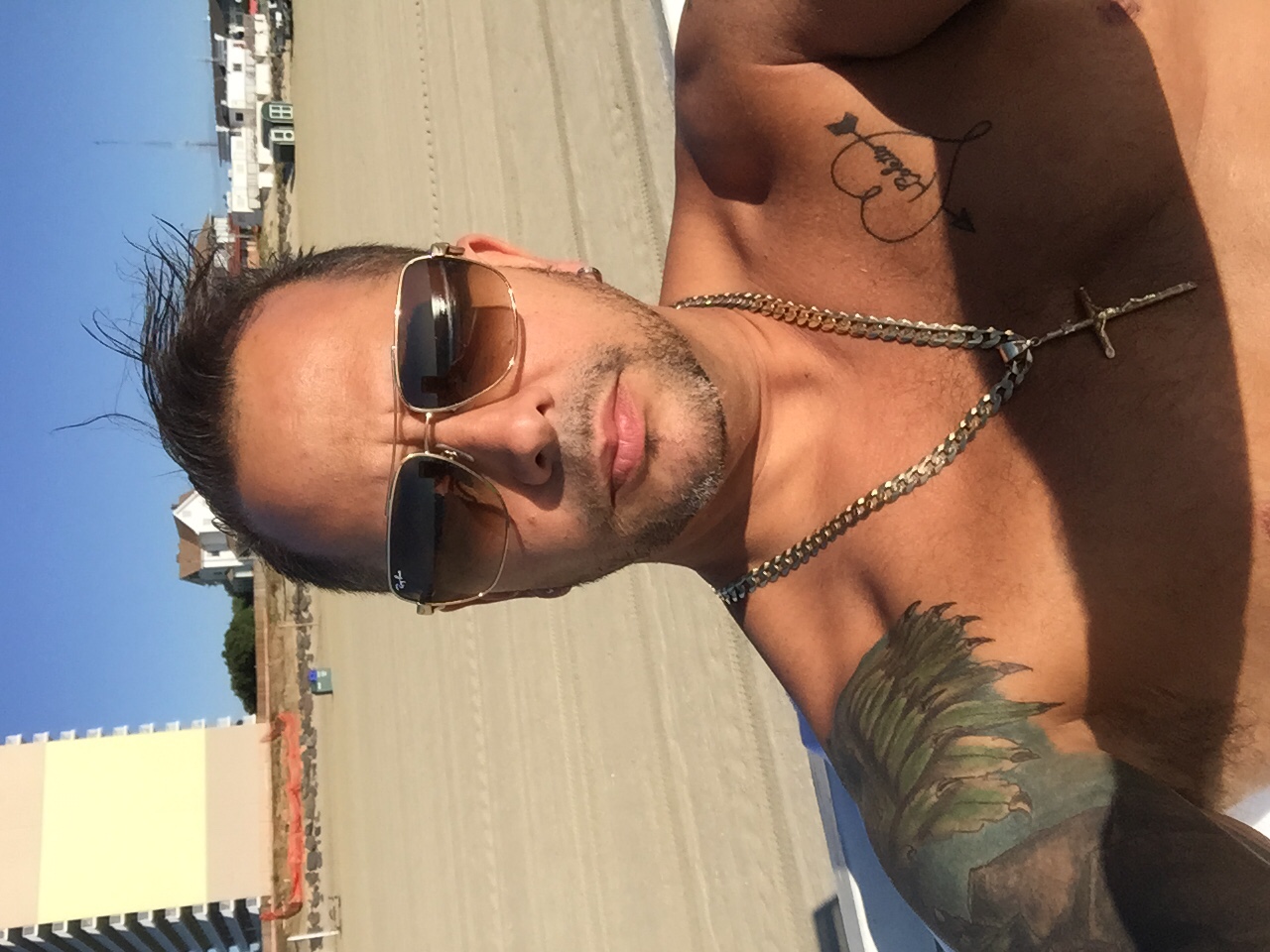
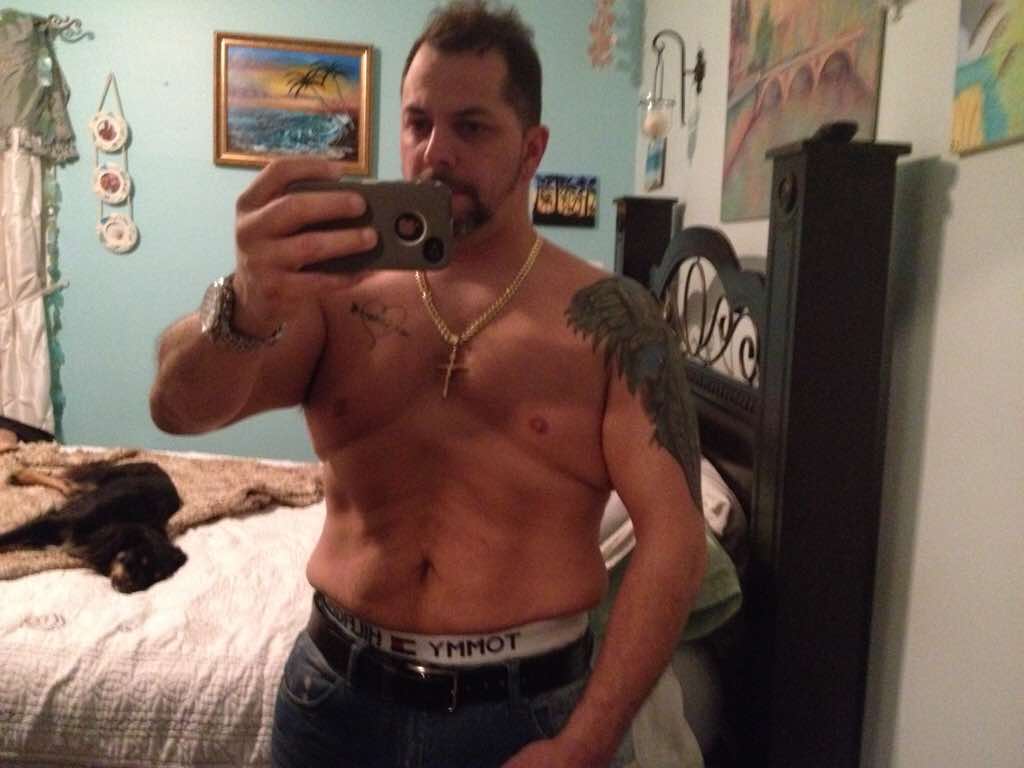
 Does anyone have a secret on tighten loose skinLoL awesome, do what feels good to you !!I lost about a pound a day it was to the point to where I was getting worried that I wouldn't stop losing weight but it eventually levels off some days you lose now some days you don't but I'm never really gaining anyHi , yes I'm in colts neck, on 2/12/16 it will be 2 years and yes plenty of advice , you need help , at the beginning you can't do it alone. And as soon as you can get out there and start walking. Cause the most weight loss I had was right after the surgery cause you don't eat at all. You don't even want to eat. And your not hungry so use that to your benefit.Jersey here !A year and a half and feeling great. Down 120 lbs and feeling like a teenager again !!!

 1 year down 100 lbs down !
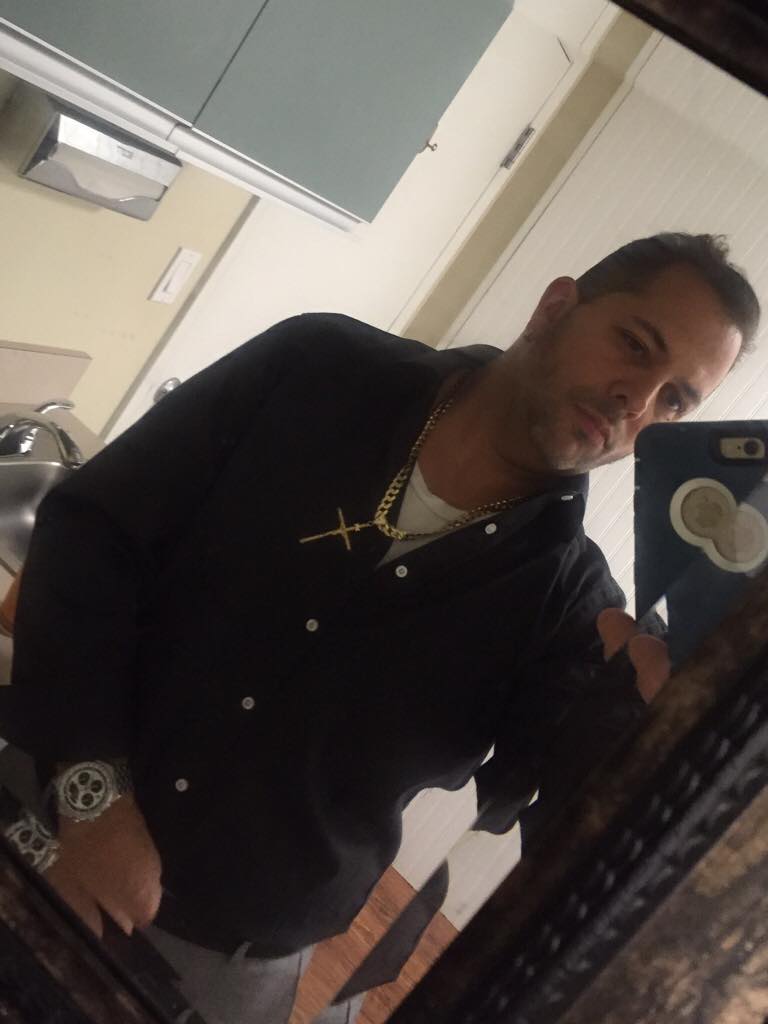
 . Your friend looks so happy to be in that picture. LOL. JkLooking Good !!You look amazing!WOW!Looking good !Thanks for asking , I'm doing well just sometimes gets lonely but I'm learning how to have a little more self confidence, and tiring to meet people. I hope your having a great day ! TtylWow !!Wow !! Looking good !Wow !! You look GREAT! !OMG ! You look GREAT ! Keep up the good work ,








Account
Navigation
Search
Configure browser push notifications
Chrome (Android)
- Tap the lock icon next to the address bar.
- Tap Permissions → Notifications.
- Adjust your preference.
Chrome (Desktop)
- Click the padlock icon in the address bar.
- Select Site settings.
- Find Notifications and adjust your preference.
Safari (iOS 16.4+)
- Ensure the site is installed via Add to Home Screen.
- Open Settings App → Notifications.
- Find your app name and adjust your preference.
Safari (macOS)
- Go to Safari → Preferences.
- Click the Websites tab.
- Select Notifications in the sidebar.
- Find this website and adjust your preference.
Edge (Android)
- Tap the lock icon next to the address bar.
- Tap Permissions.
- Find Notifications and adjust your preference.
Edge (Desktop)
- Click the padlock icon in the address bar.
- Click Permissions for this site.
- Find Notifications and adjust your preference.
Firefox (Android)
- Go to Settings → Site permissions.
- Tap Notifications.
- Find this site in the list and adjust your preference.
Firefox (Desktop)
- Open Firefox Settings.
- Search for Notifications.
- Find this site in the list and adjust your preference.