ms.pinup85
Gastric Bypass Patients
-
Joined
-
Last visited
-
-
-
Thanks and congrats on your success
-
I don't measure by ounces when you get like three or four month out you will notice you eat more right now I can eat a small plate or bowl and be satisfied then somedays I can rarely eat anything
-
What you mean by good and I just exercised and followed what the doctors said for the most part
-
May 21 of this year 86 pounds
-
-
-
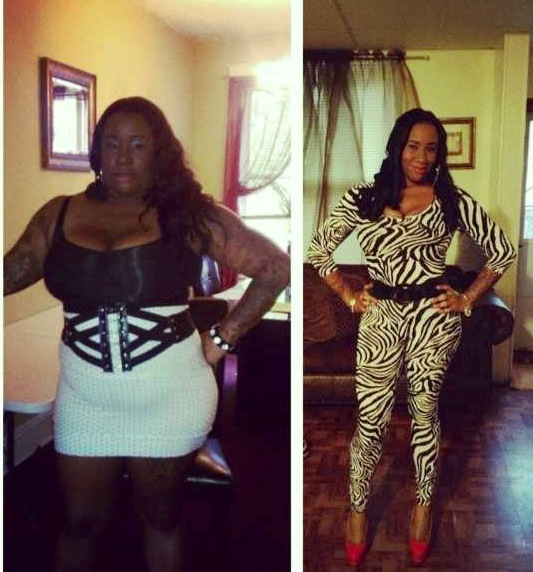
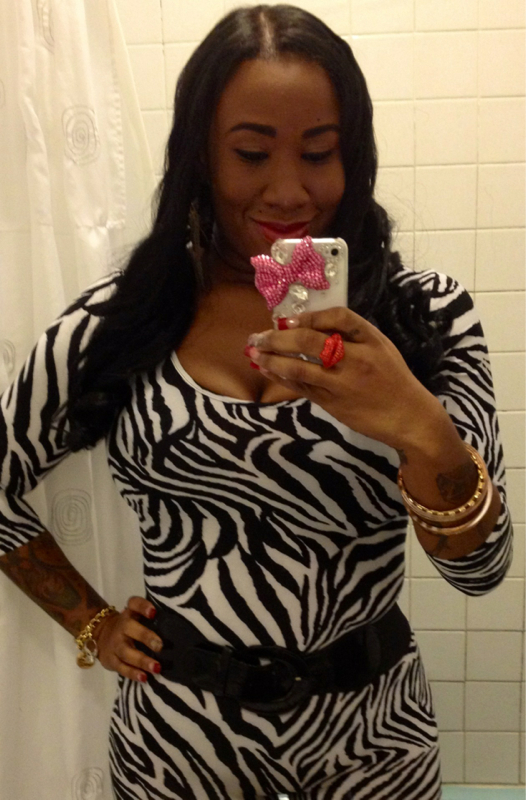
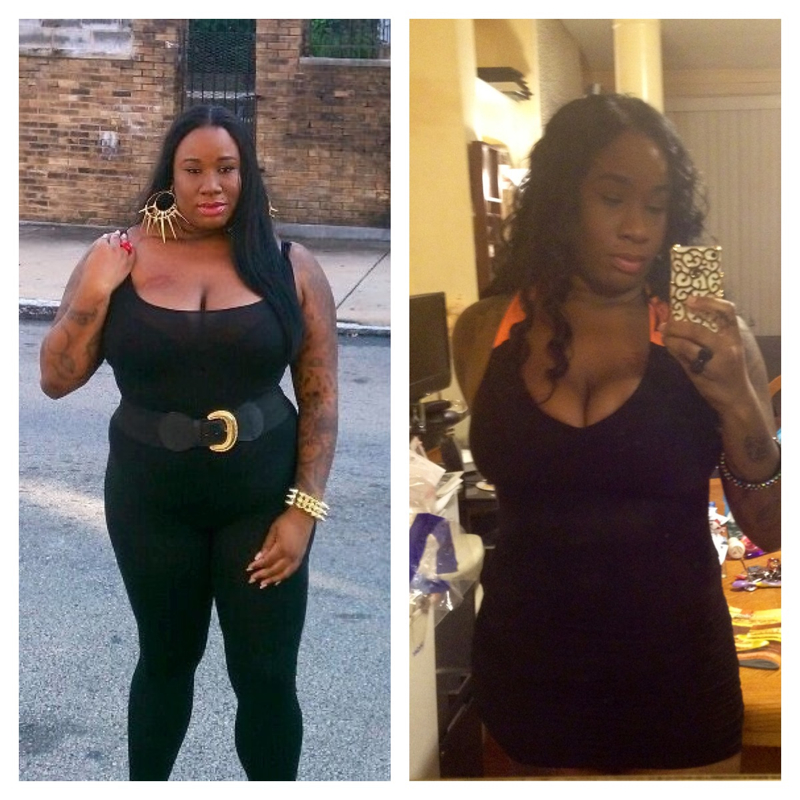
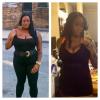
Thanks everyone and yes I feel great....Just wanted to post to encourage someone it's a journey but we have to stay positive and focused you can do it no matter what haters say...weight lost is hard no matter the method used... Starting weight 271 Current weight 183 Goal weight 155-160
 I am now 6 months out of surgery 183 pounds still not at my personal goal but I will get there 23 more pounds to 160 goal**** but its been a great journey I wouldn't trade it for the world the best decision I've made in my life and I'm happy it created a new me and a new confidence
 For the past 2 weeks I can not get the scale to move past 193 does anyone have any suggestions??? It's driving me crazy I'm to close to goal for a plateau 38 pounds from goal...Yes it is thank youI'm 80 pounds down 35 more to go to goal and I decided the day I hit goal I will post a bikini picture up so I'm going hard until then Surgery date May 21,2012 Starting weight 271 Current weight 191 Goal weight***** 155**** I also have a questions for post ops past 6 months how much are you eating now???
 You will do great...Thank you so muchThank you so much I will keep posting updates on here even once I reach my goal