-
-
-
-
-
-
-
-
JUST HAD TO SHARE:):)
It is THE BEST FEELING
-
-
-
-
-
JUST HAD TO SHARE:):)
thanks
-
JUST HAD TO SHARE:):)
Thanks y'all it feels so good to see those scales move like that!! ONEderland here I come:)
-
JUST HAD TO SHARE:):)
-
No waitress! There is nothing wrong with my meal..i just have a small stomach!
I also like the looks I get when I don't order a drink at a restaurant! I usually get a to go cup when we leave so I can have some at my 30 min window!! Kim
-
finally made it to onederland! never though i'd say that!
That's awesome:) Kim
-
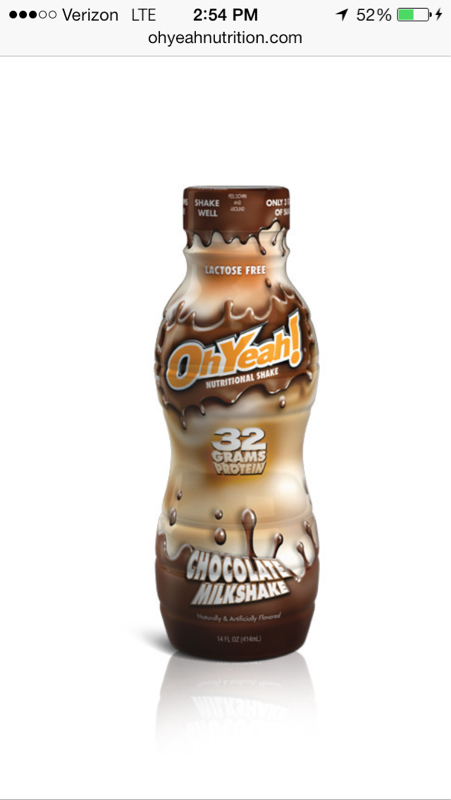
Oh Yeah!
- Oh Yeah!
Oh Yeah shakes- Oh Yeah!
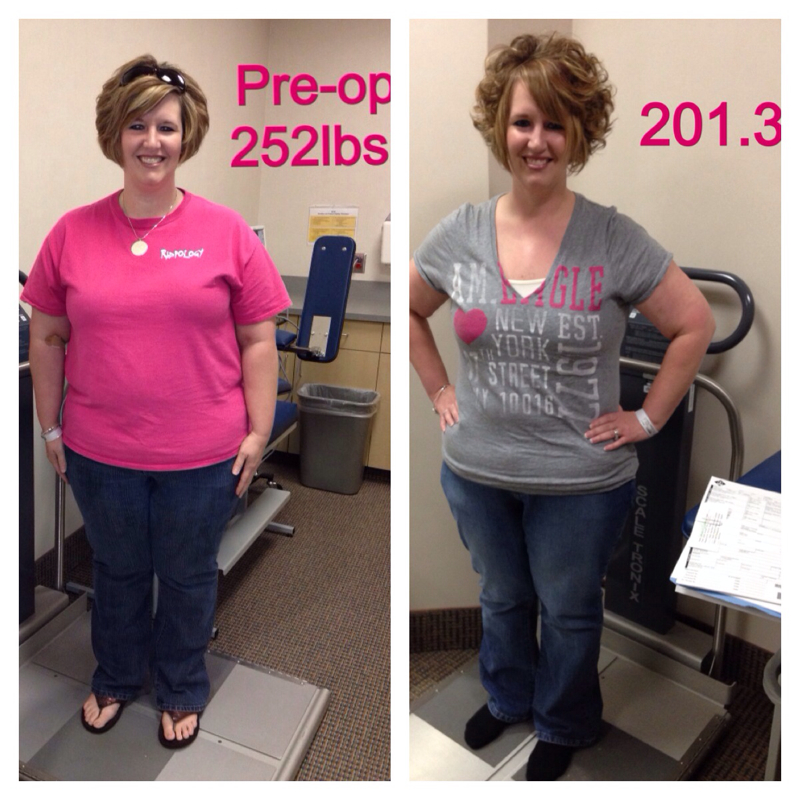
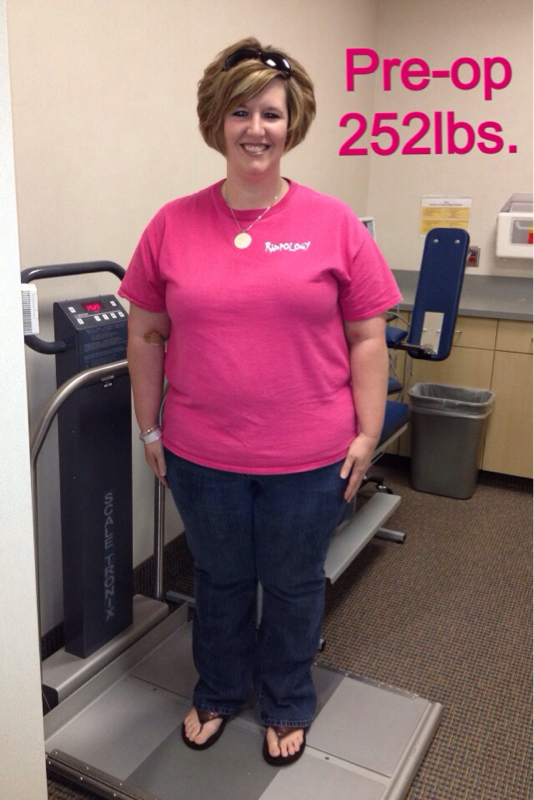
Saw these shakes at a convenient store today, 32g of Protein and not much sugar and carbs! Kinda pricey but wondering if anyone had tried them?!? Kim 252lbs 10 days pre-op 208lbs 10 weeks out- Six months out down 81 lbs down
Looking GREAT!! Great job!!! Kim- Wanted to share a photo also! :)
Thanks everyone for all the great comments, makes a girl feel good:)- Breakfast ham and egg cups!
- Breakfast ham and egg cups!
Found an awesome looking recipe I'm trying this week, thought I'd shAre! http://www.recipebyphoto.com/breakfast-ham-cups/ Kim- Wanted to share a photo also! :)
Thank you:)- Wanted to share a photo also! :)
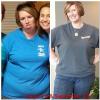
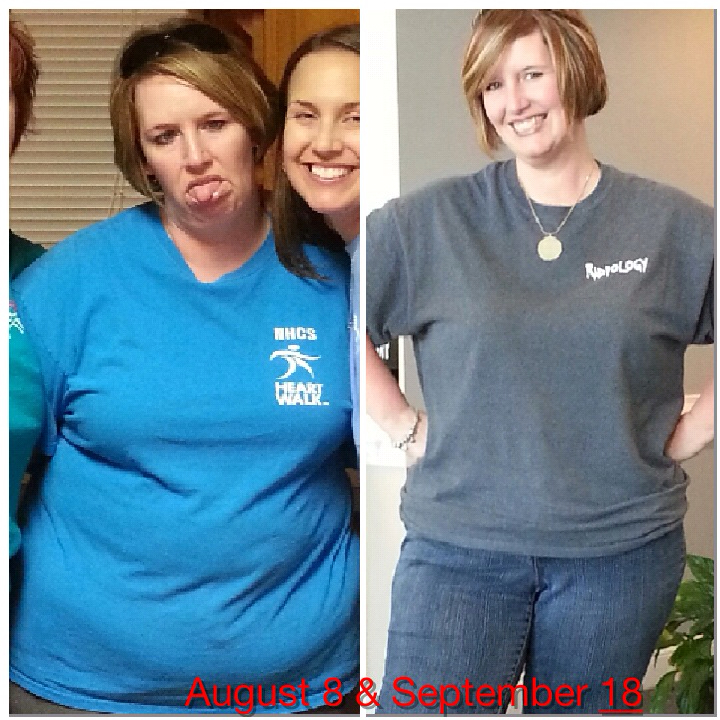
The first on was at my preop visit at 252lbs. The bottom pic in the difference in my belly after 6 weeks post op, think that pic really shows how much I've lost in my belly area (the bad Pic was taken the night before surgery) To date I'm down to 209lbs with a goal to be in ONEderland by thanksgiving day.) Thanks for looking, it's smAll little goals and taking it one day at a time that help me through this tough journey, no one sAid it would be easy!!! Kim - Oh Yeah!
Join BariatricPal free
- Ask your own questions
- Reply and follow topics
- Message other members
- No cost, no spam
Account
Navigation
Search
Configure browser push notifications
Chrome (Android)
- Tap the lock icon next to the address bar.
- Tap Permissions → Notifications.
- Adjust your preference.
Chrome (Desktop)
- Click the padlock icon in the address bar.
- Select Site settings.
- Find Notifications and adjust your preference.
Safari (iOS 16.4+)
- Ensure the site is installed via Add to Home Screen.
- Open Settings App → Notifications.
- Find your app name and adjust your preference.
Safari (macOS)
- Go to Safari → Preferences.
- Click the Websites tab.
- Select Notifications in the sidebar.
- Find this website and adjust your preference.
Edge (Android)
- Tap the lock icon next to the address bar.
- Tap Permissions.
- Find Notifications and adjust your preference.
Edge (Desktop)
- Click the padlock icon in the address bar.
- Click Permissions for this site.
- Find Notifications and adjust your preference.
Firefox (Android)
- Go to Settings → Site permissions.
- Tap Notifications.
- Find this site in the list and adjust your preference.
Firefox (Desktop)
- Open Firefox Settings.
- Search for Notifications.
- Find this site in the list and adjust your preference.