





tippy715
Gastric Sleeve Patients
-
Joined
-
Last visited
-
-
-
-
-
-
-
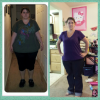
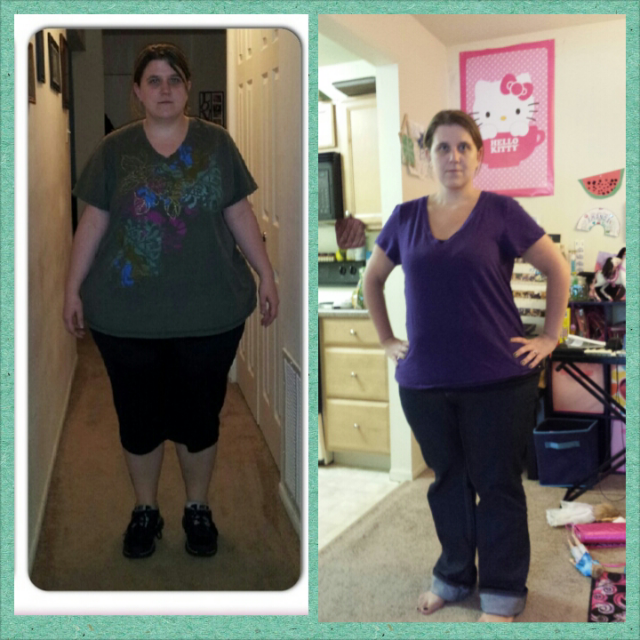
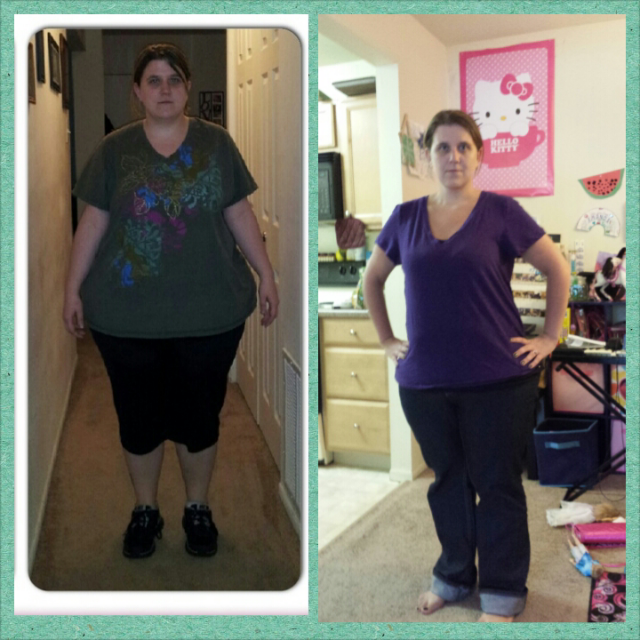
Anyone else still have in their mind that they are fat? Ive lost over 100 pounds. Weighing 183 for the first time since high school and still see myself they way I was before surgery.
-
-
-
-
-
104 pound loss!!! In onderland at 185! [ATTACH]18531[/ATTACH]
-
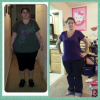
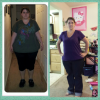
Finally!!!! [ATTACH]18354[/ATTACH] I finally hit my 100 pound loss Hw-289 Sw-268 Cw-187
-
Hw- 289 Sw- 269 Cw- 193
-
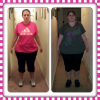
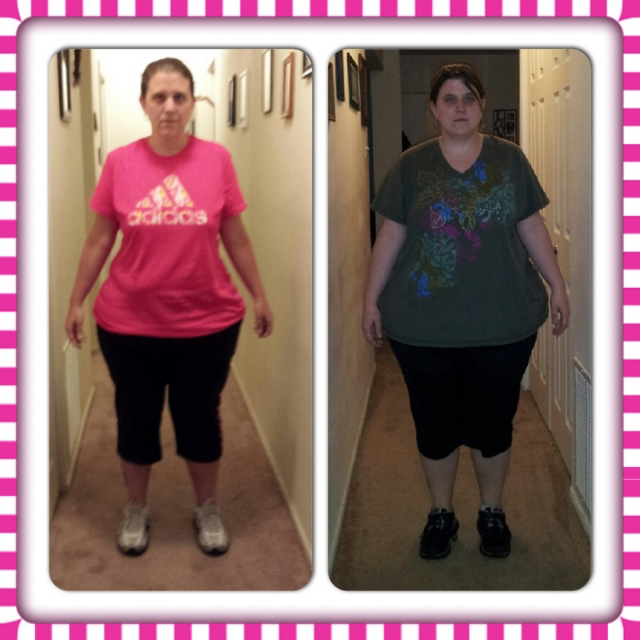
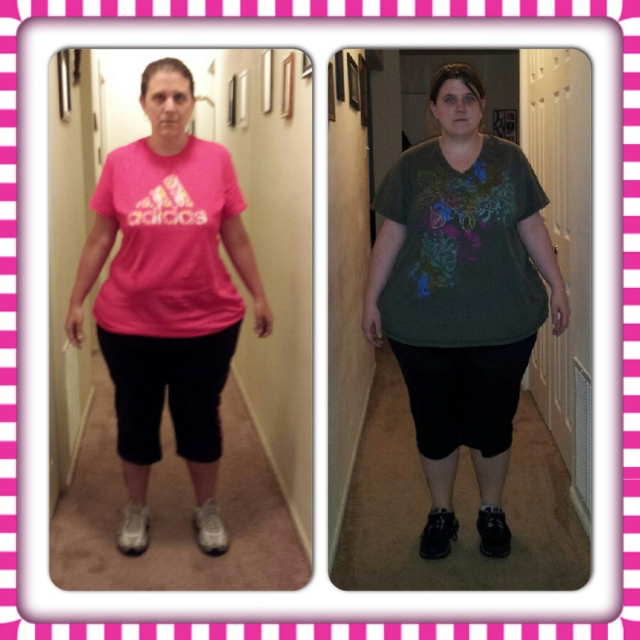
Sugery wt. 269 Current wt. 201 Surgery 4/10/13 [ATTACH]16554[/ATTACH]
-
I was sleeved april 10, 2013. Almost under 200. Weighed 269 on day of surgery. Todays weight 201! [ATTACH]16489[/ATTACH]
-
-
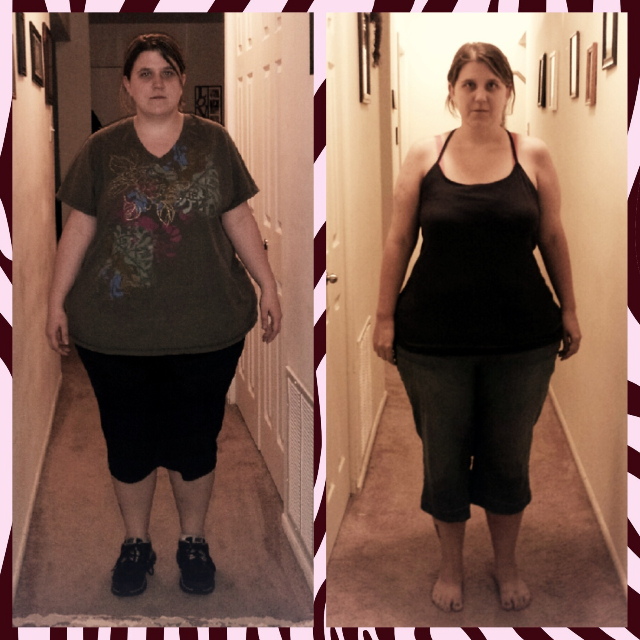
There are definitely good and bad days, but I could never go back. Getting called skinny does make it sweet too.[ATTACH]15394[/ATTACH] 57 pounds down!
 I have my time for tomorrow! 630 am! Thank god its early because the nerves are setting in.So now I'm even more stressed. My surgeons office called to say I needed medical clearance before my surgery on WEDNESDAY!. I told them they never said I needed that. I've done all my pre open tests and everything so why would I forget to do one other important thing to be ready for surgery. So I have an appt on Tuesday at 3 the day before my surgery to get medical clearance. There isn't any reason I shouldn't be cleared, but still I'm stressed that the surgeon gets the clearance and I will have the surgery on April 10th.Yep everyday until surgery. I'm glad I start it on a day off from work. I wouldn't want to try and figure it out on a day I work a 12 hour shift. I'm so ready! Good luck to all!I start my pre op diet on Wednesday. Its not a complete liquid diet. I have shakes for breakfast and lunch, a protein bar for snack and six ounce lean meat with veggies for supper.

Account
Navigation
Search
Configure browser push notifications
Chrome (Android)
- Tap the lock icon next to the address bar.
- Tap Permissions → Notifications.
- Adjust your preference.
Chrome (Desktop)
- Click the padlock icon in the address bar.
- Select Site settings.
- Find Notifications and adjust your preference.
Safari (iOS 16.4+)
- Ensure the site is installed via Add to Home Screen.
- Open Settings App → Notifications.
- Find your app name and adjust your preference.
Safari (macOS)
- Go to Safari → Preferences.
- Click the Websites tab.
- Select Notifications in the sidebar.
- Find this website and adjust your preference.
Edge (Android)
- Tap the lock icon next to the address bar.
- Tap Permissions.
- Find Notifications and adjust your preference.
Edge (Desktop)
- Click the padlock icon in the address bar.
- Click Permissions for this site.
- Find Notifications and adjust your preference.
Firefox (Android)
- Go to Settings → Site permissions.
- Tap Notifications.
- Find this site in the list and adjust your preference.
Firefox (Desktop)
- Open Firefox Settings.
- Search for Notifications.
- Find this site in the list and adjust your preference.