Boston George
Gastric Sleeve Patients
-
Joined
-
Last visited
-
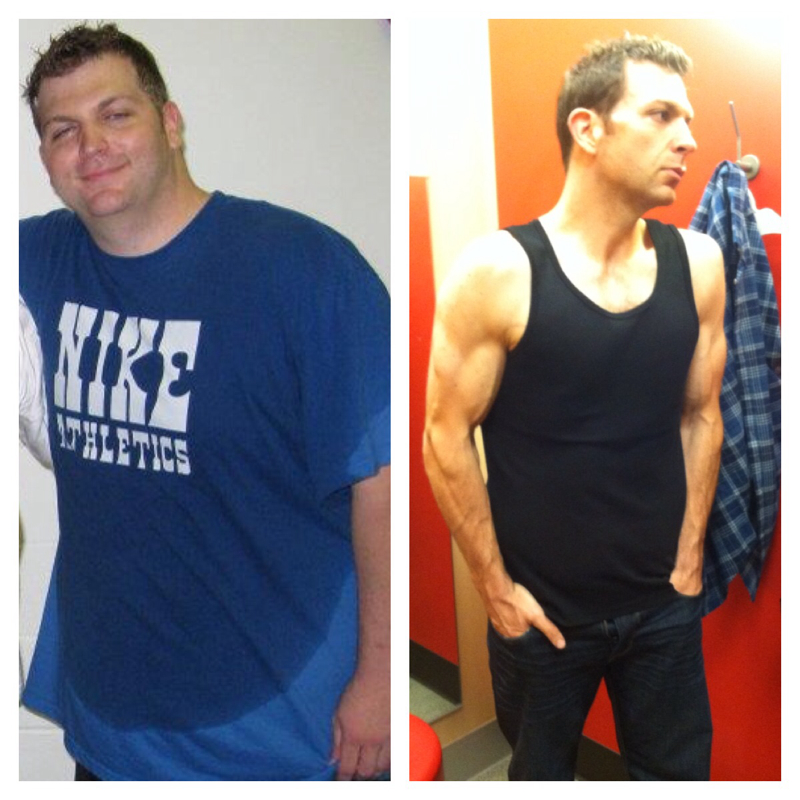
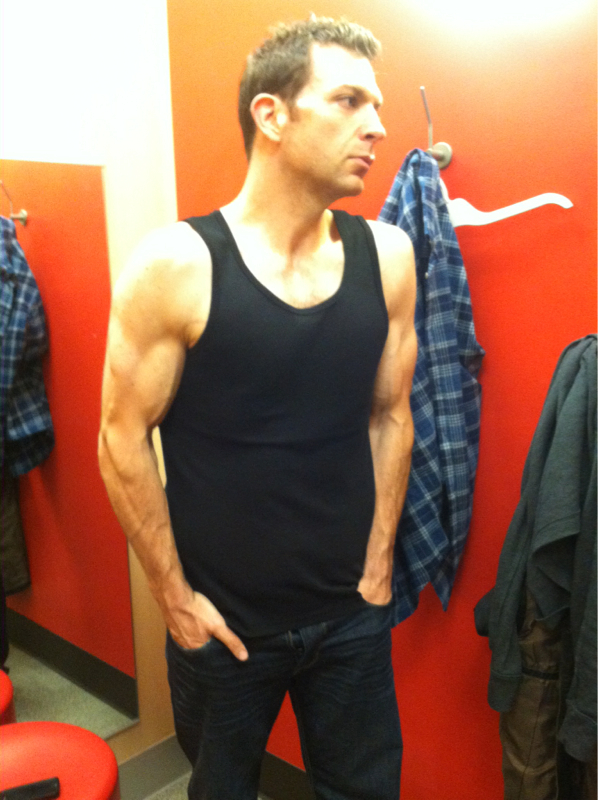
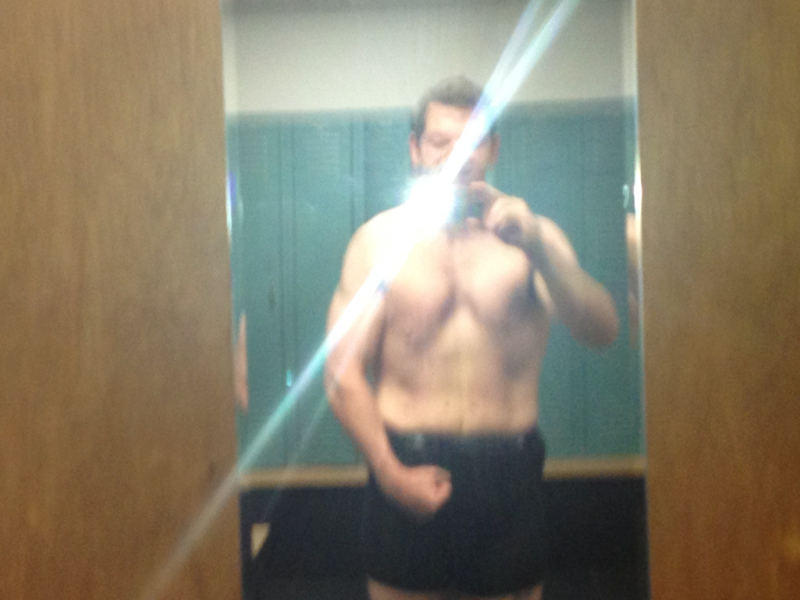
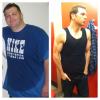
So here it goes! Before and after

-
Booyah. I love ya! Before pic... You should be the poster child for the sleeve. Keep up the good work! You are awesome and an inspiration when I need it most. Right now! Thank you. Ainslee
-
-
-
-
-
-
-
-
-
-
Right back at you! I'm so genuinely happy for everybody! I wish you all continued success and happiness.
-
Thank you so much!! I have been working so hard! Never in a million would I think I would ever have the guts to post a pic like that! You look amazing by the way!
-
So I just thought I would check in. Hw 325, Sw, 310. Cw 222. I feel so good! So much more energy. I can definitely eat more than the first 3 months. But nothing like before. I am determined to live a healthier lifestyle and eat better. Glad everybody is doing so good!



-
You look sooo good :-) congrats!Hey everbody! It' sbeen a while and I wanted to check in and see how everybody was doing..I was sleeved on 11/5..Down 72lbs..I started doing martial arts and the weight started falling off..Hope to hear from my Novemeber sleeve buddies!!
 Haha! Thank you so much! When are you posting yoursThank you so much! And so do you I would like to lose another 25-30lbs..We'll see!Too funnyAww thanks Ainsleet! I appreciate itThanks Kali!! That would be my ideal weight, 215..I hope I can get there! You look so good by the way!