Klove404
Gastric Sleeve Patients
-
Joined
-
Last visited
Everything posted by Klove404
-
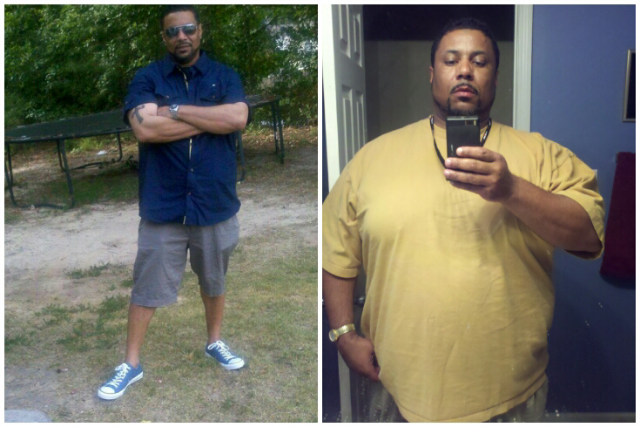
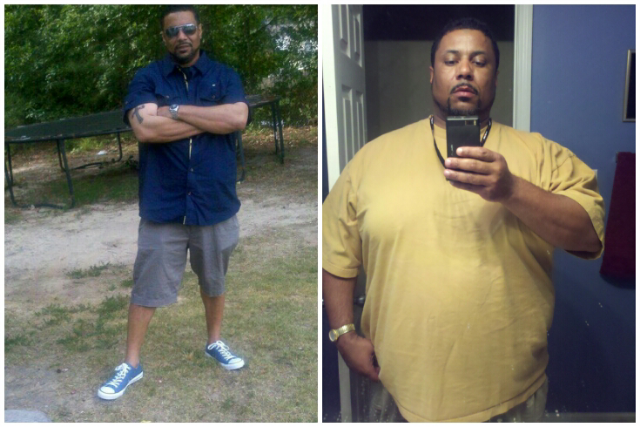
Thanks everybody for the support I wasn't going to post before and afters pics, but I remember spending hours looking at other peoples success and wishing I would be there it was those stories that inspired me so I hope I can do the same for someone else.
-
Mission accomplished I still make bad decision but in small amounts and I work out 5 days out of the week the best part is running again. [ATTACH]6874[/ATTACH]



-
1 yr anniversary total weight loss 130lbs

-
I started my journey in May at 328 I got sleeved on the 8th of November weighing in at 297 3 days later I'm at 290 I'm so glad I did it I had very little pain I can even eat if I wanted too but I'm not hungry.