-
-
help
Thank you all (protein is my problem I have only drank two shakes since surgery)
-
help
I was banded on march 25 2013 I have a 10 cc band I have three cc in now...what can I do to stay full what are some fast easy meals I have 4 small children and it is hard to have time to prepare
-
arms hurt
Is it. Normal for my arms to hurt when i'm throwing up and after?
-
I'm going for my first fill
I go for my first fill tomorrow I can not wait. All I do is eat I'm so hungry
-
-
weight gain
I got my surgery on march 25 2013 I gained 2 pounds I can not stop eating I don't feel full at all I go for my first fill on may 9
-
-
I feel like a failure
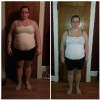
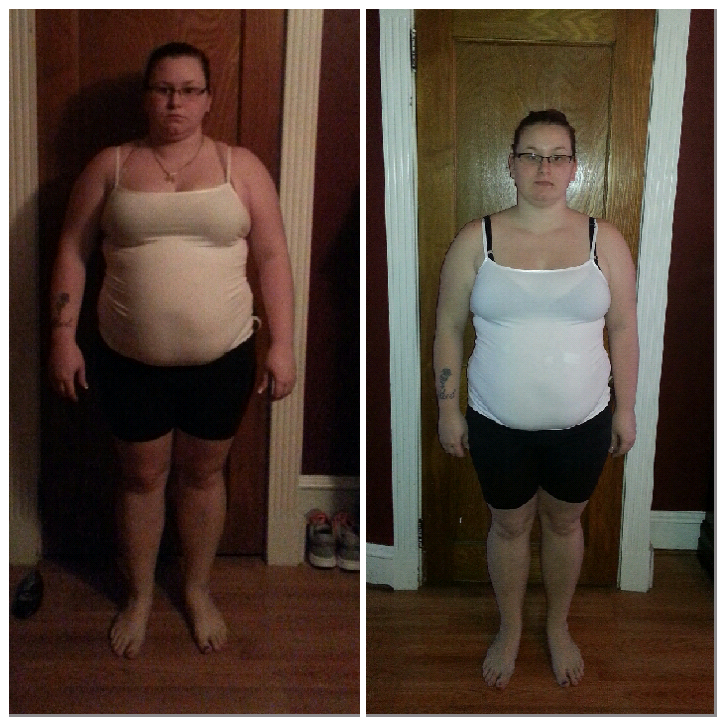
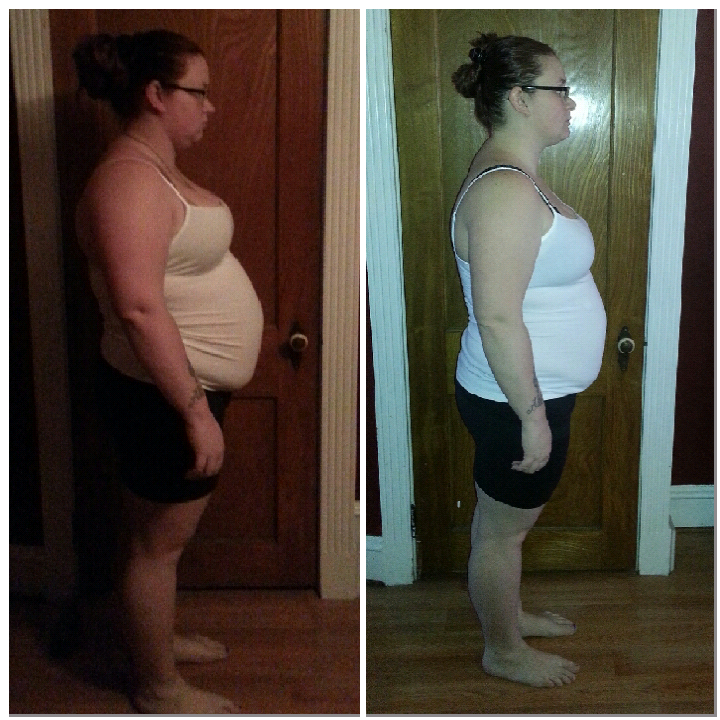
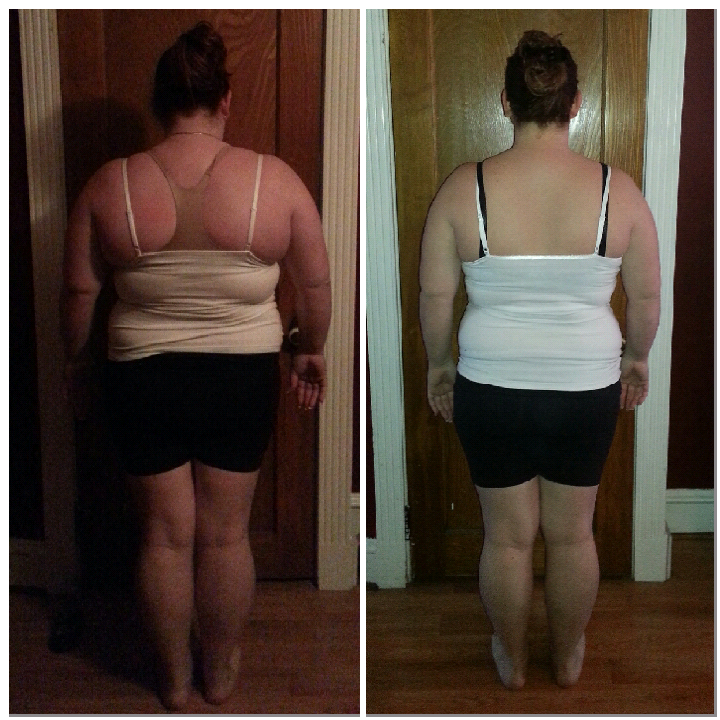
I am now 199
-
I feel like a failure
I have been banded since march 25, 2013 and I have only lost 10 pounds I'm going in for my first fill may 9....is it normal???
-
-
-
-
stuck bleeding
Still no call back..... I feel much better now
-
stuck bleeding
No call back yet
-
-
stuck bleeding
I'm waiting for them to call back
-
stuck bleeding
- stuck bleeding
I was stuck.....I was eating a bagel and got stuck then threw up blood is it normal to throw up blood after being stuck.- one week
- burning
- burning
Anyone have burning when they lay down around the band I am almost 2 weeks post op it kinda feels like icy hot - stuck bleeding
Join BariatricPal free
- Ask your own questions
- Reply and follow topics
- Message other members
- No cost, no spam
Account
Navigation
Search
Configure browser push notifications
Chrome (Android)
- Tap the lock icon next to the address bar.
- Tap Permissions → Notifications.
- Adjust your preference.
Chrome (Desktop)
- Click the padlock icon in the address bar.
- Select Site settings.
- Find Notifications and adjust your preference.
Safari (iOS 16.4+)
- Ensure the site is installed via Add to Home Screen.
- Open Settings App → Notifications.
- Find your app name and adjust your preference.
Safari (macOS)
- Go to Safari → Preferences.
- Click the Websites tab.
- Select Notifications in the sidebar.
- Find this website and adjust your preference.
Edge (Android)
- Tap the lock icon next to the address bar.
- Tap Permissions.
- Find Notifications and adjust your preference.
Edge (Desktop)
- Click the padlock icon in the address bar.
- Click Permissions for this site.
- Find Notifications and adjust your preference.
Firefox (Android)
- Go to Settings → Site permissions.
- Tap Notifications.
- Find this site in the list and adjust your preference.
Firefox (Desktop)
- Open Firefox Settings.
- Search for Notifications.
- Find this site in the list and adjust your preference.