





evelynvsg
LAP-BAND Patients
-
Joined
-
Last visited
Everything posted by evelynvsg
-
Thank you girls! Xoxo
-
Thank you!! Xoxo
-
Thank you very much!! Xoxo
-
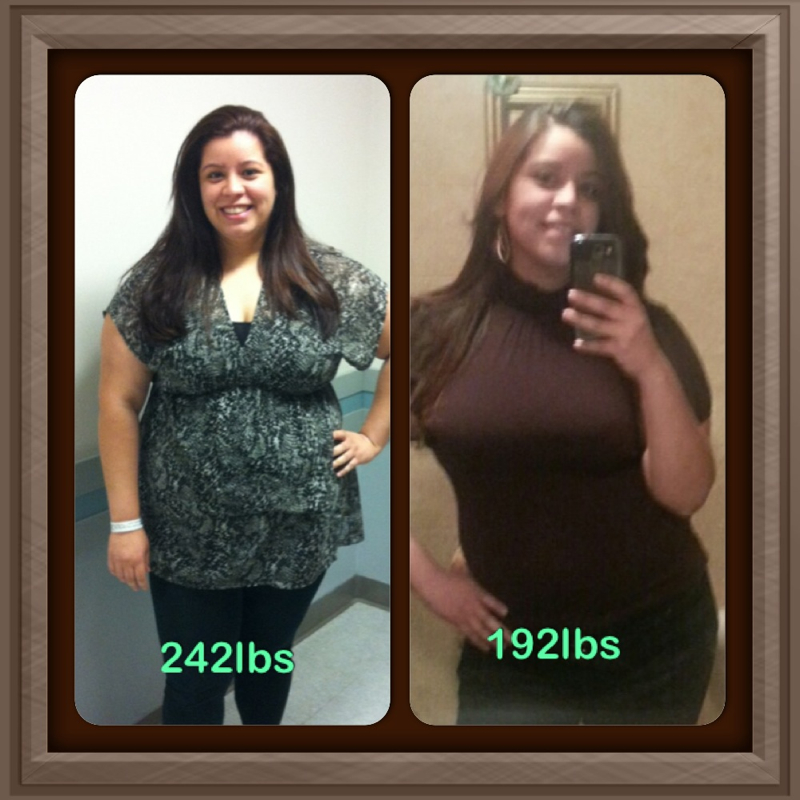
How many pounds have you lost?Awe thanks!! So are you!!!Aweee thanks!! Thats my son Jaden on his baptism.Thanks sweetie!Thank you ladies! You all made my day!!Thank you all!Thanks!! I had my surgery August 29th...so 4 months.Amazing!!Amazing!!! You look great.Congratulations to you!!! I am also in Onederland since yesterday... at 198. Yayyy to us!!You wont have to resubmit everything again. I had the same situation. I was approved before losing the job by Anthem and it was approved within hours by Cobra. The benefits wont change. You will be fine. :-)Thank you! Xoxo :-)I didnt... :-( so sad!Dont give up!!!Omg!! You look awesomee!!!!!Thank you ladies!!Yay!!!! Congrats!
Account
Navigation
Search
Configure browser push notifications
Chrome (Android)
- Tap the lock icon next to the address bar.
- Tap Permissions → Notifications.
- Adjust your preference.
Chrome (Desktop)
- Click the padlock icon in the address bar.
- Select Site settings.
- Find Notifications and adjust your preference.
Safari (iOS 16.4+)
- Ensure the site is installed via Add to Home Screen.
- Open Settings App → Notifications.
- Find your app name and adjust your preference.
Safari (macOS)
- Go to Safari → Preferences.
- Click the Websites tab.
- Select Notifications in the sidebar.
- Find this website and adjust your preference.
Edge (Android)
- Tap the lock icon next to the address bar.
- Tap Permissions.
- Find Notifications and adjust your preference.
Edge (Desktop)
- Click the padlock icon in the address bar.
- Click Permissions for this site.
- Find Notifications and adjust your preference.
Firefox (Android)
- Go to Settings → Site permissions.
- Tap Notifications.
- Find this site in the list and adjust your preference.
Firefox (Desktop)
- Open Firefox Settings.
- Search for Notifications.
- Find this site in the list and adjust your preference.