Brent McCormick
LAP-BAND Patients
-
Joined
-
Last visited
Everything posted by Brent McCormick
-
Brent McCormick replied to loretta\ Baconton Georgia's topic in POST-Operation Weight Loss Surgery Q&Aprotein powder! and lots of it! optimum nutrition gold standard protein powder.im spending 2 to 2.5 hours a daybetween cardio and HEAVY weights 7 days a week! for me the key was raising my base metabolic rate from 1800 a day to 2400.more muscle =more calories burned.
-
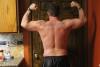
Brent McCormick replied to loretta\ Baconton Georgia's topic in POST-Operation Weight Loss Surgery Q&AHello fellow bandsters! been over a year since my last check in.no fills weight is staying around 225-230 range.ive gained 26lbs lean muscle since banded.......im not skinny by any means and ive been pushing food through with water and i shouldnt. im lifting heavy 7 days a week and if i dont drink/eat 200 grams protien a day my muscles dont grow. body fat % is 18 now. id like to say its all because of the lap band but that would be a lie,the lap band has been a great tool but its been an overall lifestyle change that has worked for me! eat less,do more!
-
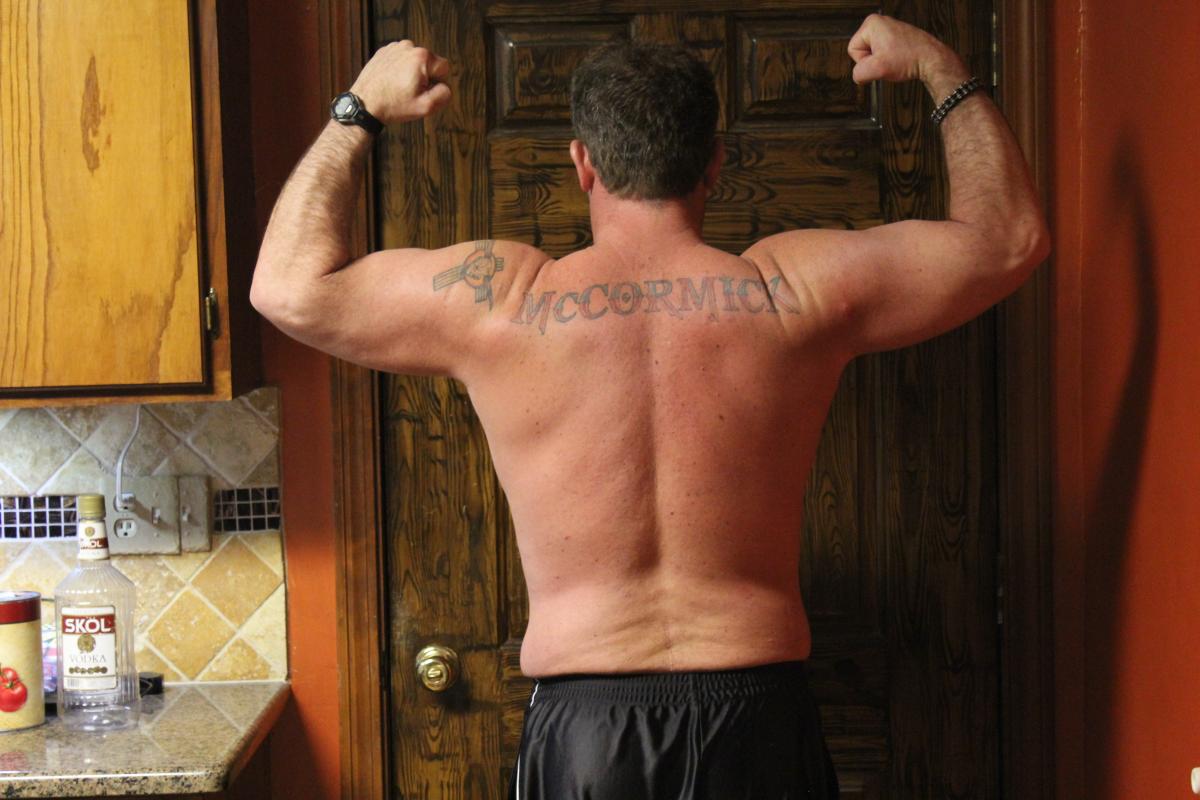
Brent McCormick replied to loretta\ Baconton Georgia's topic in POST-Operation Weight Loss Surgery Q&AHello All been a long time since ive checked in! i recenly ad a fill as i had no restriction,i was down to 206 but now im gaining.the good news is im gaining muscle! body fat was 20% at 206 now at 227 and 20.5! Ive turned into a gym rat and i love it! my benchpress was 185 a year ago,now my max is 265! leg pressed 890 2 months ago!!! BOOM! 195 im coming for you!!!
-
weight loss!, a weight loss surgery photo album by Brent McCormick on BariatricPal. 3 photos in Member Photo Gallery.
-
Brent McCormick replied to loretta\ Baconton Georgia's topic in POST-Operation Weight Loss Surgery Q&Abanded dec 14th ive had my second fill and im sure if i tried i could eat a large pizza still but i WANT to lose weight so i dont!have i thrown up? you bet! but it was my fault for not chewing and eating to fast! i ALWAYS keep in mind that the band is JUST A TOOL and its completely my responsibility to use it correctly!
-
Do not use a running shoe.they only offer support for heel strike,ball push off.get pair of training shoes or cross training shoe.they will support lateral movement and you feet,knees and hips will thank you!
-
Brent McCormick replied to loretta\ Baconton Georgia's topic in POST-Operation Weight Loss Surgery Q&AHello,i too have suffered from intense sinus pressure and infections,until i started using a Netti pot.Once i started using the Netti pot on a regular basis i had no more issues.Wal-greens has individual packets of sinus wash for the pot.It works great! I highly recommend it.
-
I use Max protien powder,vanilla and chocolate,taste great with milk.i mix in Carnation instant no sugar added breakfast mix.Love it! seimaxnutrition.com is the companys website.
-
Brent McCormick replied to loretta\ Baconton Georgia's topic in POST-Operation Weight Loss Surgery Q&AHello! I was banded on the 14th and im down 25lbs! im eating around 900-1000 calories a day.No pain anymore,a little stiff from being on the couch but ready to get back to it! very glad i did the band! I went to my primary care and and she was more excited for me than i am!Although my apetite is coming back and the weight isnt falling off like it was the first 2 weeks im feeling a ton better! I get my first fill in 2 weeks! Very excited!
-
Mine was done on 12-14 and i also had the internal desolvable stitches and Steristrip covering them and the steristrips really made my skin just crawl!!!!!at my 7 day checkup the Doctor said it was ok to remove them so i did.the adhesive really made the skin red and itchy.Cortizone was the only thing that helped.
-
its very common for healing inscions to swell and itch,i use a topical cortizone and it worked great.good luck!
-
Carnation instant no sugar added breakfast drink and 2 scoops Max Protien suplement.It tastes great and 57 protien.
-
things are going well! had my checkup today and all is good! Ive lost 25 lbs since December 4th! Super stoked about that! i got eat some fish tonight and it was soooo good!
-
im 25 miles north west of Omaha.
-
Hello,Just found this site,and i thought id introduce myself! My name is Brent and ive been overweight all my adult life.Ive only decided to do something about it in the last year! Dont get me wrong,iv'e dieted off and on over the years but never a "life change" like im doing now! I had Lap -band Surgery yesterday,yep the 14th of December,2011.needless to say i'm a little sore and alot hungry!