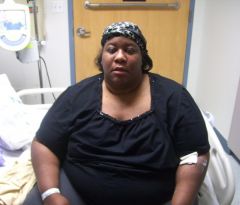
Greeneyediva
LAP-BAND Patients
-
Joined
-
Last visited
-
-
Thank you back, it's a challenge, but the best decision I ever made. Cannot wait to see your transformation, that's one of the best features beside all the health benefits. I have fun with people who haven't seen my in a while not knowing it's me when I say hello.
-
Congrats on your surgery and this new way of life. I hope all goes well for your, it's been over a year for me and I'm loving it.
-
Before and After, a weight loss surgery photo album by Greeneyediva on BariatricPal. 9 photos in Member Photo Gallery.
-
 Down 150lbs feeling great
-
 Down 150lbs feeling great
-
 Down 160lbs, have 90lbs to go
-
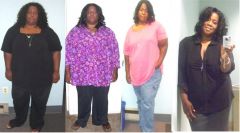 Before and after body shots
-
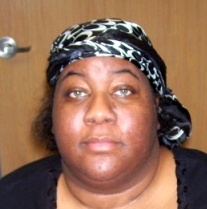 2 17 11 Getting Discharged looking dazed and confused from meds
-
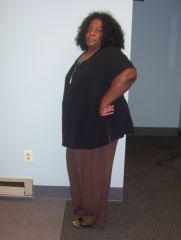 47lbs down 1 Month Post Op 1
-
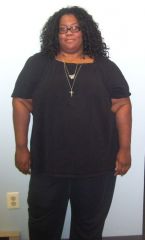 47lbs down 1 Month Post Op 1
-
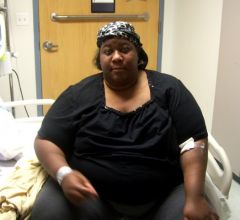 2 17 11 Getting Discharged from hospital
-
 Before and After Face Shots Surgery Date 2-16-11 SW 446 CW 292 GW 190
-
-
Greeneyediva, a weight loss surgery photo album by Greeneyediva on BariatricPal. 2 photos in Before and After Gastric Sleeve Photos.
-
Ditto on all replies, this information really helps, thanks so much. I'm a newbie on Vertical Sleeve Talk and I'm finding lots of info. Never thought of chap stick, so I will make sure to have mine on hand. God bless you on your recovery.
-
God bless, and I hope everything goes well with your surgery on 1/24. My surgery is scheduled for 2/2/11, we have similiars stories. Take care
-